Mastering Nano Banana Pro camera angles is the secret to taking your generations from random luck to cinematic masterpieces. For a long time, generating an AI Image felt like rolling dice. You would type in your ideas and just hope the camera angles looked right.
That is why we spent hours testing nearly 100 keywords across 18 different camera angles and shot types so you don’t have to waste your credits guessing! Simply select any style from our complete list of Nano Banana camera angles and shot types below and immediately jump to its specific guide!
Complete List of AI Camera Angles
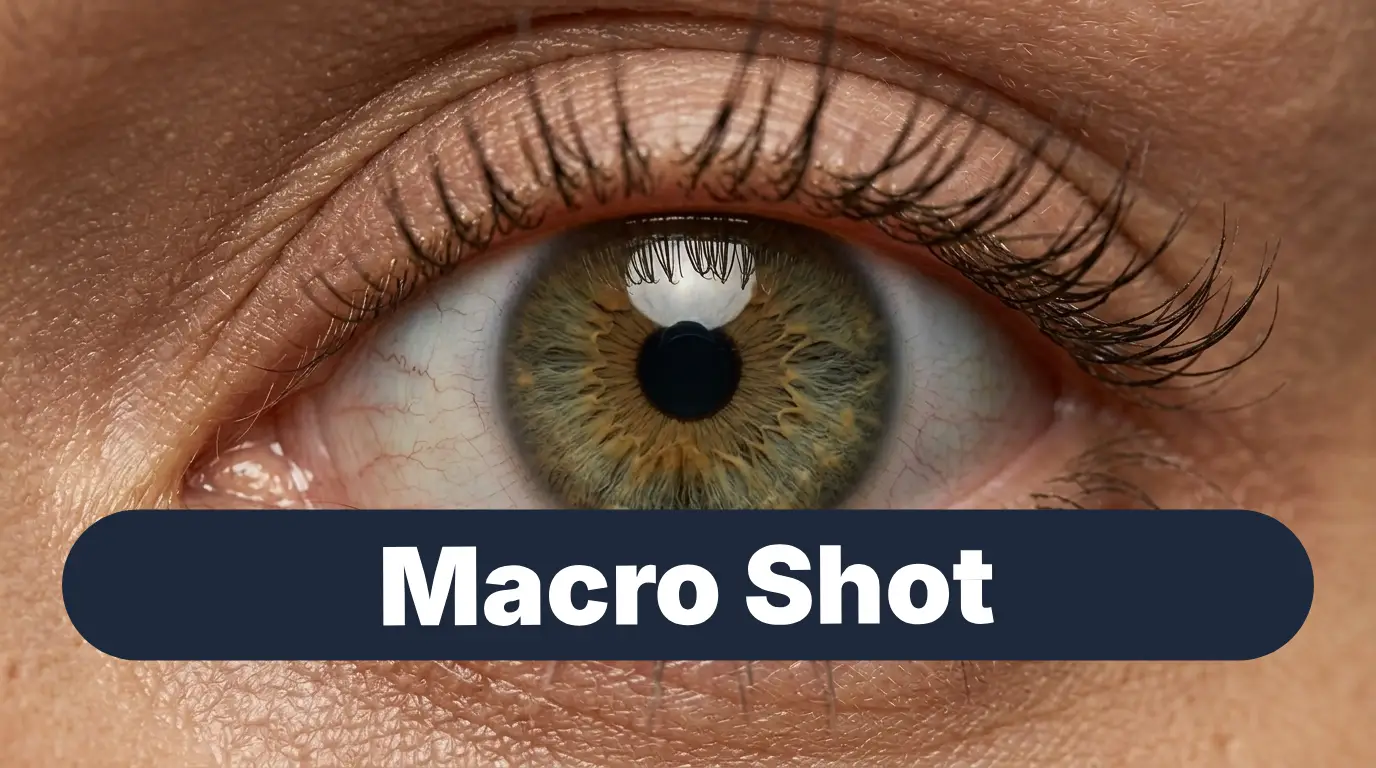
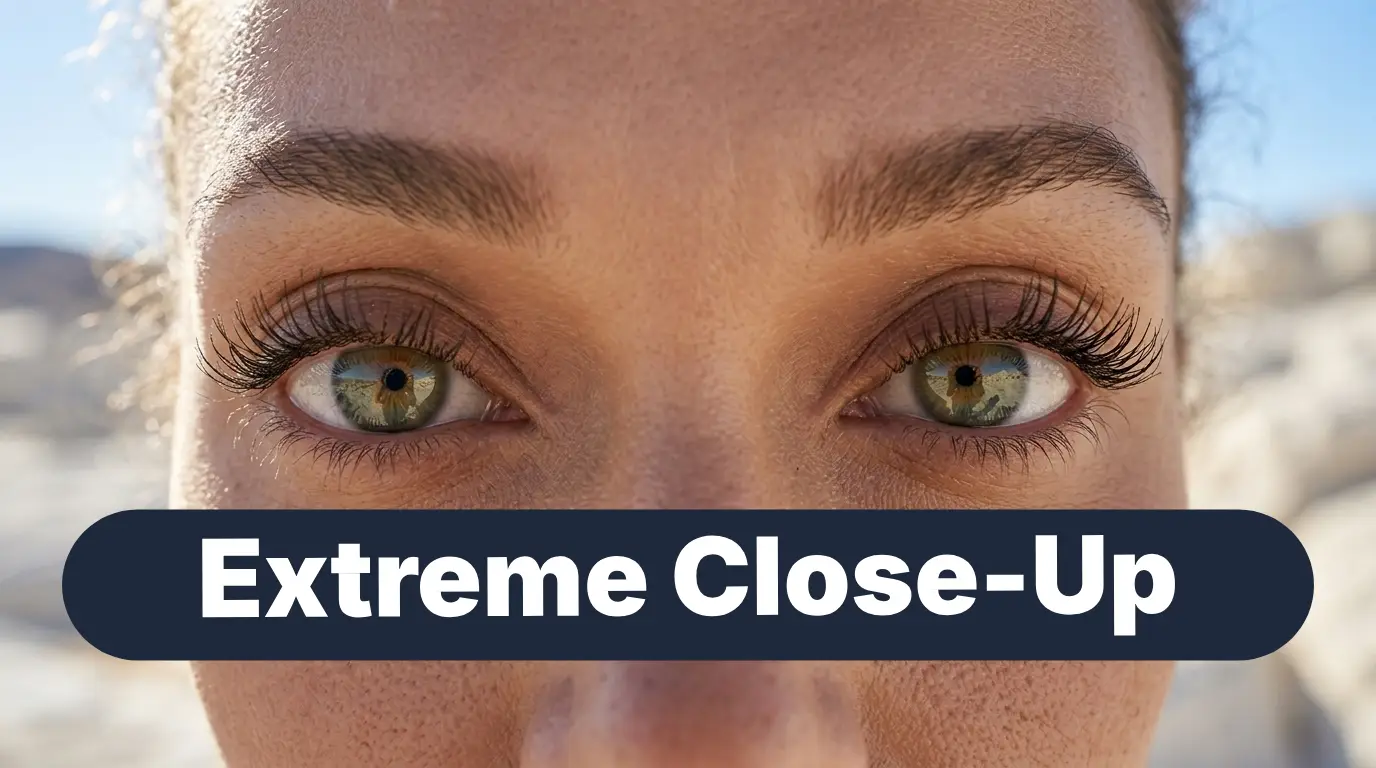
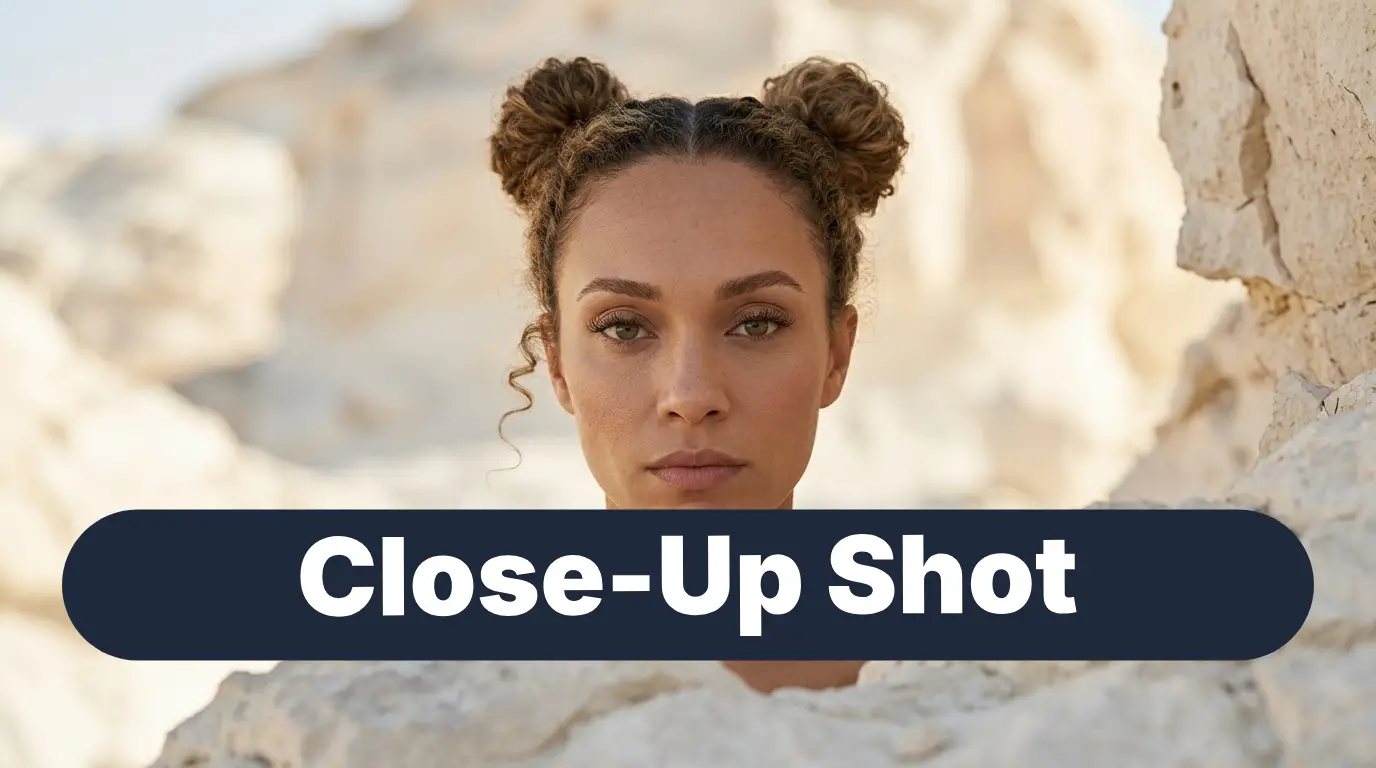
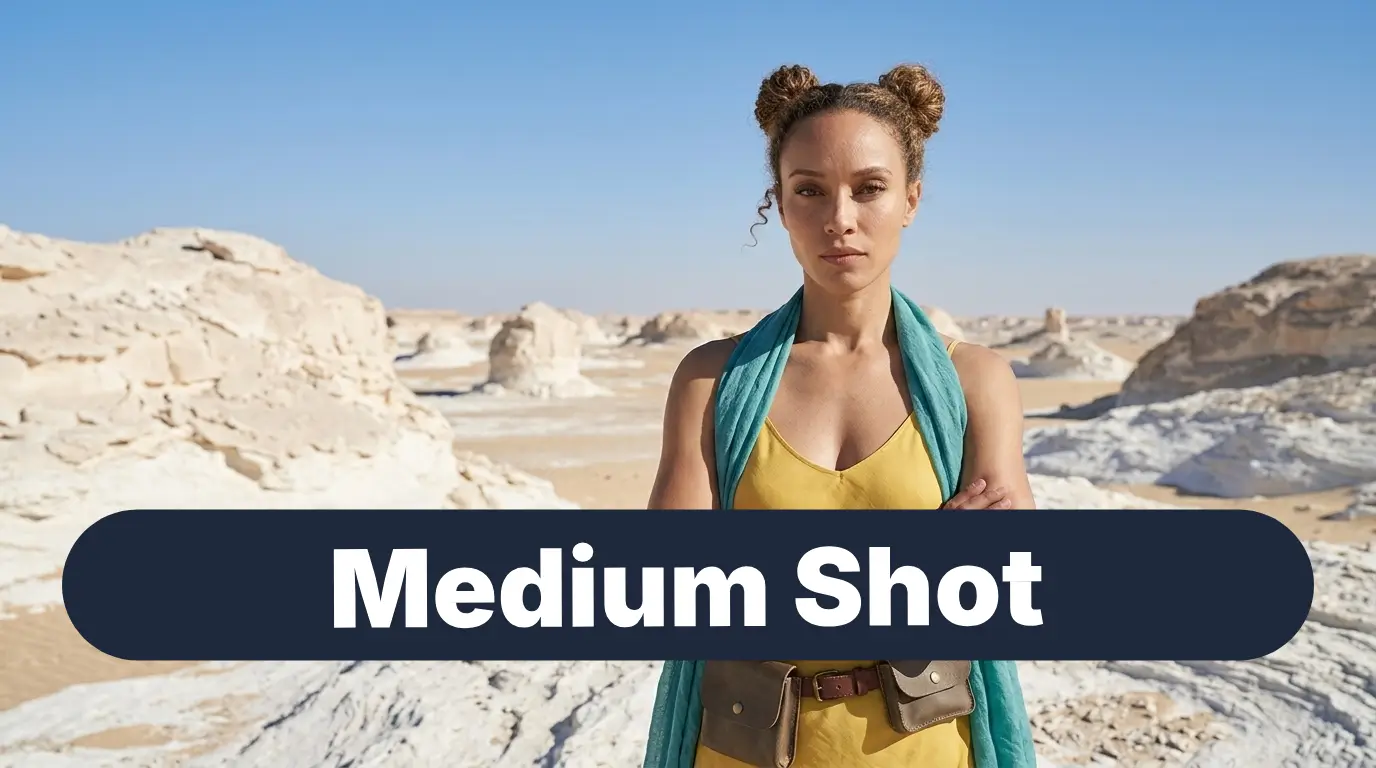
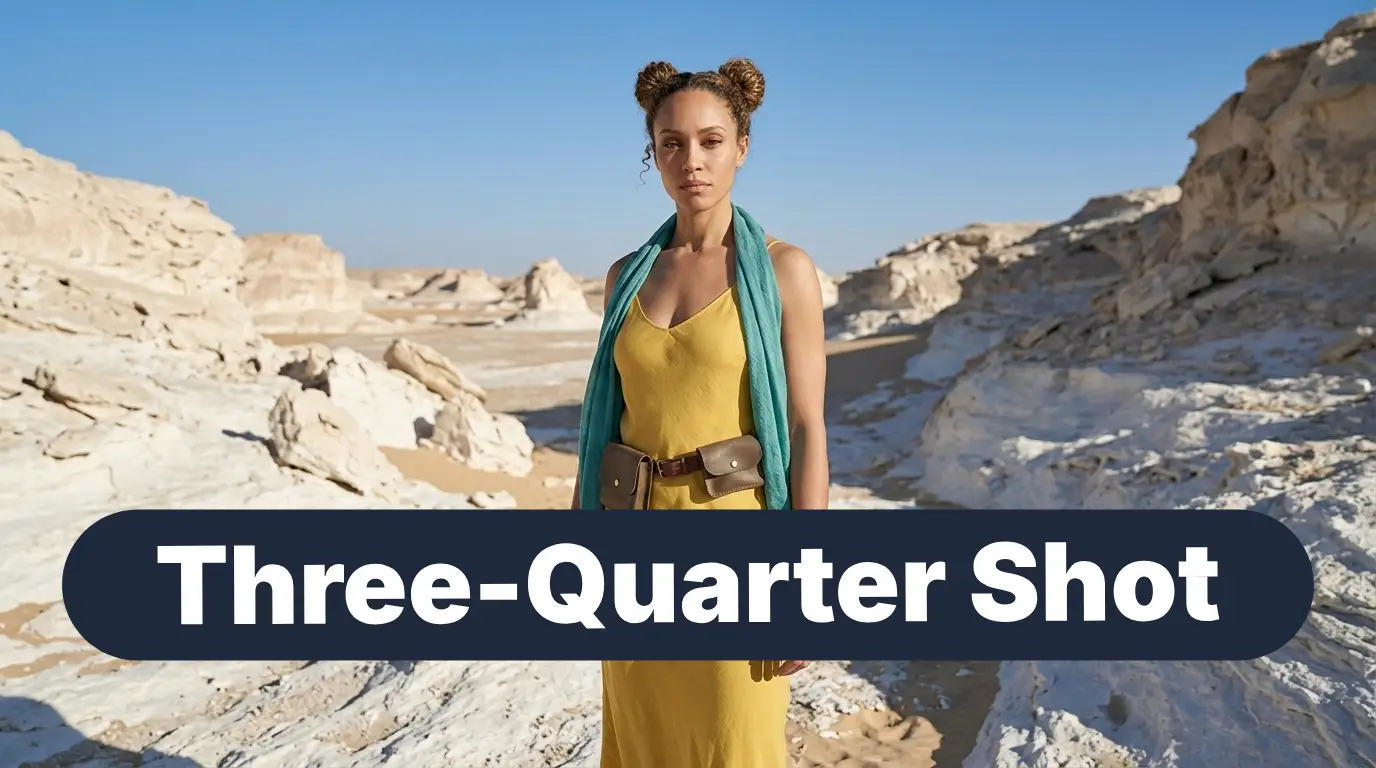
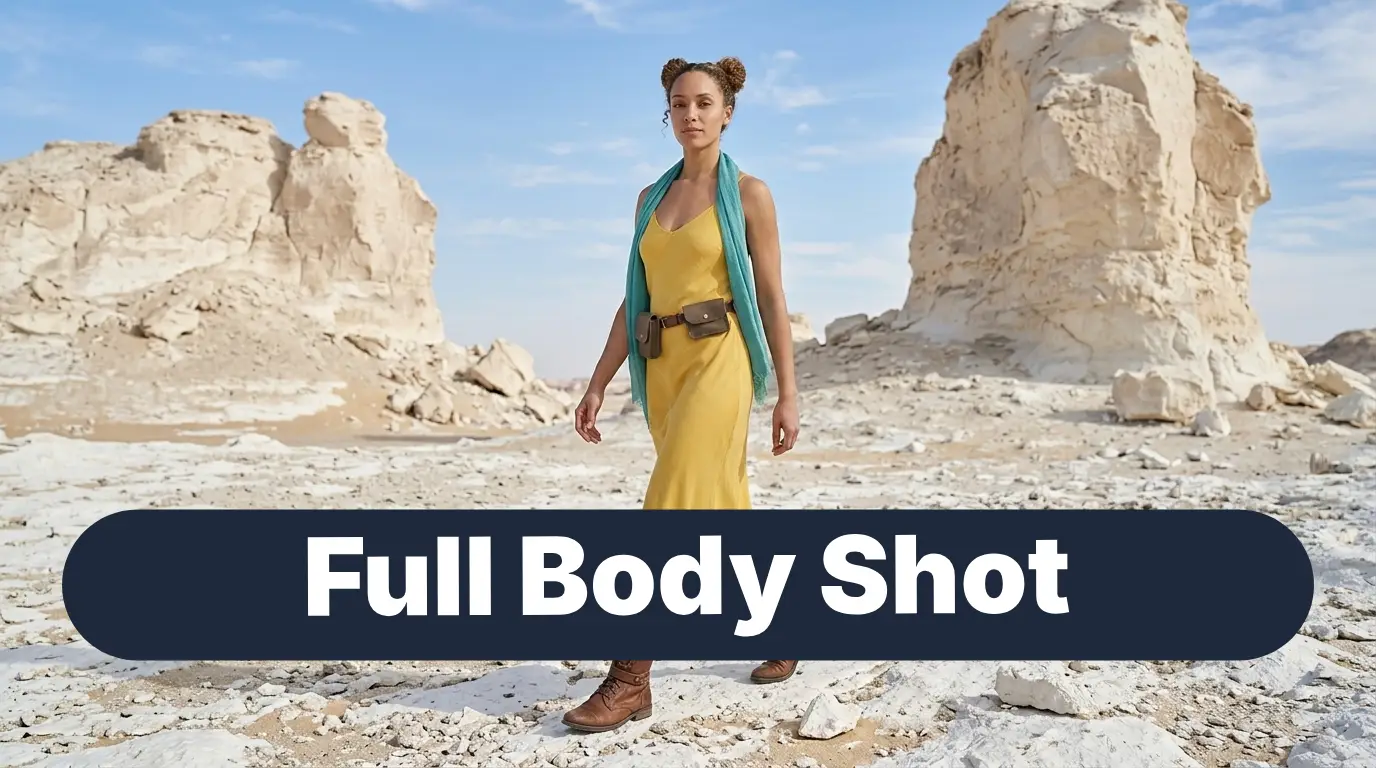
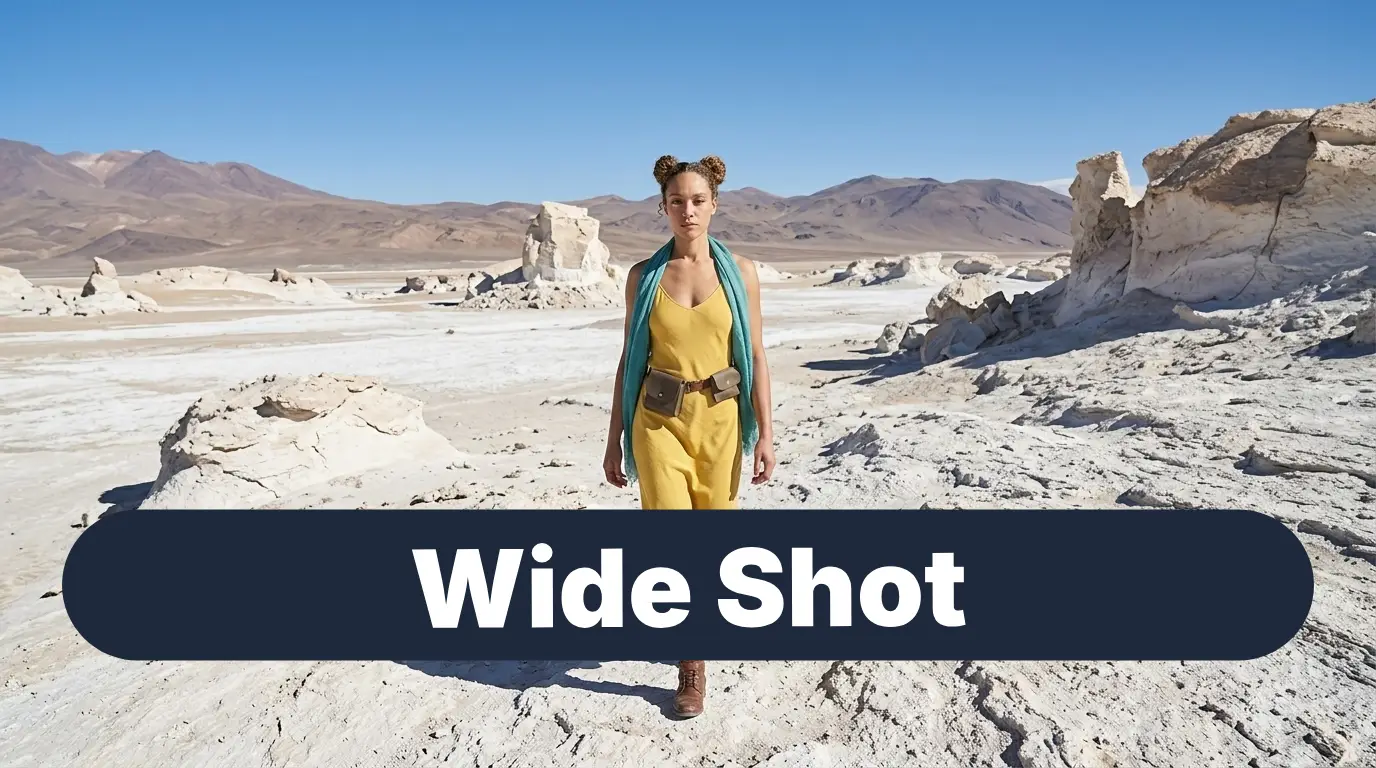
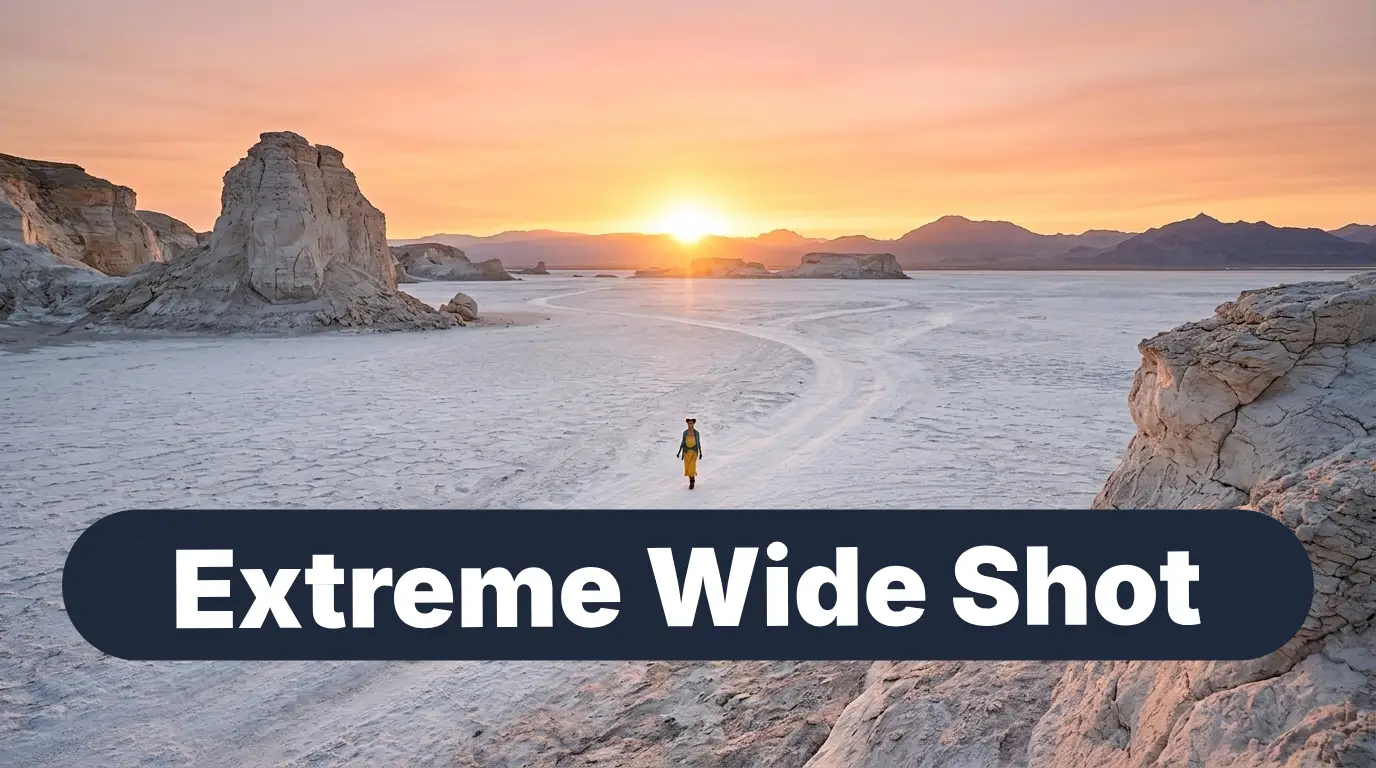
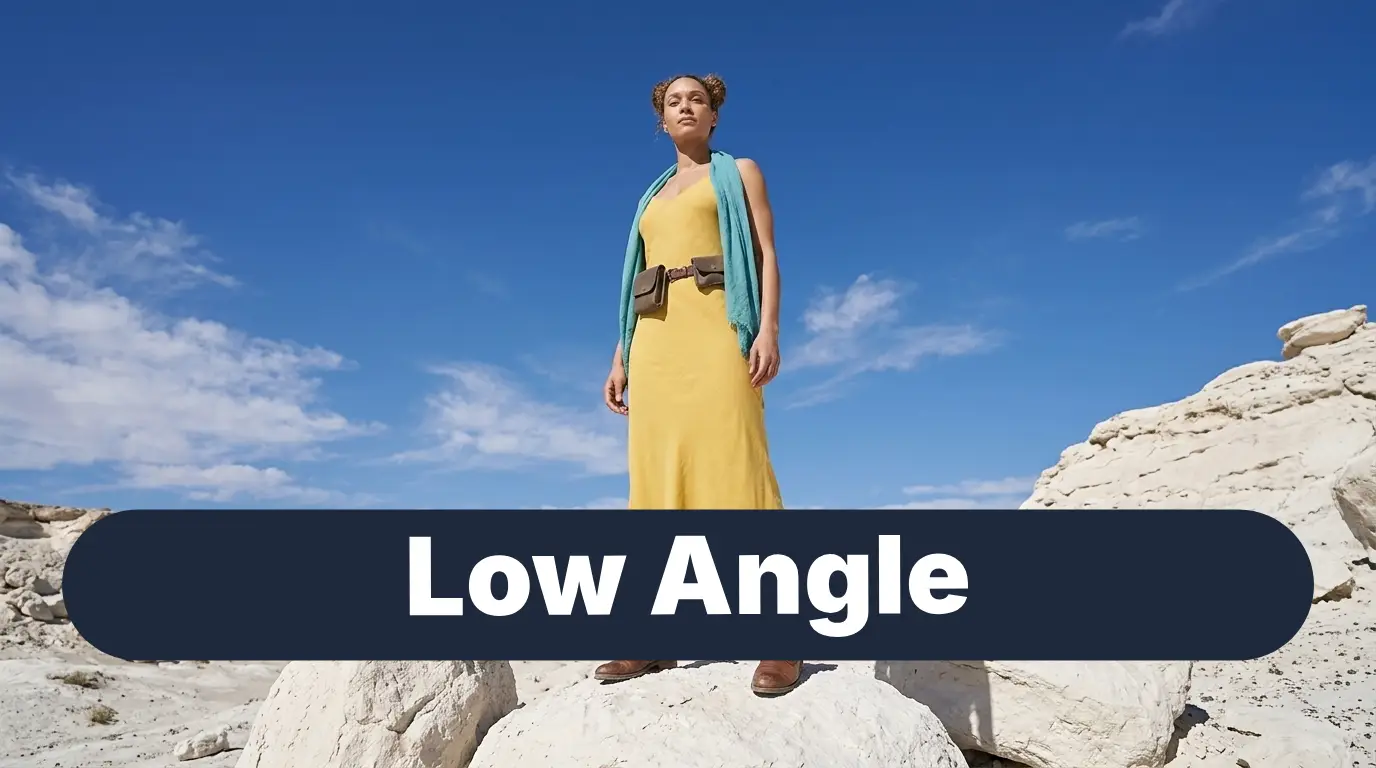
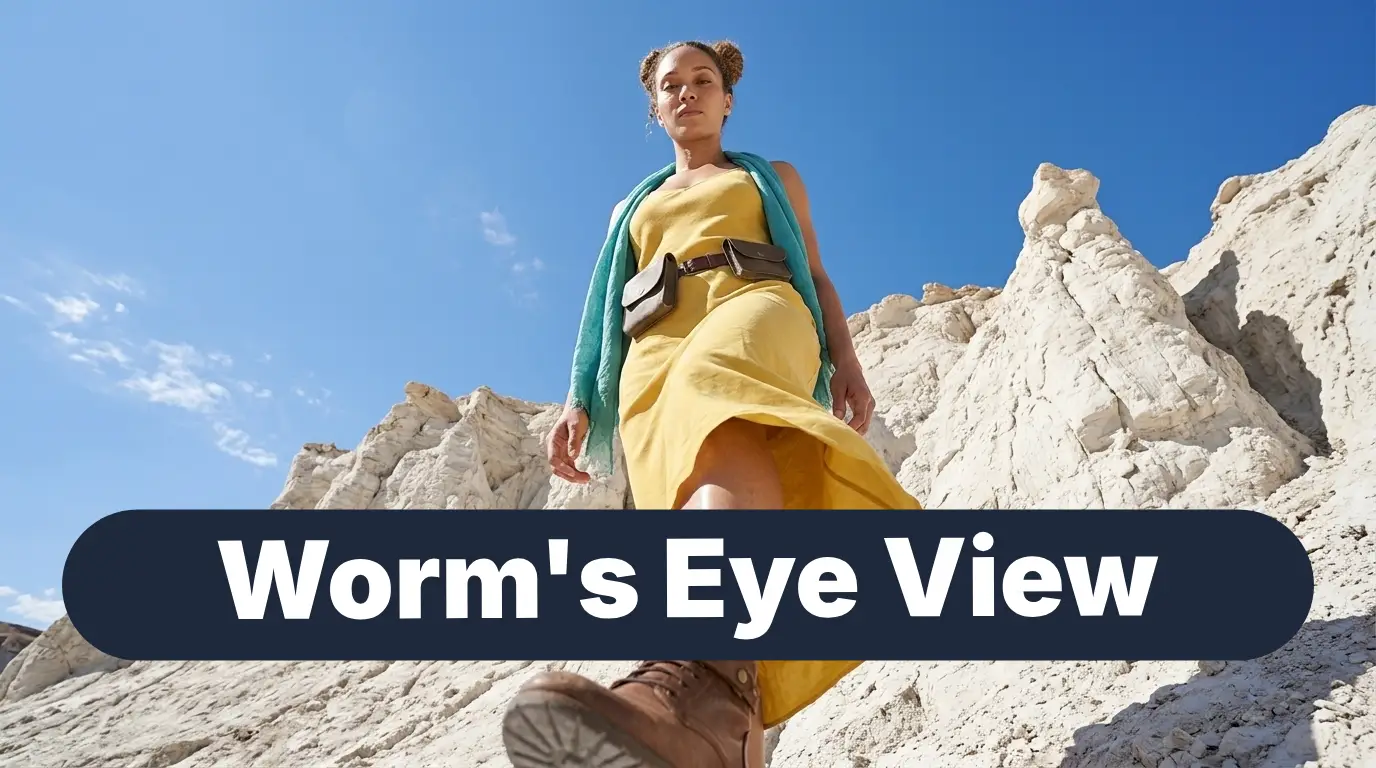
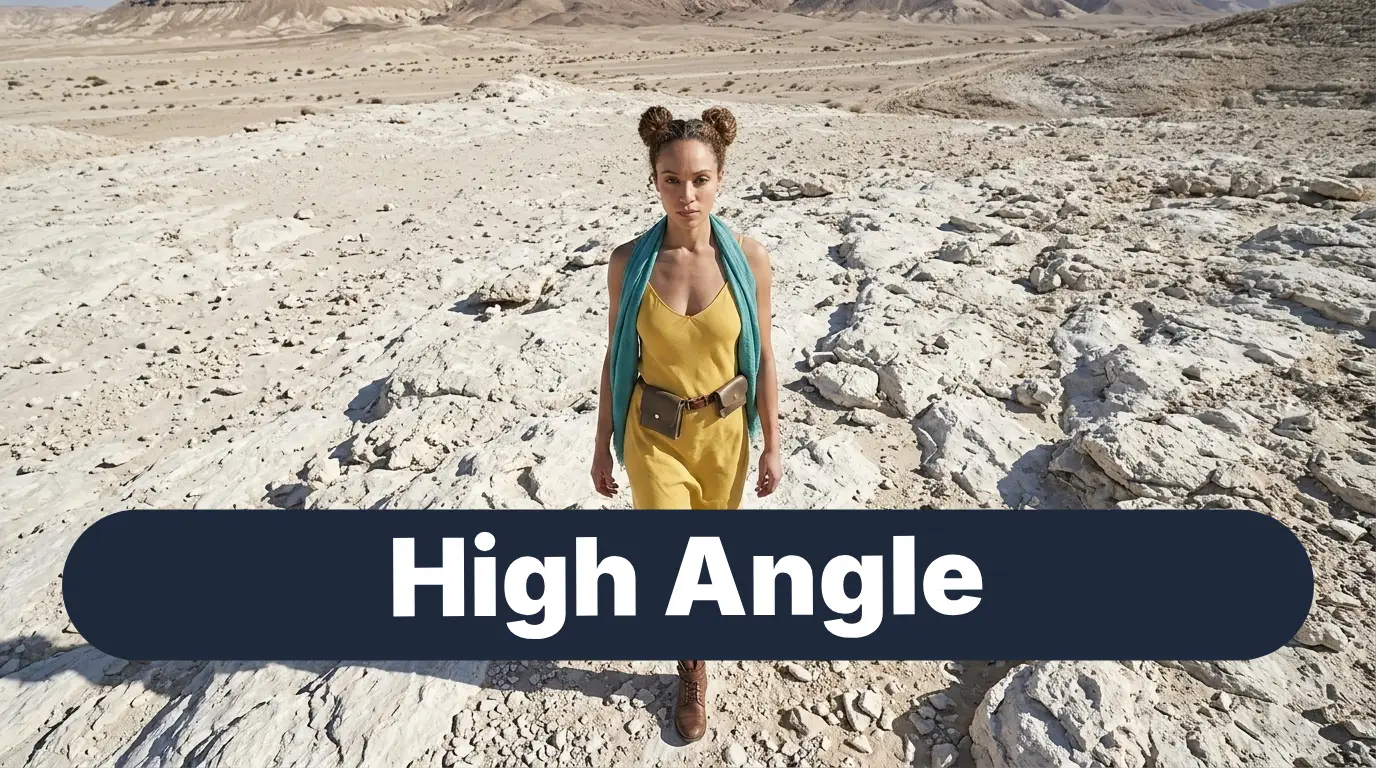
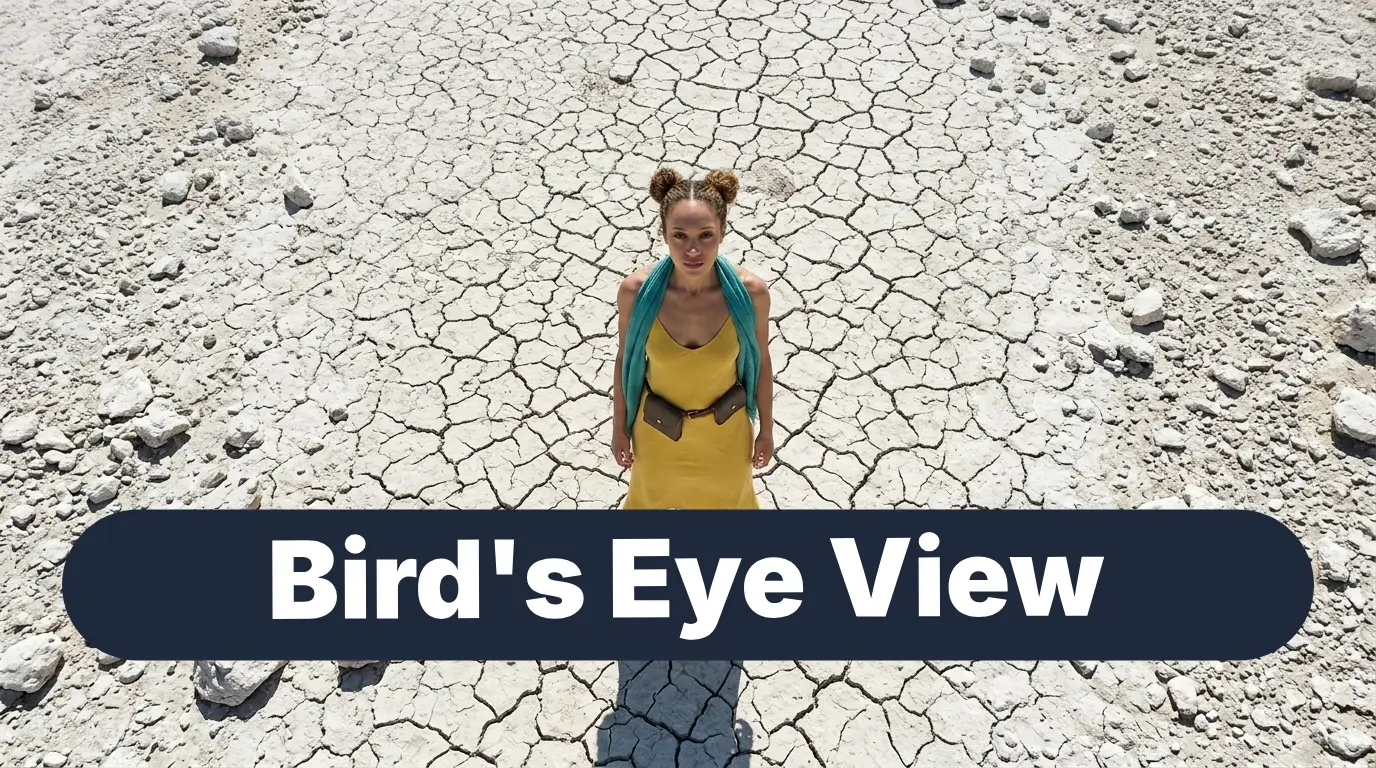
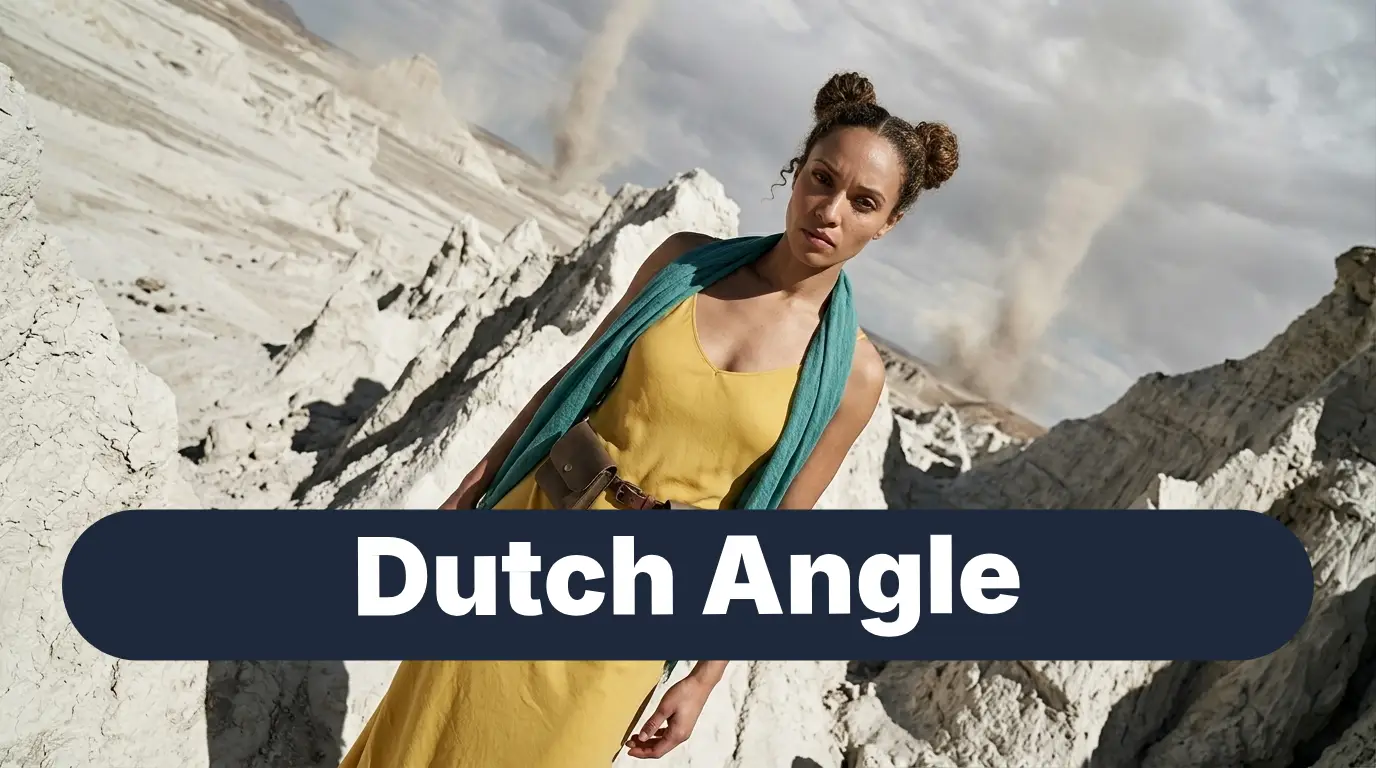
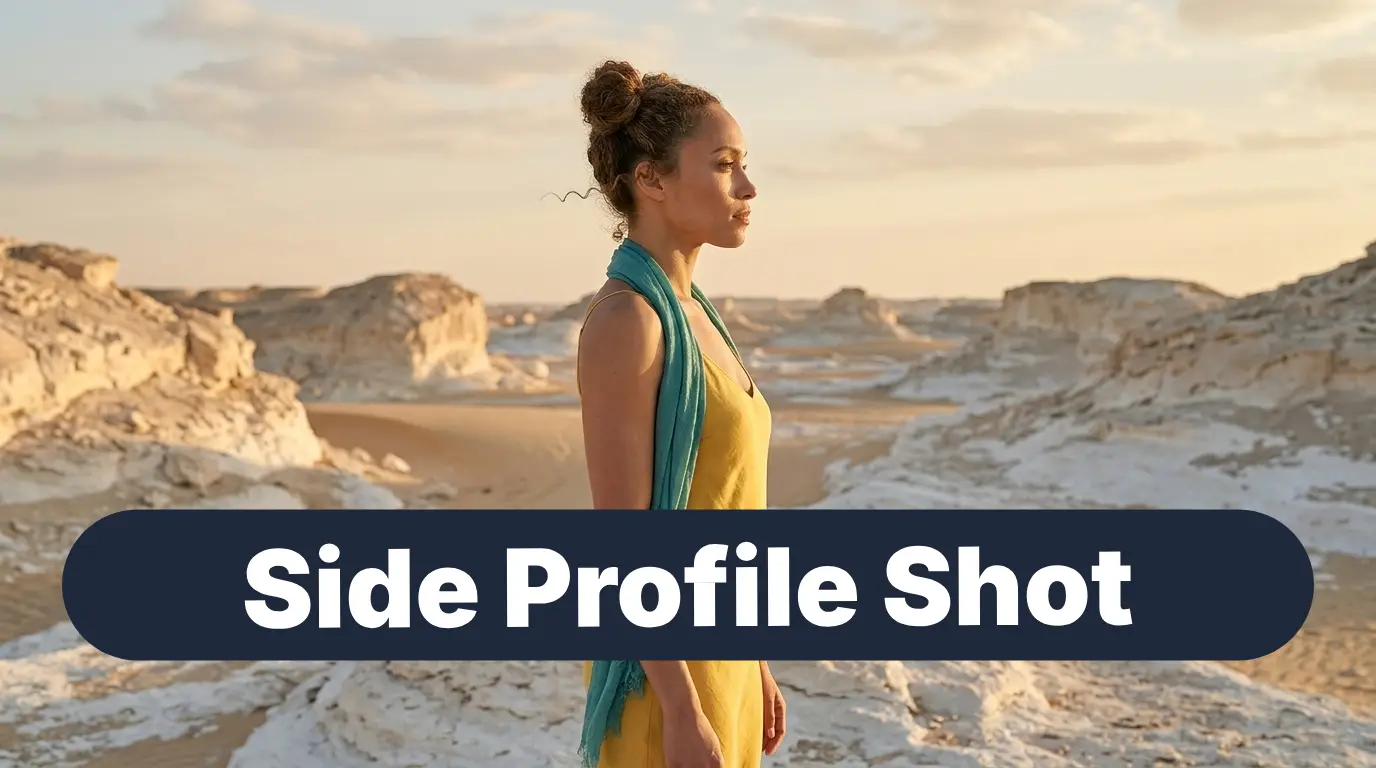
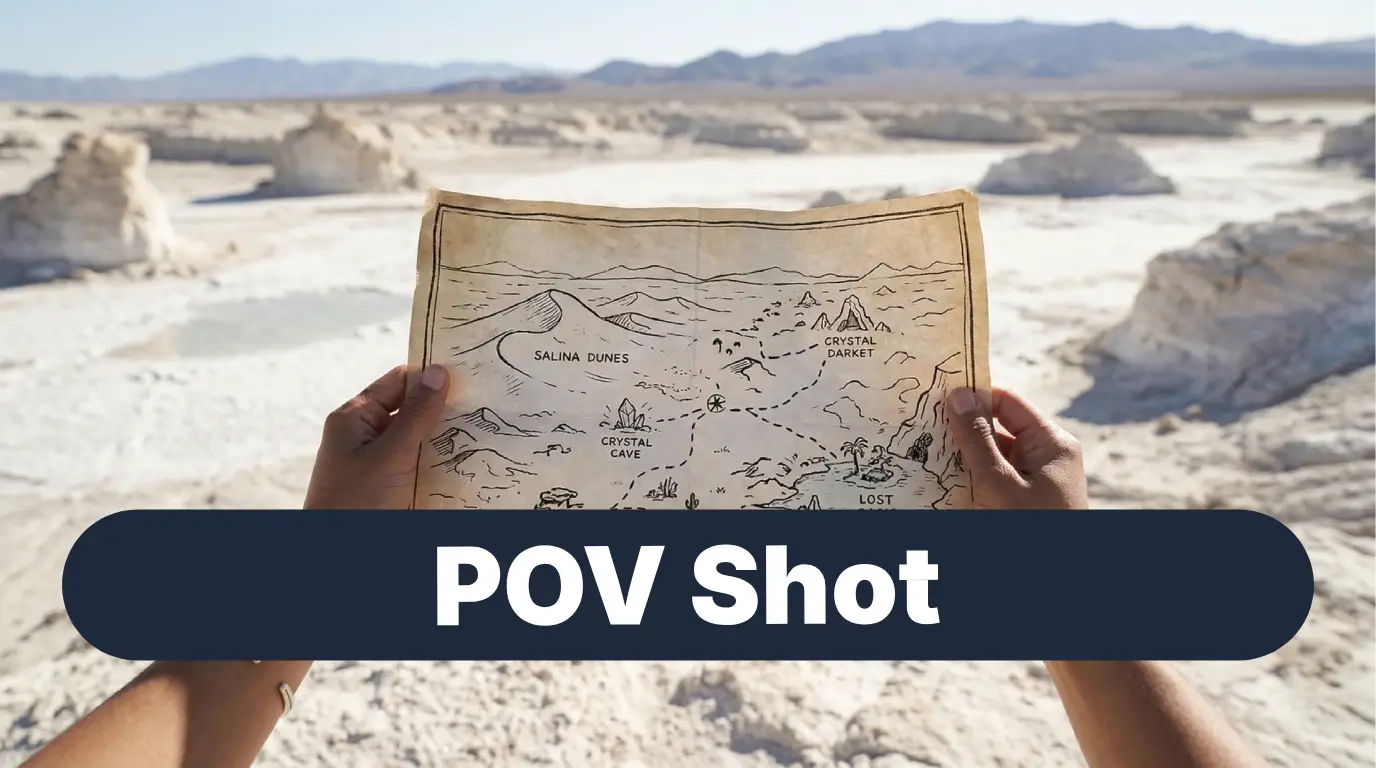
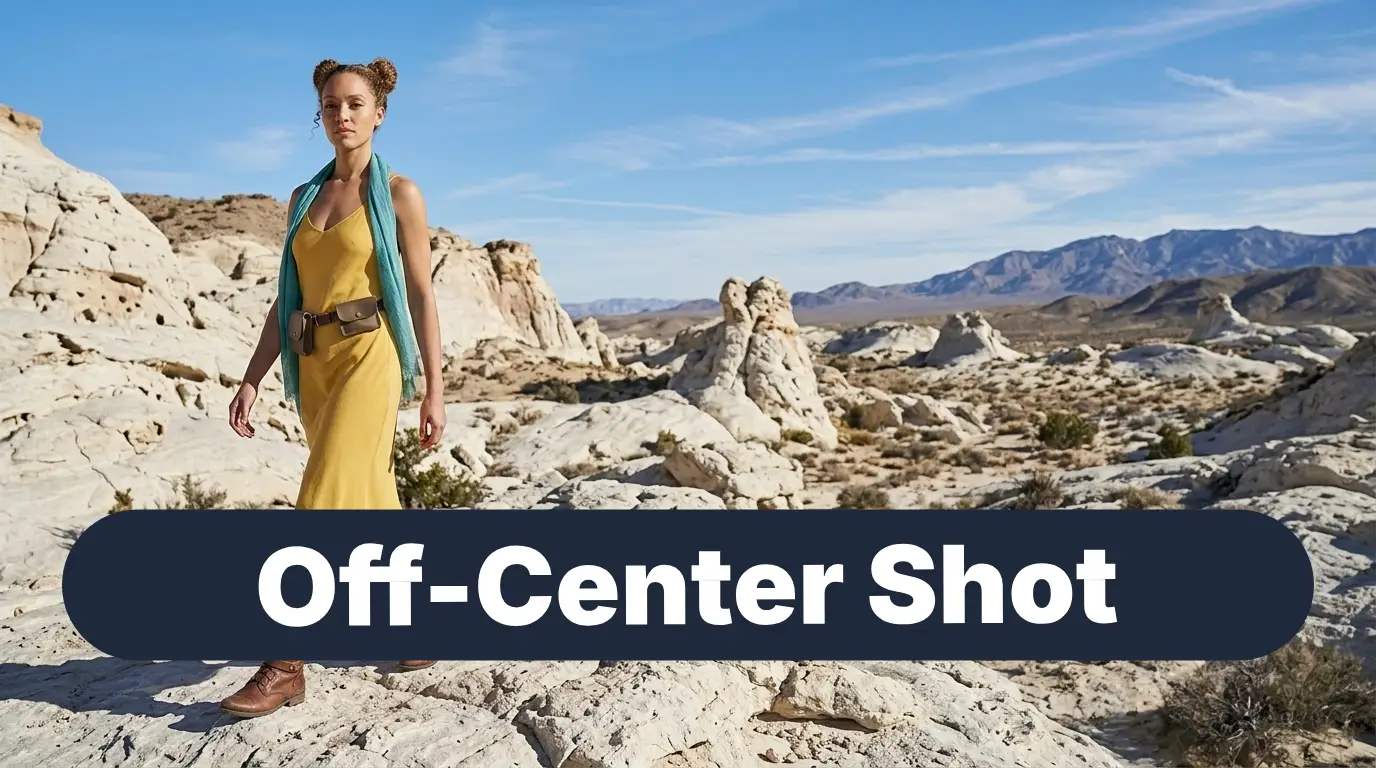
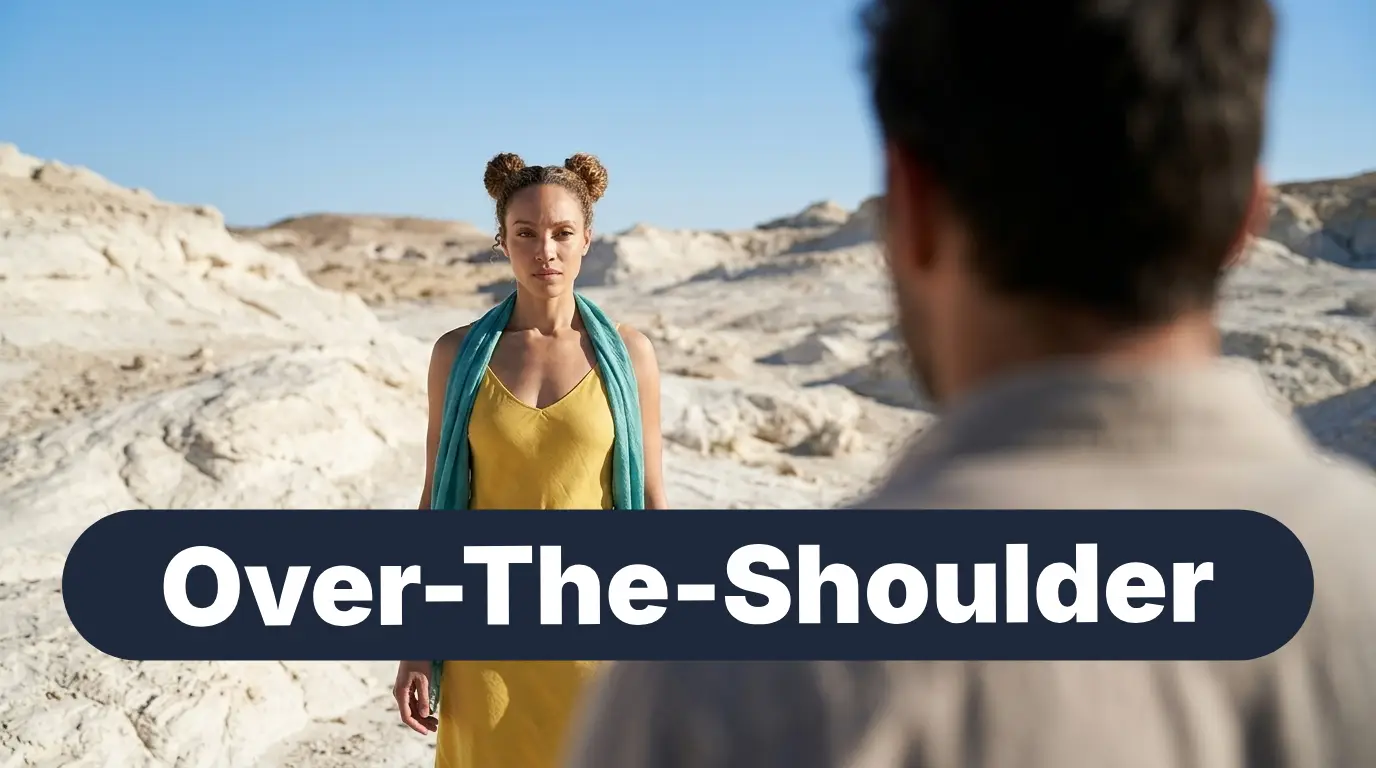
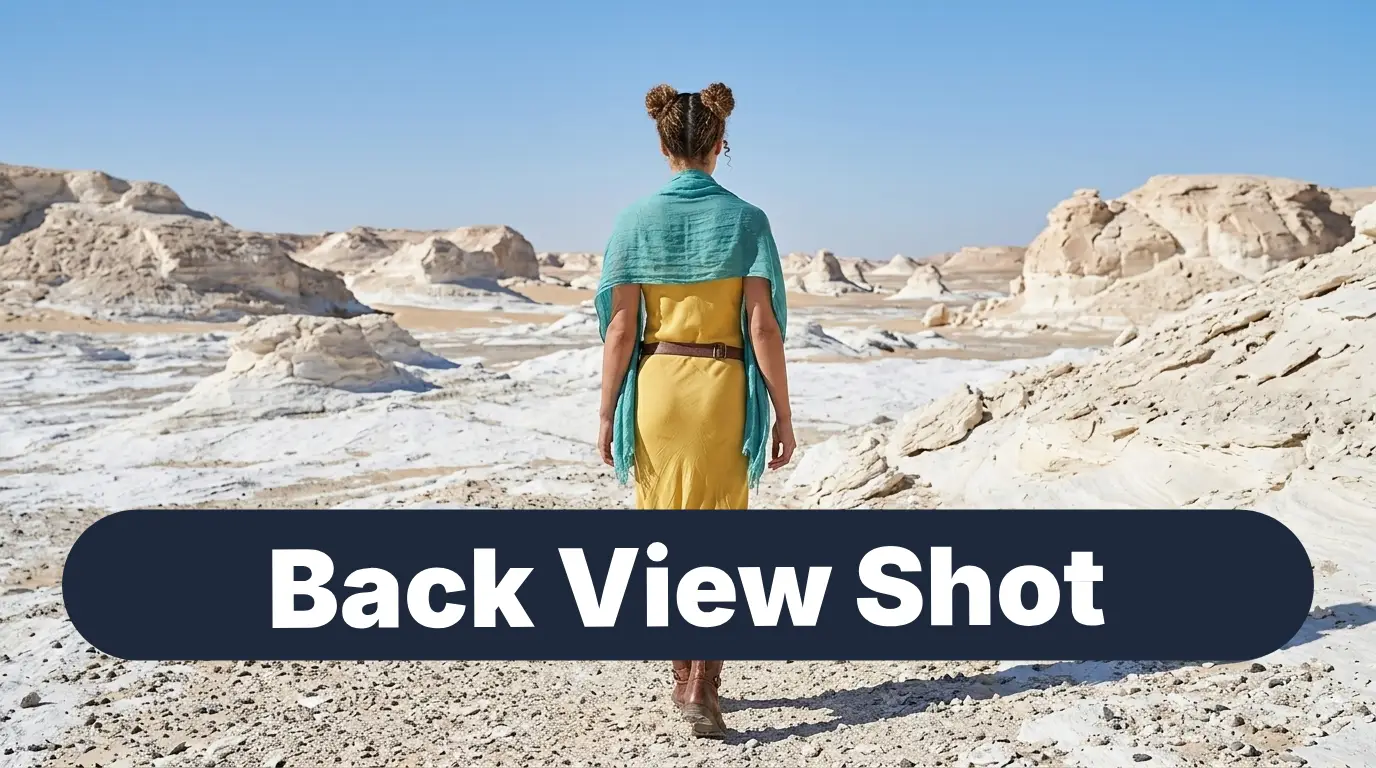
What’s More in This Guide?
- Explore keyword combinations to create amazing AI images: Best prompting practices
- How to keep your character consistent: Avoiding distortions to your character’s face and body
- Storytelling and Camera Movement Tips: Why and when to use your camera angles and shot types
- Frequently Asked Questions: Common Errors and How to Fix Them
- Explore Our Favourite Nano Banana Pro Camera Angles: Our top picks!
1. Explore keyword combinations to create amazing AI images
If you only type one basic phrase, the AI image generator defaults to a standard eye-level view. To break out of that generic look, you can chain three different camera details together at the very beginning of your AI prompt:
1. The Distance
(How far away is the camera?)
2. The Height
(How high up or low down is the lens?)
3. The Perspective
(Which side is the camera looking from?)
Standard Prompt
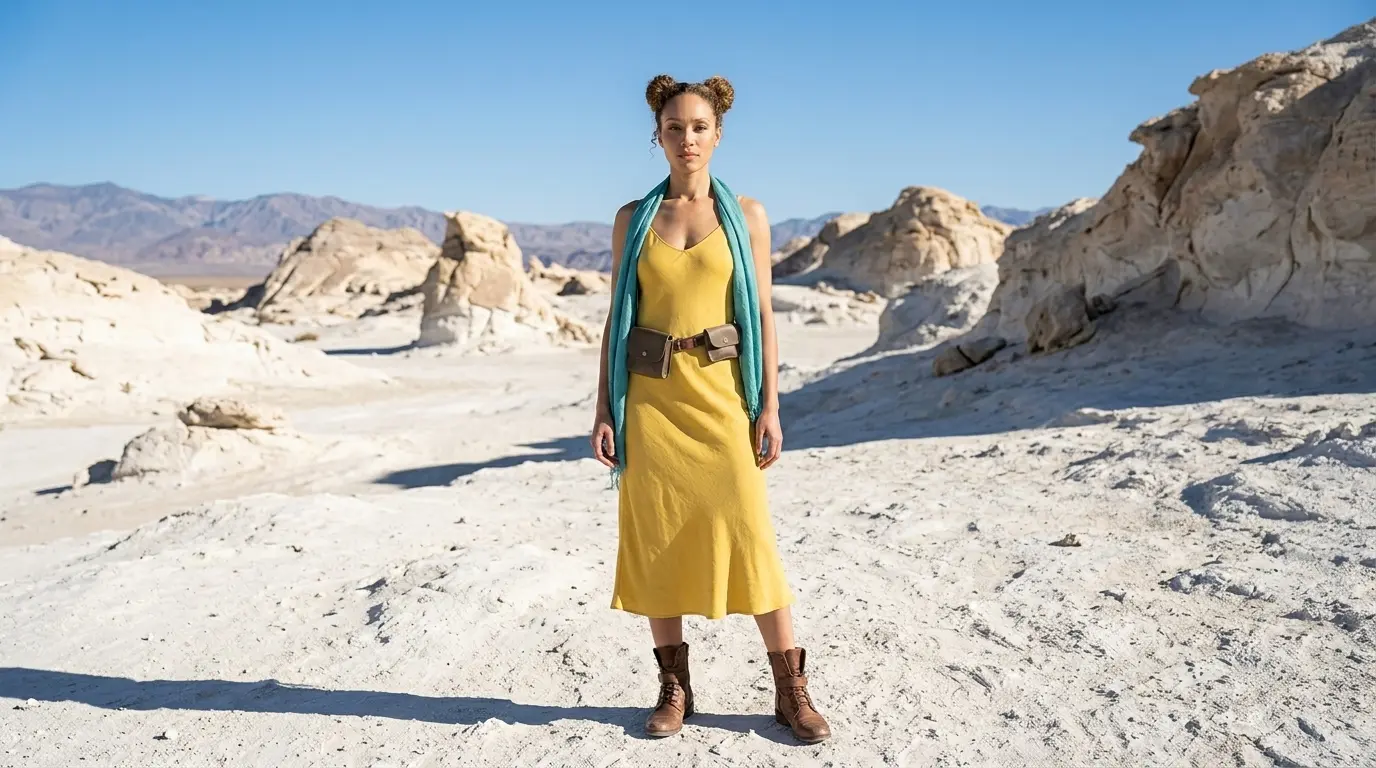
A woman in a white rocky desert
Extended Prompt
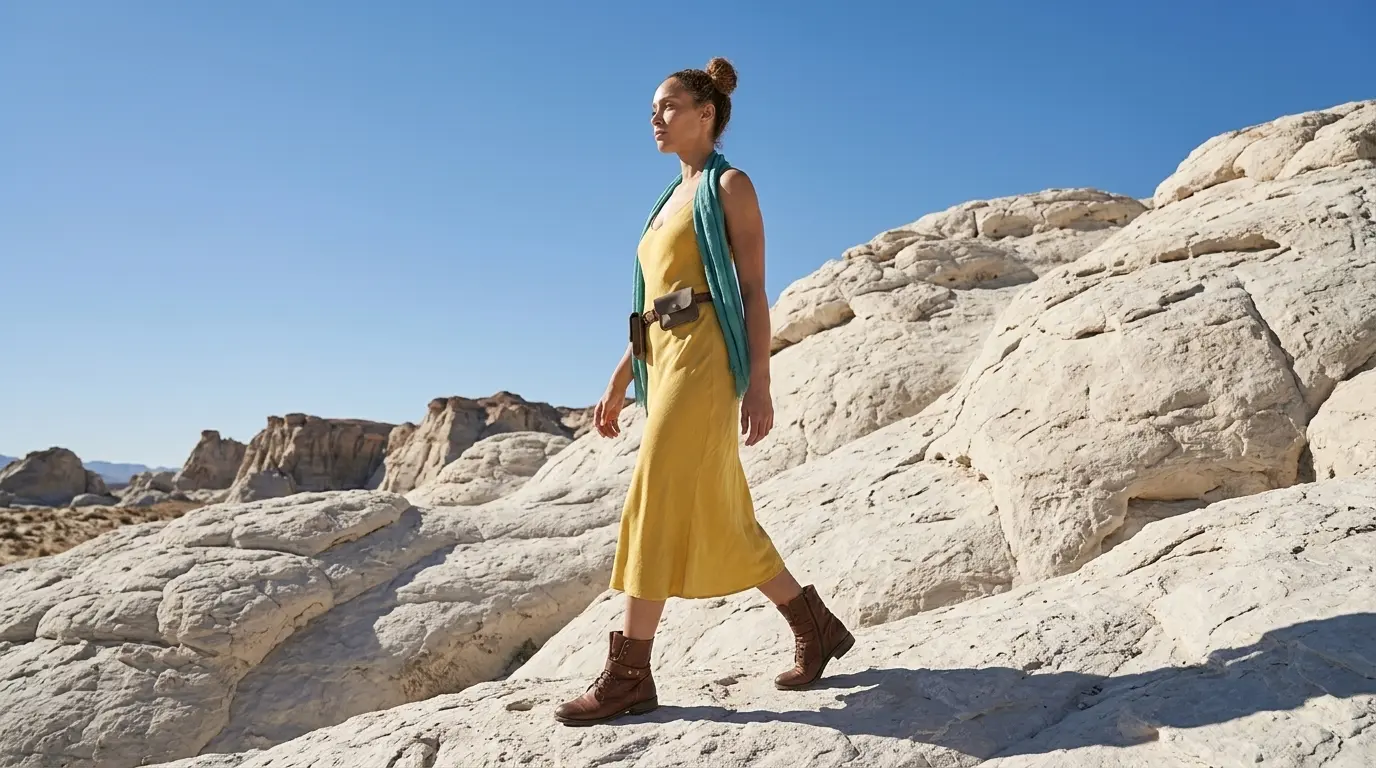
Full body, low angle, side profile shot of a woman in a white rocky desert
2. How to keep your character consistent
When you start experimenting with dramatic nano banana camera angles, the AI can sometimes get confused and accidentally change your character’s face, clothing, or hair details.
To keep your subject perfectly consistent across 20 different shots, follow these steps:
- Use a Character Card: Start with one high-quality, clear reference picture of your character to lock in their face.
- Keep Your Words Identical: Keep the exact same description phrases in every single prompt (like “yellow silk dress” or “double hair buns”).
- Just Swap the Camera Words: Keep the character description exactly the same, and only change your camera keywords. This tells the AI to leave the person alone and just move the camera around them!

3. Storytelling and Camera Movement Tips
To help you choose the right look for your scene, here is a quick guide to why filmmakers use these specific framing techniques in cinema:
Camera Distance
What is it used for
Shows intense emotions, tiny details (like eyes or jewelry), or adds suspense.
Best for talking scenes to focus on a character’s face and expressions.
Great for action, showing outfits, or showing a character moving around.
Shows big landscapes, makes characters look small, or shows them all alone.
Camera Height & Perspective
What is it used for
Makes characters look powerful, heroic, or scary.
Makes characters look lonely, weaker or shows a “map view” from above.
Tilted sideways to show danger, confusion, or fear.
Adds mystery or makes it feel like you are spying.
Lets you see the world exactly through the character’s eyes.
4. FAQ: Common Errors and How to Fix Them
Why does the AI keep cutting off my character’s head or feet?
AI defaults to square portraits. Switch to a tall 9:16 aspect ratio, and describe the head and feet in your prompt so the AI includes the whole body.
How do I fix the AI when it stubbornly zooms in instead of showing a wide shot?
Put “Wide Shot” at the start of your prompt and avoid detailed keywords that forces the AI camera to zoom in. Describe items at the bottom, like “boots on sand,” to force the AI to pull back.
Can I use AI to simply "rotate" a camera angle 180 degrees around my image?
Some 3D tools can warp images to shift perspective, but a full flip will scramble your character. The best way in Nano Banana Pro is to use a character reference and multiple camera angles in each prompt. Check our Complete Guide to learn how!
Why does the AI put a face on the back of my character’s head in a back view?
AI is biased toward showing faces. Force the AI to look at the scenery instead and avoid using facial details. Check out our guide on Back View Shots to learn more.
Why does my image become distorted when I ask for a Dutch Angle?
Not all keywords react the same way in different AI generation models. So we need to use alternative keywords that give a similar effect. We’ve got a bunch of alternative keywords on each of our camera angles and shot types. Click here to go back to the list.
5. Explore Our Favourite Nano Banana Pro Camera Angles
Ready to master cinematic camera perspectives? Explore our favourite prompting guides to elevate your AI generations!
Link to: Nano Banana Pro Dutch Angle Shot: Dramatic Angles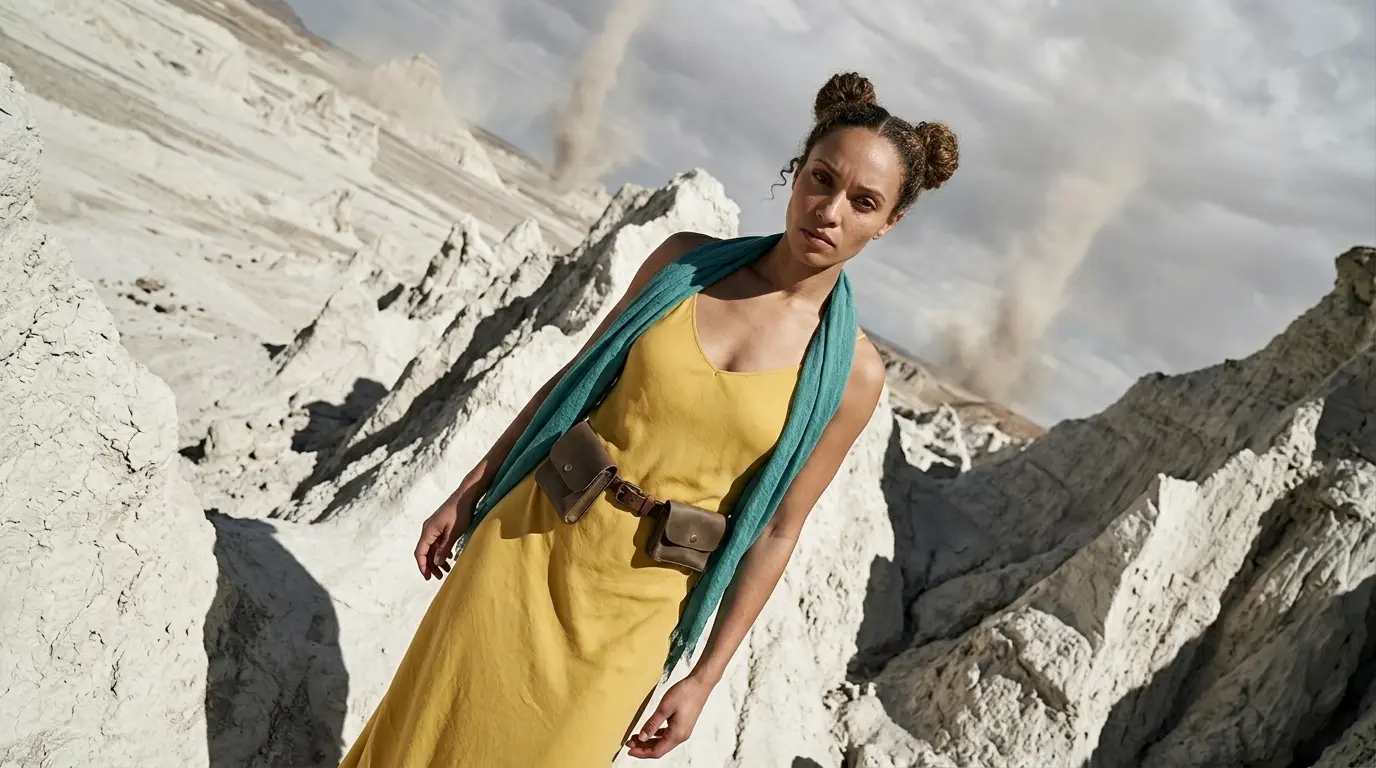
Add Intense Tension Using Dutch Angles
Tilt your camera frame to create instant drama. Master the tilted frame on Nano Banana Pro to make your action scenes feel unstable and cinematic.
Link to: Nano Banana Pro Worm’s Eye View: Create Towering Scale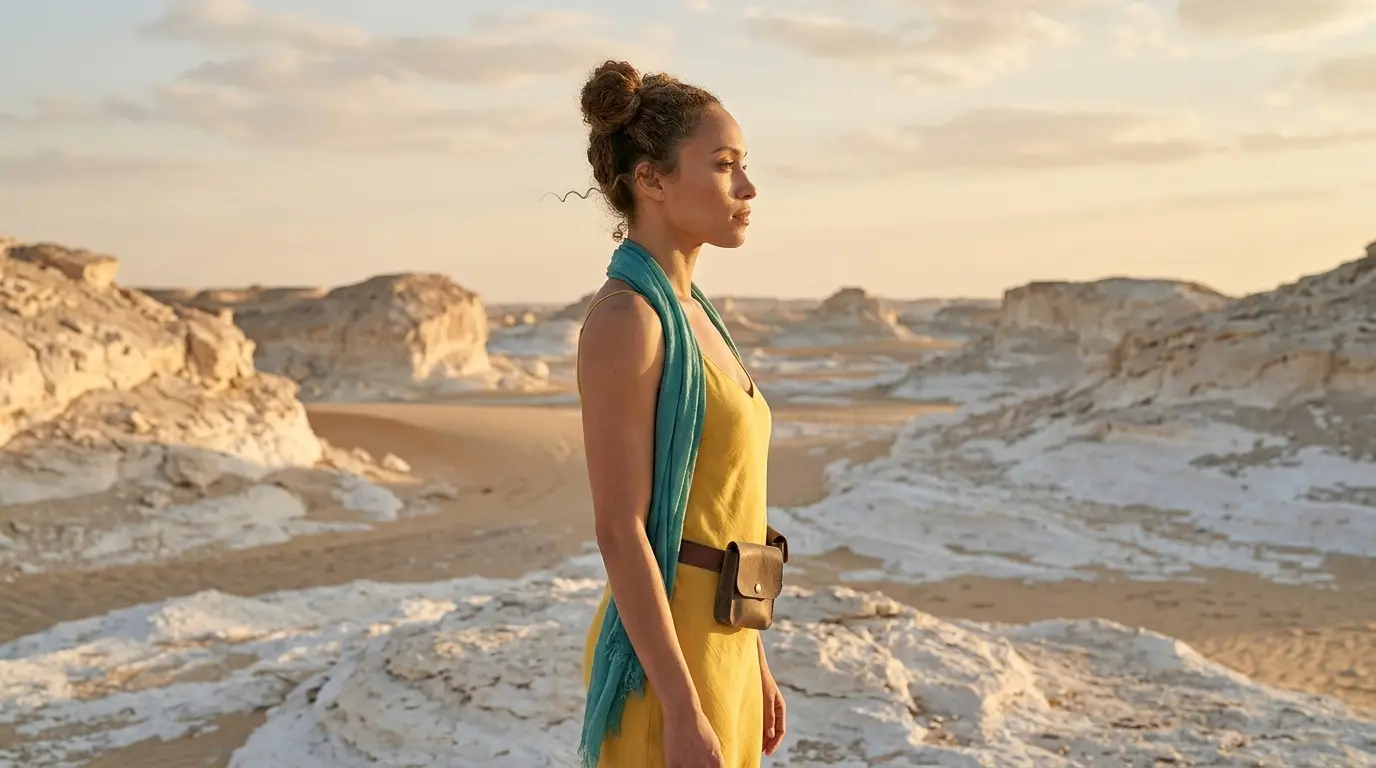
Master Extreme Low Perspectives with Worm’s Eye Views
Give your images an epic boss-fight perspective. Use the right nano banana camera angles to capture massive scale right from the floor.
Link to: Nano Banana Pro Side Profile Shot: Master Cinematic Views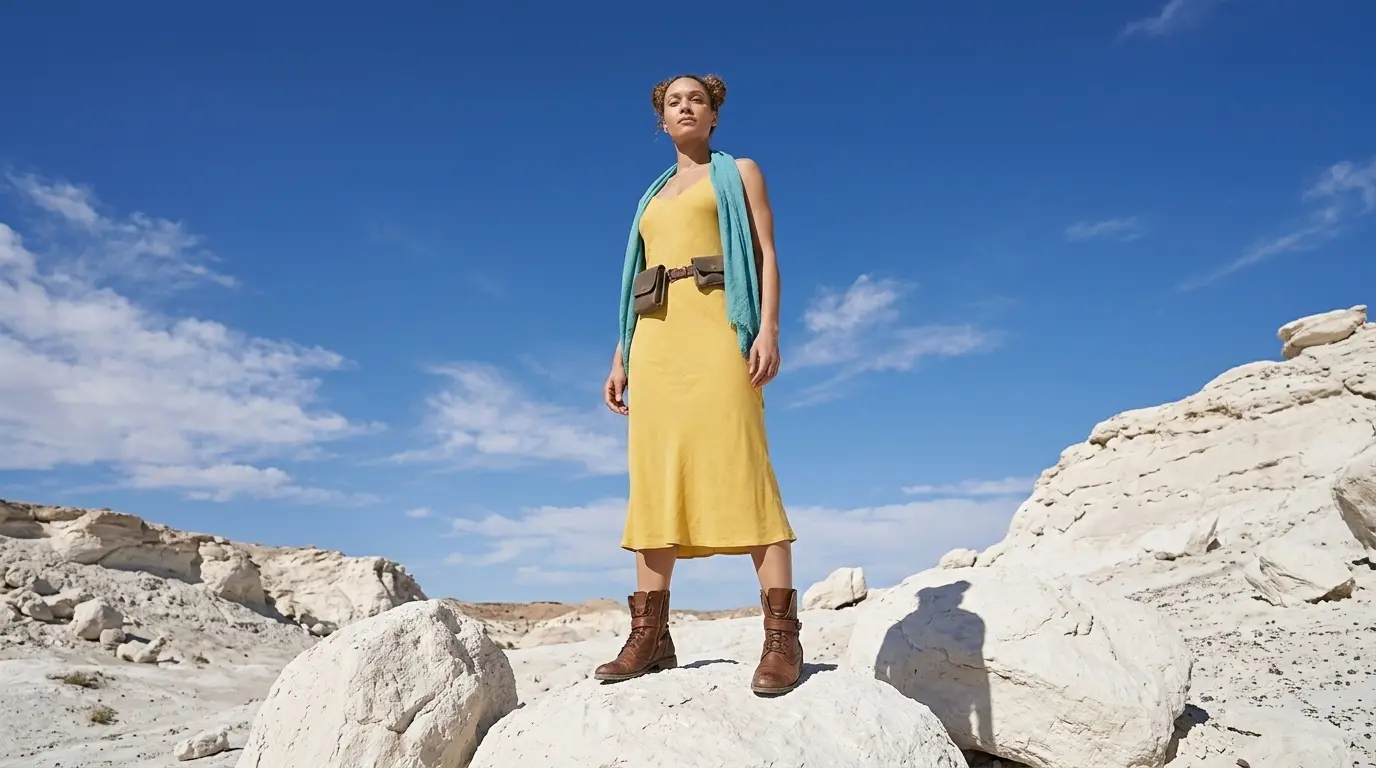
Turn Your Character Into a Side Profile Shot
Stop always shooting your characters straight. Force the Nano Banana camera to change camera angle to a side profile shot to instantly highlight dramatic facial structures.