Learning to use the Nano Banana Pro Dutch angle shot lets you get away from boring, straight AI framing. Most tools automatically make flat, level shots that miss the dramatic energy of a scene. Tilting the camera creates a dynamic slope that adds instant tension, making your images look exciting and cinematic.
What’s inside this guide:
- Using the Right Keywords for Dutch Angle Shots: The best keywords to use for tilted angles.
- Why Extending Your Prompts Create Better Camera Angles: How extra details fix framing.
- FAQ: How to Fix Dutch Angle Mistakes: Quick fixes for flat images and wrong tilt directions.
- Storytelling and Camera Movement Tips: When to use this shot and video motion tricks.
- Explore More Nano Banana Pro Camera Angles: Links to more camera angle guides.
1. Using the Right Keywords for Dutch Angle Shots
Think of your prompt words as a guide that tilts your camera exactly where you want it. To create your image, you can either use the Dutch angle keyword by itself or write an extended prompt that describes the full scene.
Basic Prompt with only keyword
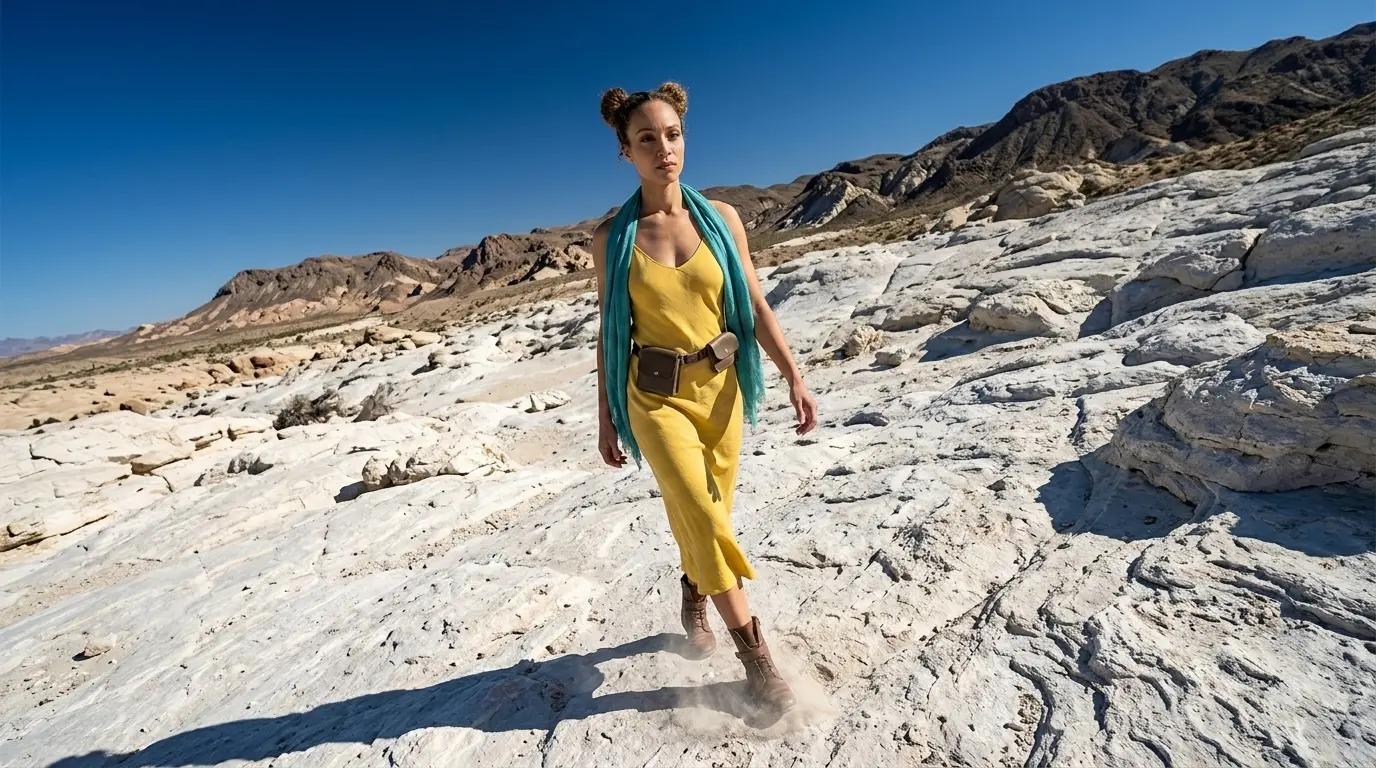
Dutch angle shot of this woman in a white rocky desert
Extended Prompt
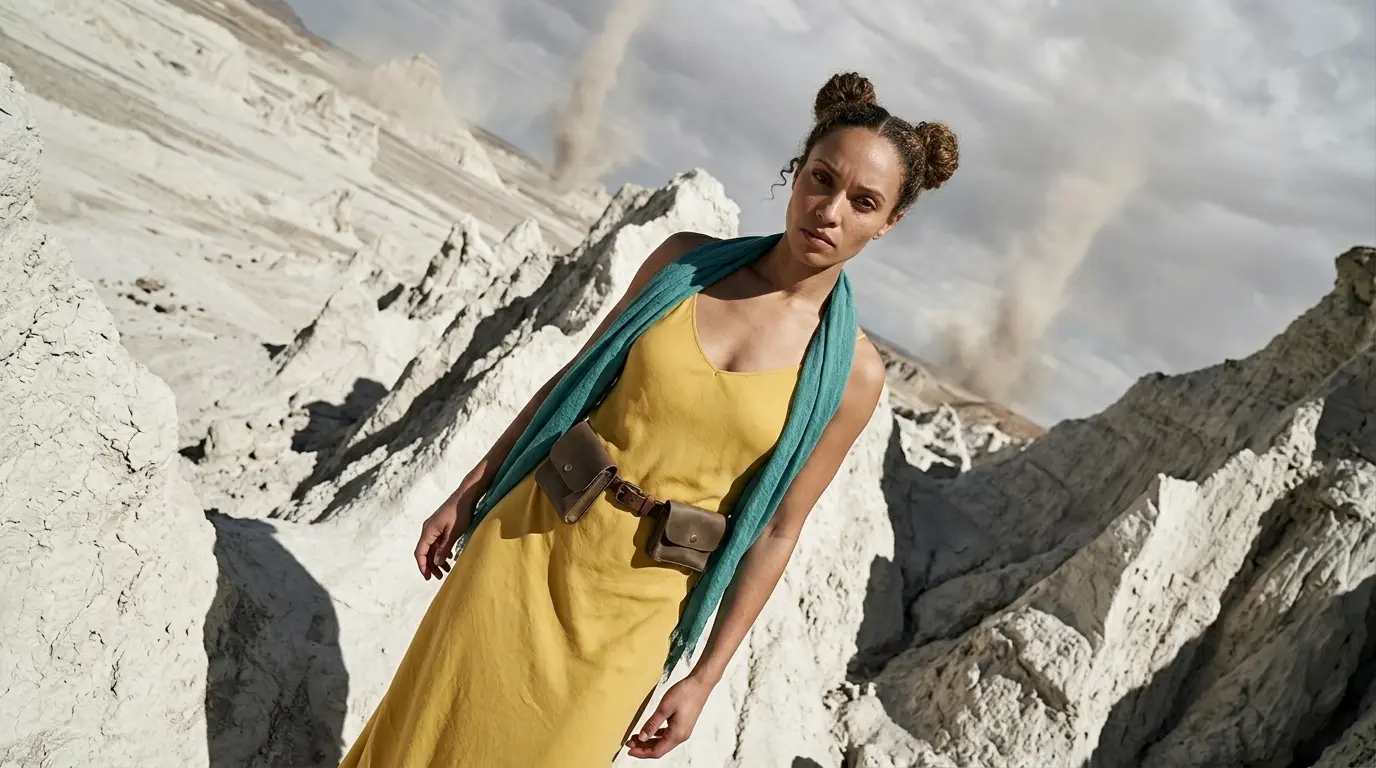
Dutch angle shot of this woman in a white rocky desert tilting the camera to create a sense of unease and tension
In this example, Nano Banana Pro already understands the dutch angle keyword quite well. But this is not always the case with every camera angle, scene, or AI image model. That is why we also show additional keywords and extended prompt options, so you have more control when the basic keyword is not enough.
Additional Keywords to extend your prompt
off-kilter
tilting the camera
creating tension and unease
dynamic diagonal horizon
oblique angle
tilting the camera
creating tension and unease
dynamic diagonal horizon
oblique angle
💡
Pro Tip: While Nano Banana reads your entire prompt for context, placing camera keywords early prevents them from getting diluted by long description details later in your text!
2. Why Extending Your Prompts Create Better Camera Angles
Sometimes using only the dutch angle keyword gives the AI too much freedom.
To get the exact tilt you want, you need to describe the lean and energy of the scene to lock the camera angle in place:
- The Only-Keyword Prompt: Simply typing “Dutch angle shot” often doesn’t tilt enough. The AI has to guess what you want, so it could just show a normal, flat horizon.
- The Extended Prompt: Adding small details, like the slope of the room or the dramatic tension of the character, forces the AI to tilt the lens. This fixes your view and creates a dynamic, off-balance shot.
Additional Keywords
Why It Works
off-kilter
Tells the AI exactly how to rotate the frame.
tilting the camera
Forces the AI to tip the scene sideways to create sharp, slanted lines.
creating tension and ease
Stops the AI from creating a calm, and boring scene.
dynamic diagonal horizon
Guides the AI to cut across the frame with hard, slanted lines.
oblique angle
Locks the camera into a deliberately skewed axis, completely throwing off the normal balance.
3. FAQ: How to Fix Dutch Angle Mistakes
4. Storytelling and Camera Movement Tips for Dutch Angle Shots
In storytelling, tilting the camera changes how people feel about your scene. Use the Nano Banana Pro Dutch angle shot to create intense drama. It slants the horizon line to make the viewer feel instant unease, tension, or like something is wrong.
When making videos, adding camera movement makes the scene feel alive. Use these simple words to move your camera:
- Slow push-in: Moves the camera forward slowly. This tightens the focus and makes the tilted frame feel even more unstable.
- Slight handheld movement: Adds a gentle, natural camera shake. This pumps up the tension and makes your video look like a real movie.
5. Explore More Nano Banana Pro Camera Angles
Ready to master more cinematic camera perspectives? Explore our other quick prompting guides to elevate your AI generations!
Link to: Nano Banana Pro Side Profile Shot: Master Cinematic Views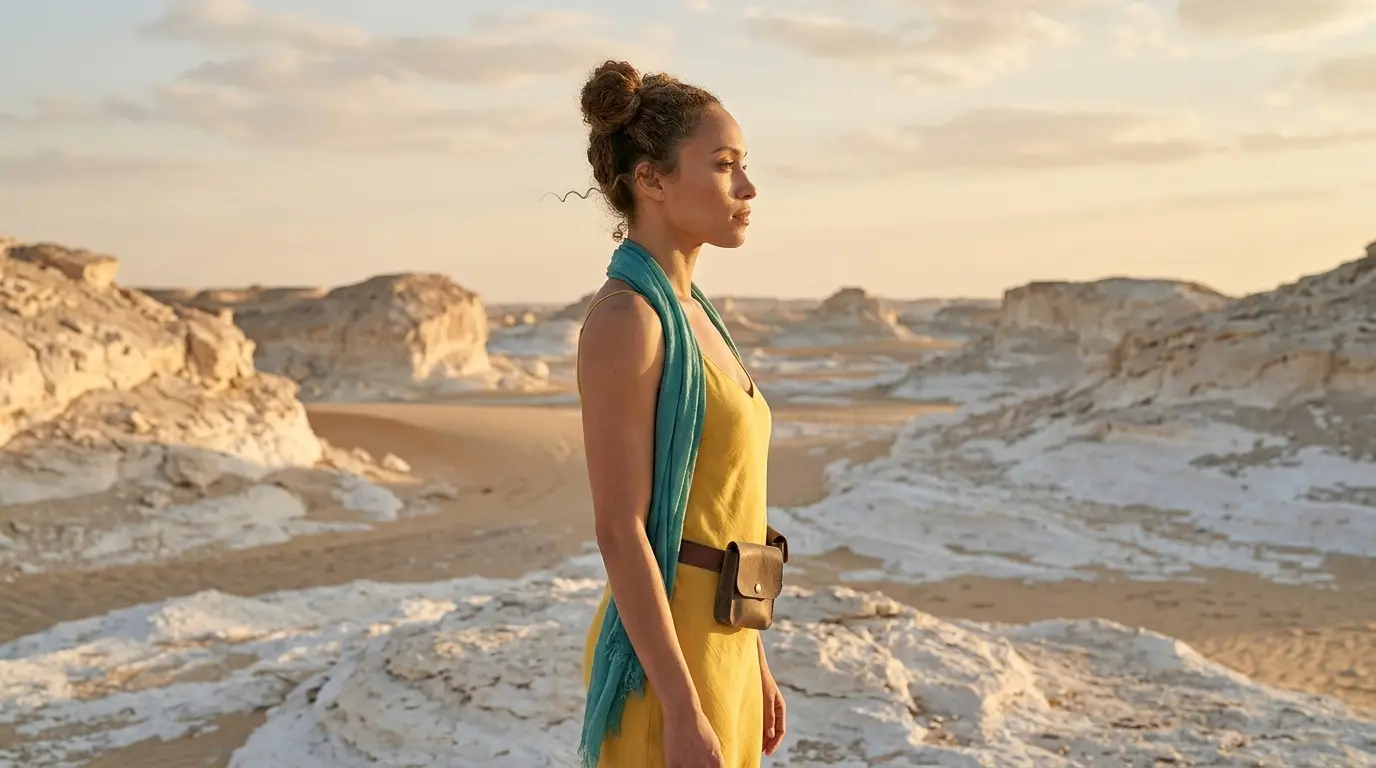
Turn Your Character Into a Side Profile Shot
Stop always shooting your characters straight. Force the Nano Banana camera to change camera angle to a side profile shot to instantly highlight dramatic facial structures.
Link to: Nano Banana Pro Point of View (POV) Shot: Solved
See Through Your Character’s Eyes Using POV Shots
Step directly into the character’s shoes. Use the point-of-view angle on Nano Banana Pro to put the audience right in the middle of the story.
Link to: Nano Banana Pro Camera Angles: The Ultimate Guide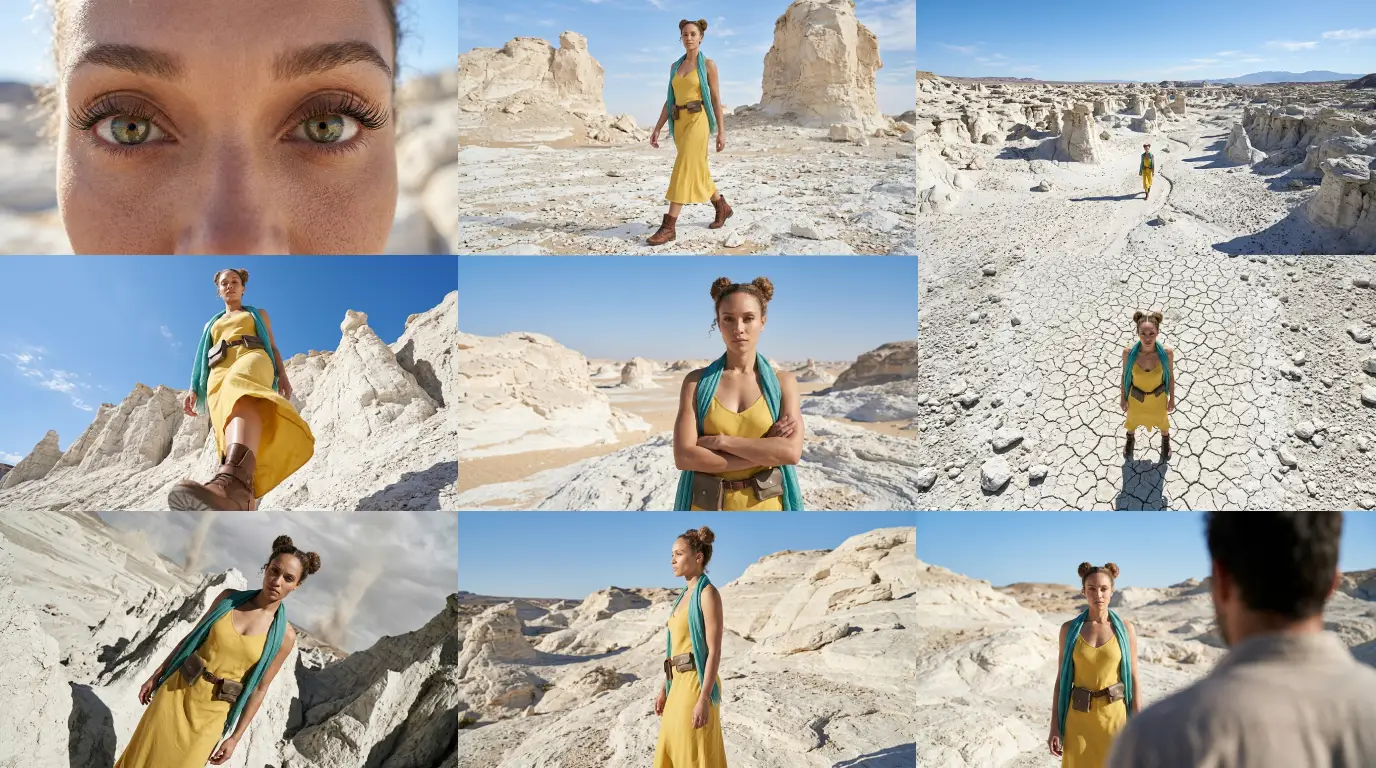
Complete Guide to Camera Angles
Jump back to our full list of Nano Banana Pro prompt tutorials and cinematic camera angles.