The Nano Banana Pro Medium Shot, similar to a half body shot or eye level shot, is the best way to make your AI images look natural. This waist-up view shows both character emotion and the background, which is perfect for telling a story. But AI often messes up by zooming in too close or pulling back too far. Read on to learn the simple words that fix these mistakes and lock your camera in place every time.
What’s inside this guide:
- Using the Right Keywords for Medium Shots: The best keywords to use for half-body shots.
- Why Extending Your Prompts Create Better Camera Angles: How details stop AI mistakes.
- FAQ: How to Fix Medium Shot Mistakes: Quick fixes for unwanted closeups and full-body shots.
- Storytelling and Camera Movement Tips: When to use this shot and video motion tricks.
- Explore More Nano Banana Pro Camera Angles: Links to more camera angle guides.
1. Using the Right Keywords for Medium Shots
Think of your prompt words as a guide that places your camera exactly at waist level. To create your medium shot, you can either use the keyword by itself or write an extended prompt that describes midsection details to lock the framing in place.
Basic Prompt with only keyword
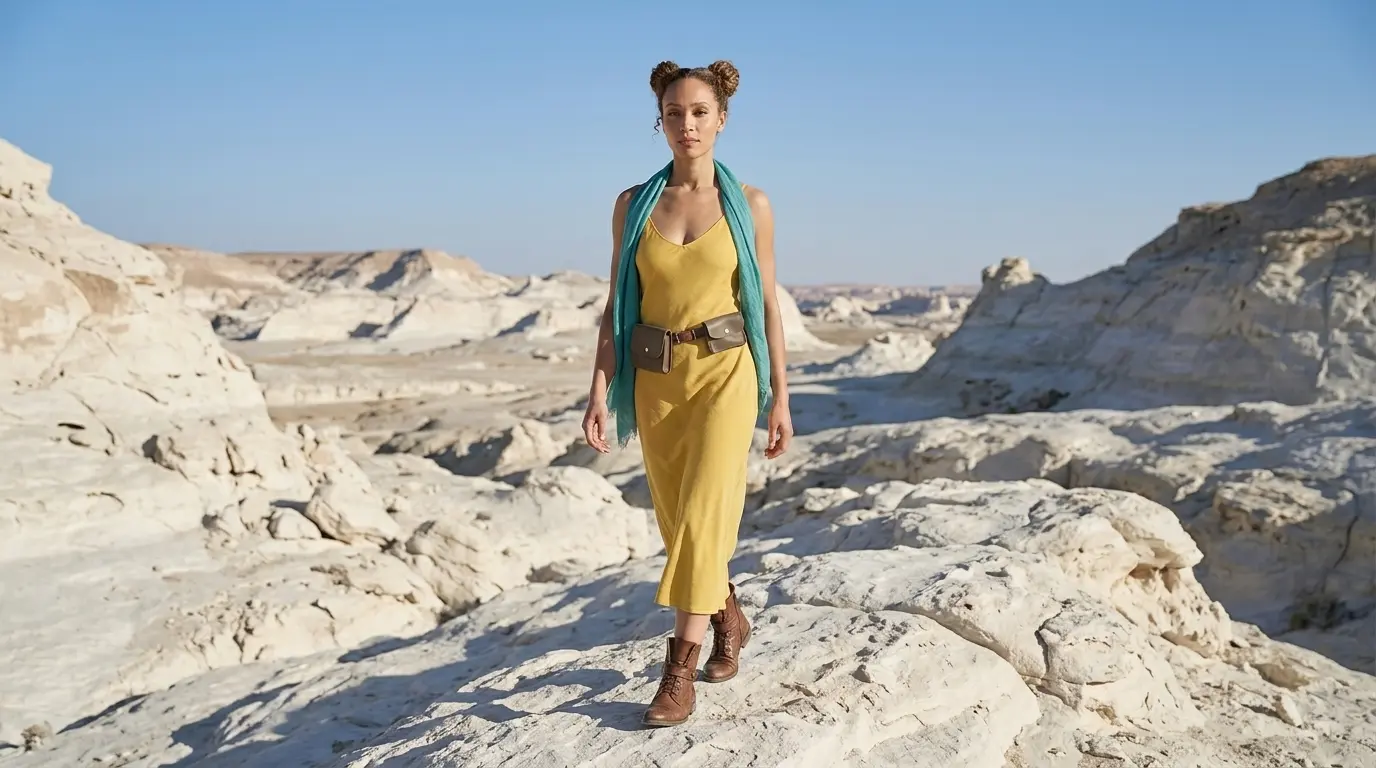
Medium shot of this woman in a white rocky desert
Extended Prompt
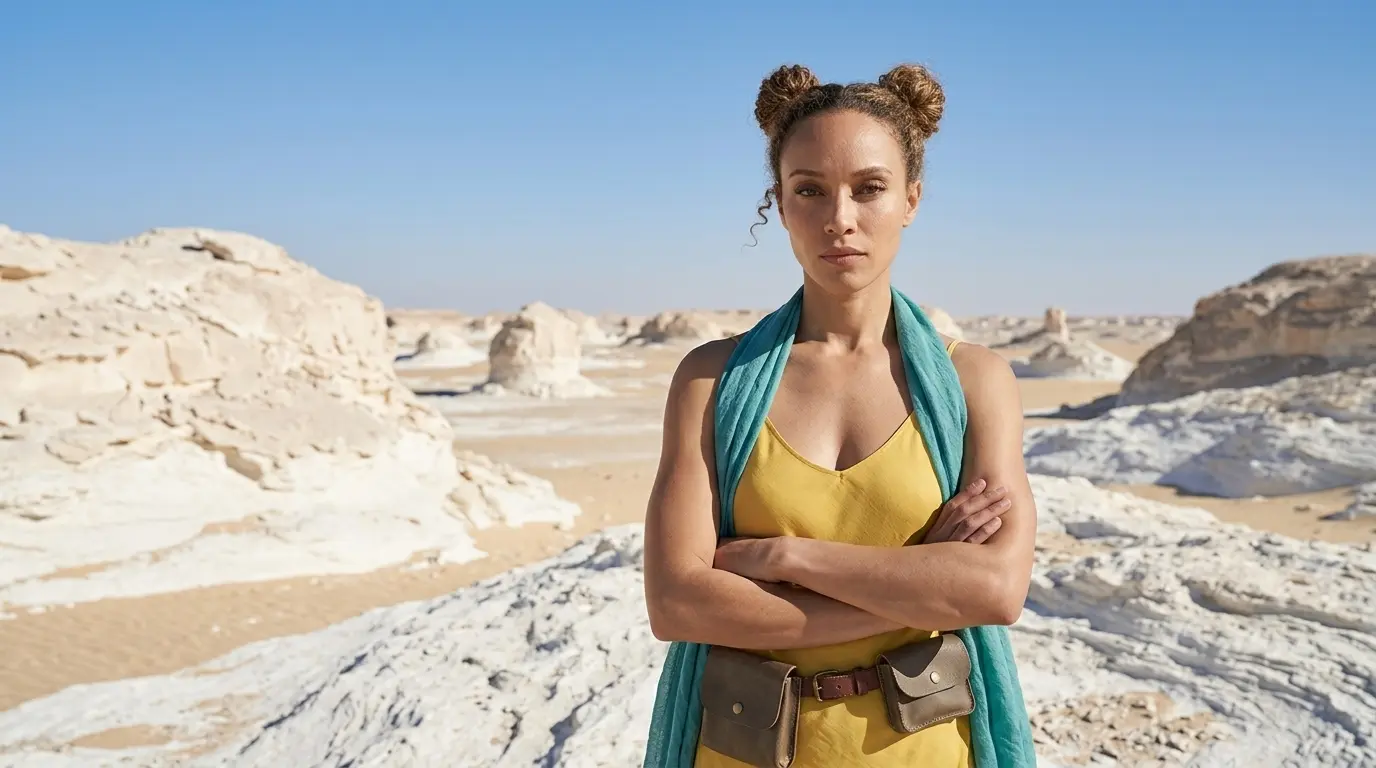
Medium shot of this woman with her arms crossed in a white rocky desert
In this example, Nano Banana Pro struggles to listen to the medium shot keyword and gives a full body shot. This is sometimes the case with every camera angle, scene, or AI image model. That is why we also show additional keywords and extended prompt options, so you have more control when the basic keyword is not enough.
Additional Keywords to extend your prompt
with her hands on her hips
half body shot
eye-level shot
framed from the waist up
half body shot
eye-level shot
framed from the waist up
💡
Pro Tip: While Nano Banana reads your entire prompt for context, placing camera keywords early prevents them from getting diluted by long description details later in your text!
2. Why Extending Your Prompts Creates Better Camera Angles
Using only one keyword leaves too much up to guesswork. To get the exact look you want, describe the specific midsection elements or upper-body boundaries to lock the camera in place:
- The Only-Keyword Prompt: Writing just “Medium shot” sometimes doesn’t help, and you let the AI decide the framing, distance, and background details for you.
- The Extended Prompt: Adding specific details like “with her arms crossed” or describing a character “with hands on hips” forces the AI to lock the lens at a standard conversational distance. This locks in your perspective and stops the camera from accidentally zooming out into a full-body view or cutting off the head.
Additional Keywords
Why It Works
with her arms crossed
Adds upper-body detail to stop full-body views.
with her hands on her hips
Draws the camera to the waist for correct framing.
half body shot
Clearly tells the AI to crop from waist up.
eye level shot
Guarantees a straight-on camera angle with no tilting.
framed from the waist up
Locks the camera position exactly at the character’s midsection.
3. FAQ: How to Fix Medium Shot Mistakes
4. Storytelling and Camera Movement Tips
A medium shot shows your subject from the waist up. This creates a natural, conversational view that lets the audience see both the character’s emotions and the background. When making videos, use these simple motion words to control your camera:
- Medium shot subtle pan: Moves the camera smoothly from side to side to show hand movements and the background landscape.
- Medium shot pedestal up: Moves the camera straight up to track the character’s upper body while keeping the same comfortable angle.
- Forward tracking medium shot: Pushes the camera closer to the character’s torso to bring the viewer deeper into the story.
5. Explore More Nano Banana Pro Camera Angles
Ready to master more cinematic camera perspectives? Explore our other quick prompting guides to elevate your AI generations!
Link to: Nano Banana Pro Close-Up Shot: Capture Intense Emotion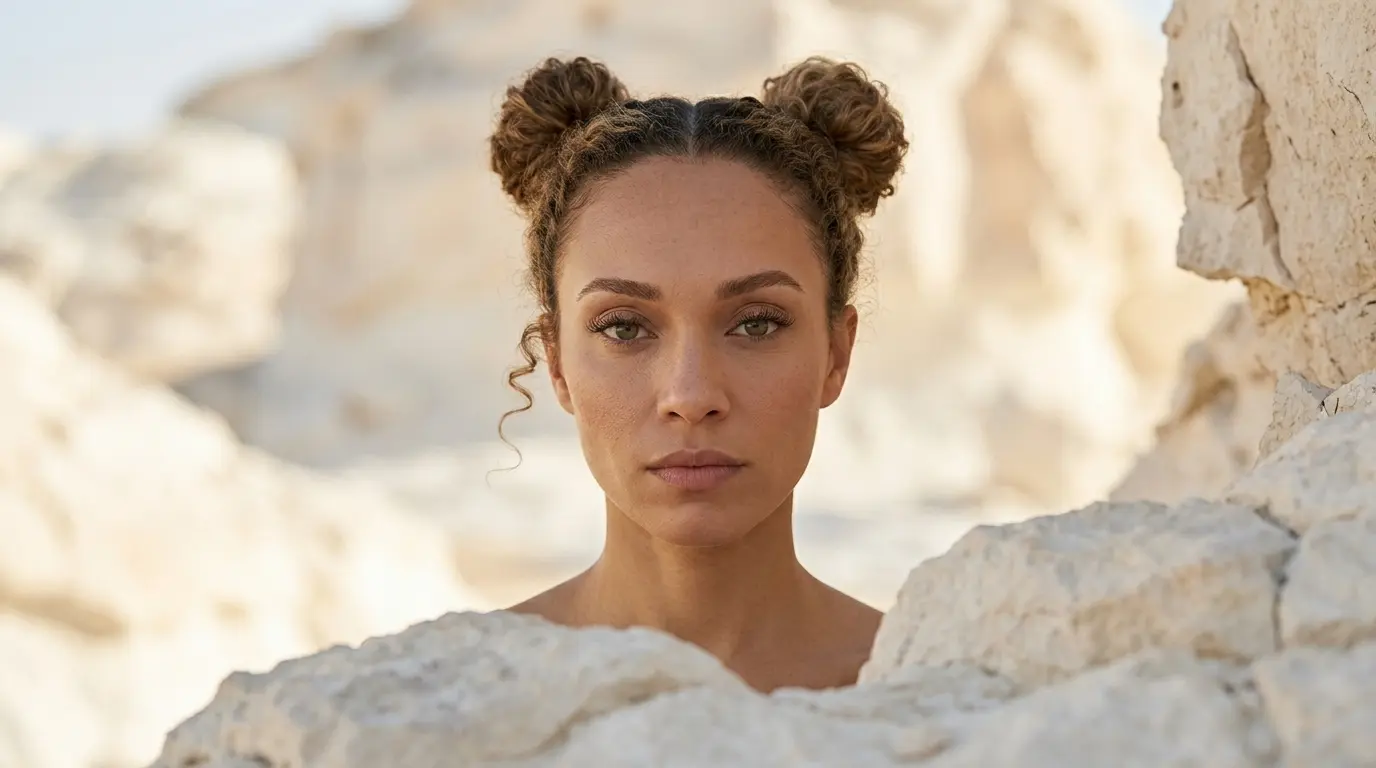
Mastering Close-Up Shots
Stop letting AI guess your zoom level. Discover how to effortlessly you can change camera position for tight, cinematic portraits.
Link to: Nano Banana Pro Three-Quarter Body Shot: Cinematic Framing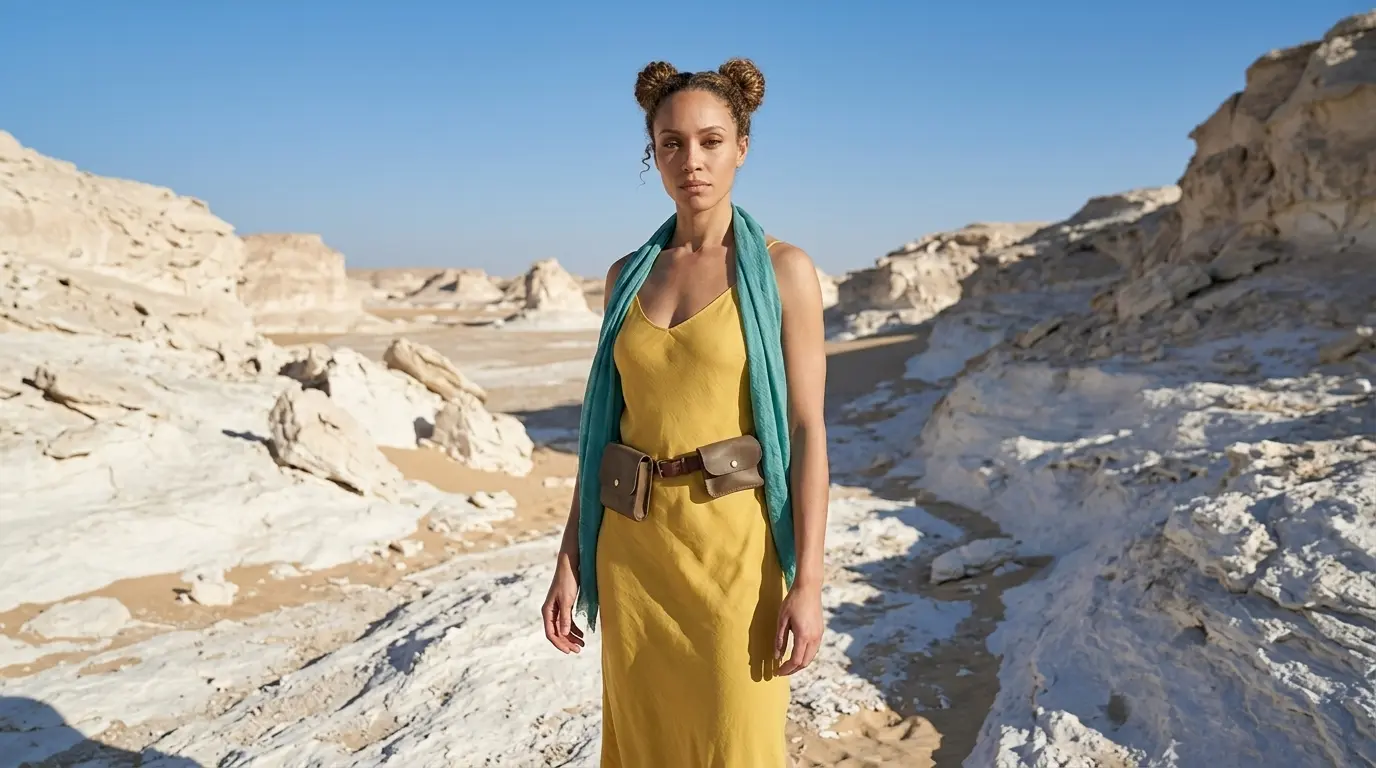
Unlock Perfect Three-Quarter Body Shots
Stop cutting off your characters. Master the precise nano banana pro camera angle prompts to capture detailed outfits and striking poses.
Link to: Nano Banana Pro Camera Angles: The Ultimate Guide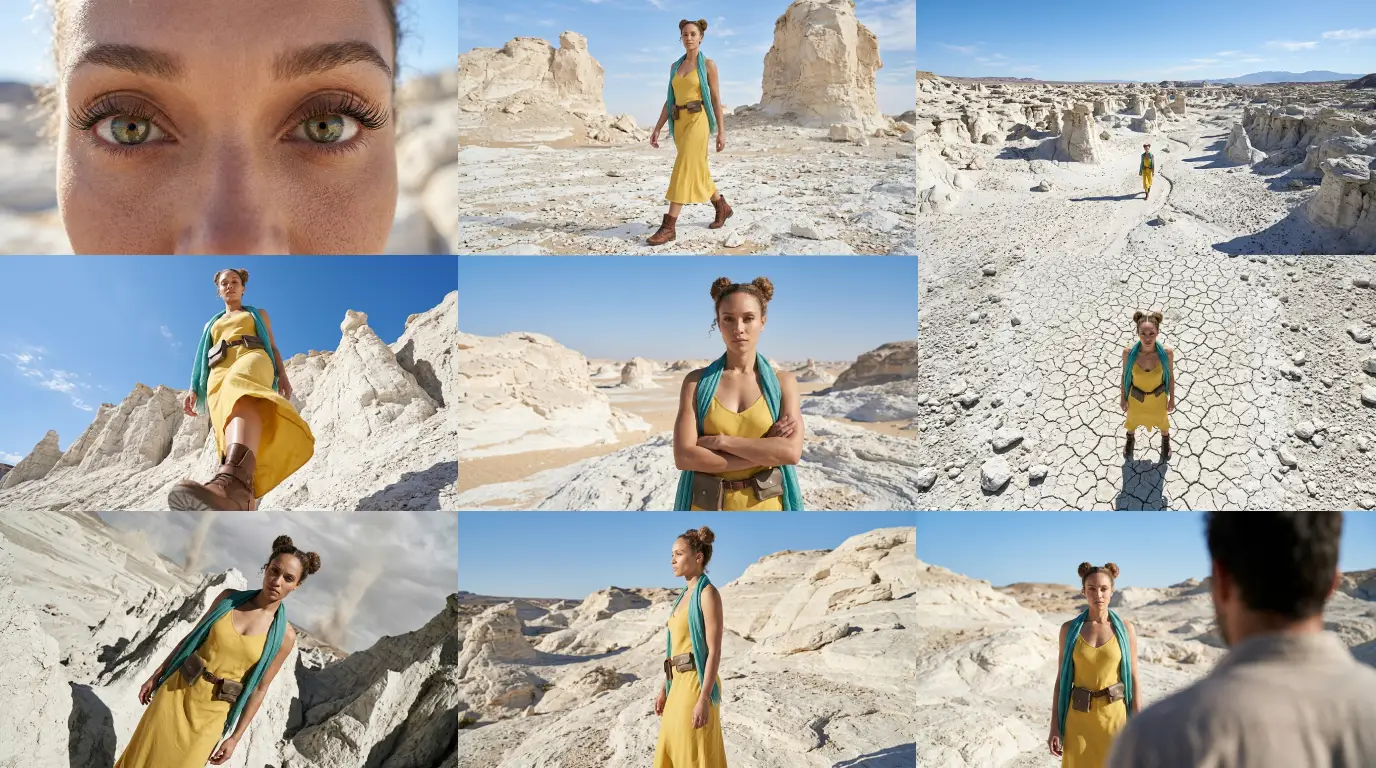
Complete Guide to Camera Angles
Jump back to our full list of Nano Banana Pro prompt tutorials and cinematic camera angles.