The Nano Banana Pro Close-Up Shot instantly shatters ordinary portrait limits by locking your camera tight onto the subject’s face. This cinematic angle transforms your composition into a striking, emotion-driven masterpiece. It turns raw facial detail and subtle expressions into a compelling visual anchor that connects deeply with your audience.
What’s inside this guide:
- Using the Right Keywords for Close-Up Shots: The best keywords to use for close-ups.
- Why Extending Your Prompts Create Better Camera Angles: How details stop AI mistakes.
- FAQ: How to Fix Close-Up Mistakes: Quick fixes for accidental zooming and unwanted torso crops.
- Storytelling and Camera Movement Tips: When to use this shot and video motion tricks.
- Explore More Nano Banana Pro Camera Angles: Links to more camera angle guides.
1. Using the Right Keywords for Close-Up Shots
Think of your prompt words as a guide that locks your camera lens exactly where you want it. To make your close-up, you can either use the keyword by itself or write an extended prompt with specific details to describe the scene tightly.
Basic Prompt with only keyword
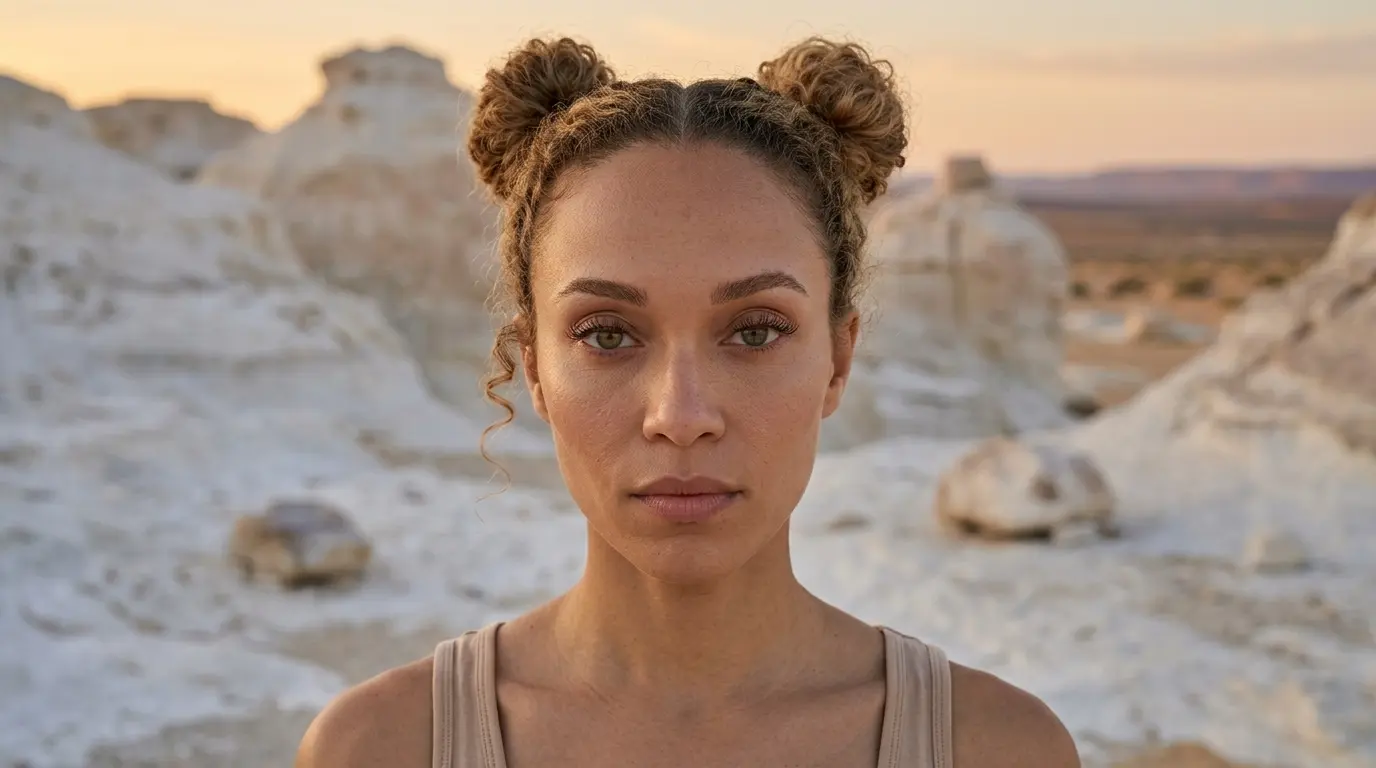
Close-up shot of this woman in a white rocky desert
Extended Prompt
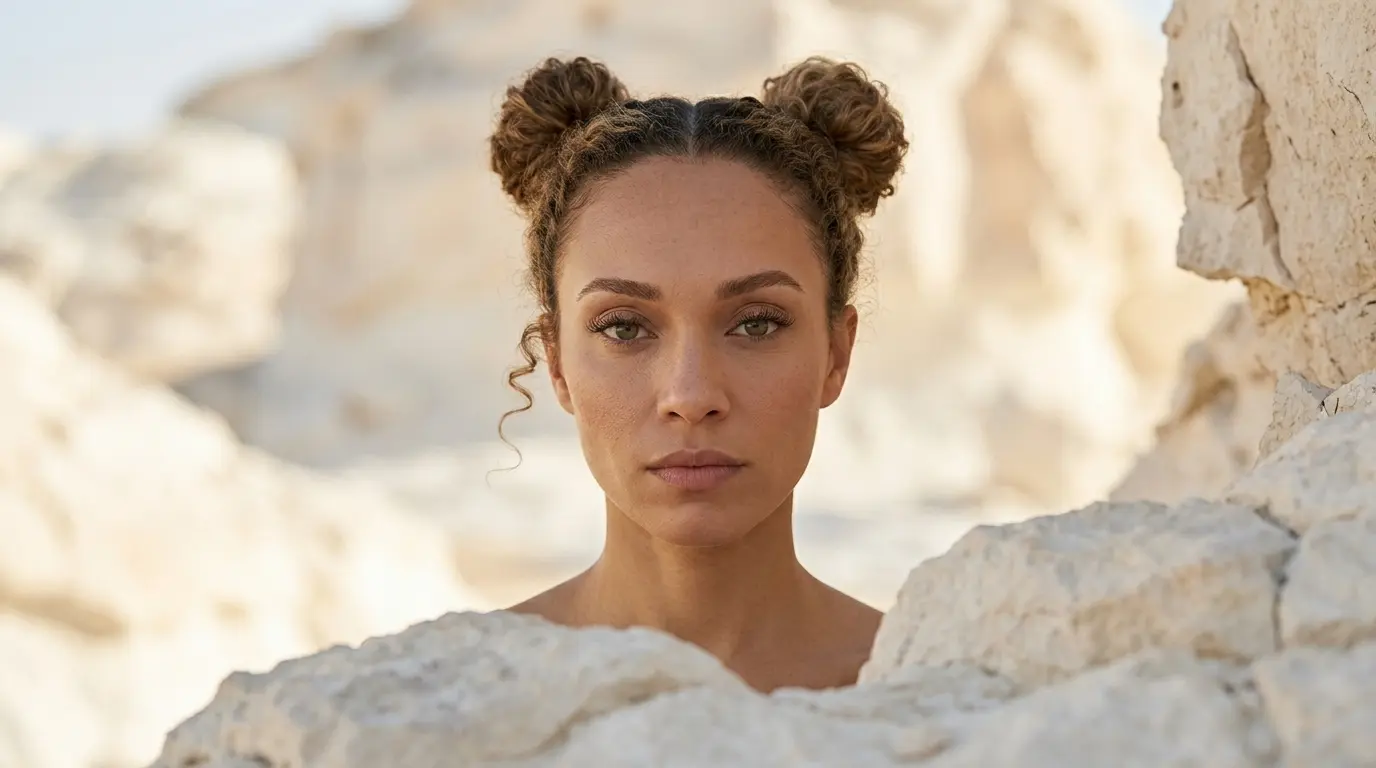
Close-up shot of this woman in a white rocky desert, cinematic depth of field
In this example, Nano Banana Pro already understands the close-up shot keyword quite well. But this is not always the case with every camera angle, scene, or AI image model. That is why we also show additional keywords and extended prompt options, so you have more control when the basic keyword is not enough.
Additional Keywords to extend your prompt
eyes and mouth
focusing mainly on the face and upper shoulders
high skin texture detail
cinematic depth of field
focusing mainly on the face and upper shoulders
high skin texture detail
cinematic depth of field
💡
Pro Tip: While Nano Banana reads your entire prompt for context, placing camera keywords early prevents them from getting diluted by long description details later in your text!
2. Why Extending Your Prompts Create Better Camera Angles
Both of these styles tell the AI where to put the camera, but using only one keyword leaves too much up to guesswork. To get the exact look you want, describe the specific facial elements or upper-body boundaries to lock the camera in place:
-
The Only-Keyword Prompt: Writing just “Close-up shot” creates a clean image, but you let the AI decide the framing, distance, and background details for you.
-
The Extended Prompt: Adding specific details like “focusing mainly on the face and upper shoulders” forces the AI to lock the lens at a standard close-up distance. This locks in your perspective and stops the camera from accidentally zooming out or cutting off the head.
Additional Keywords
Why It Works
eyes and mouth
Adds specific anatomical anchors to naturally pull the camera inward.
focusing mainly on the face and upper shoulders
Establishes strict framing boundaries for a standard close-up shot.
high skin texture detail
Enhances realistic facial micro-details without moving the camera too close.
cinematic depth of field
Blurs the background to keep focus strictly on the subject.
3. FAQ: How to Fix Close-Up Mistakes
4. Storytelling and Camera Movement Tips
A close-up shot captures your subject from the upper chest up, creating a sense of intimacy and scale as the audience looks directly into detailed, personal facial expressions. When generating video, use these motion keywords to maximize your camera control:
-
Close-up subtle pan: Moves the lens smoothly from side to side, emphasizing fine facial details and changing micro-expressions.
-
Close-up pedestal up: Raises the physical camera level straight up, tracking the subject’s face while keeping the background completely out of focus to dramatically expand the emotional space.
-
Forward tracking close-up: Keeps the camera locked tightly on the face while pushing deeper into the subject’s personal space, emphasizing the dramatic intensity of the scene.
5. Explore More Nano Banana Pro Camera Angles
Ready to master more cinematic camera perspectives? Explore our other quick prompting guides to elevate your AI generations!
Link to: Nano Banana Pro Extreme Close-Up Shot: Tight Framing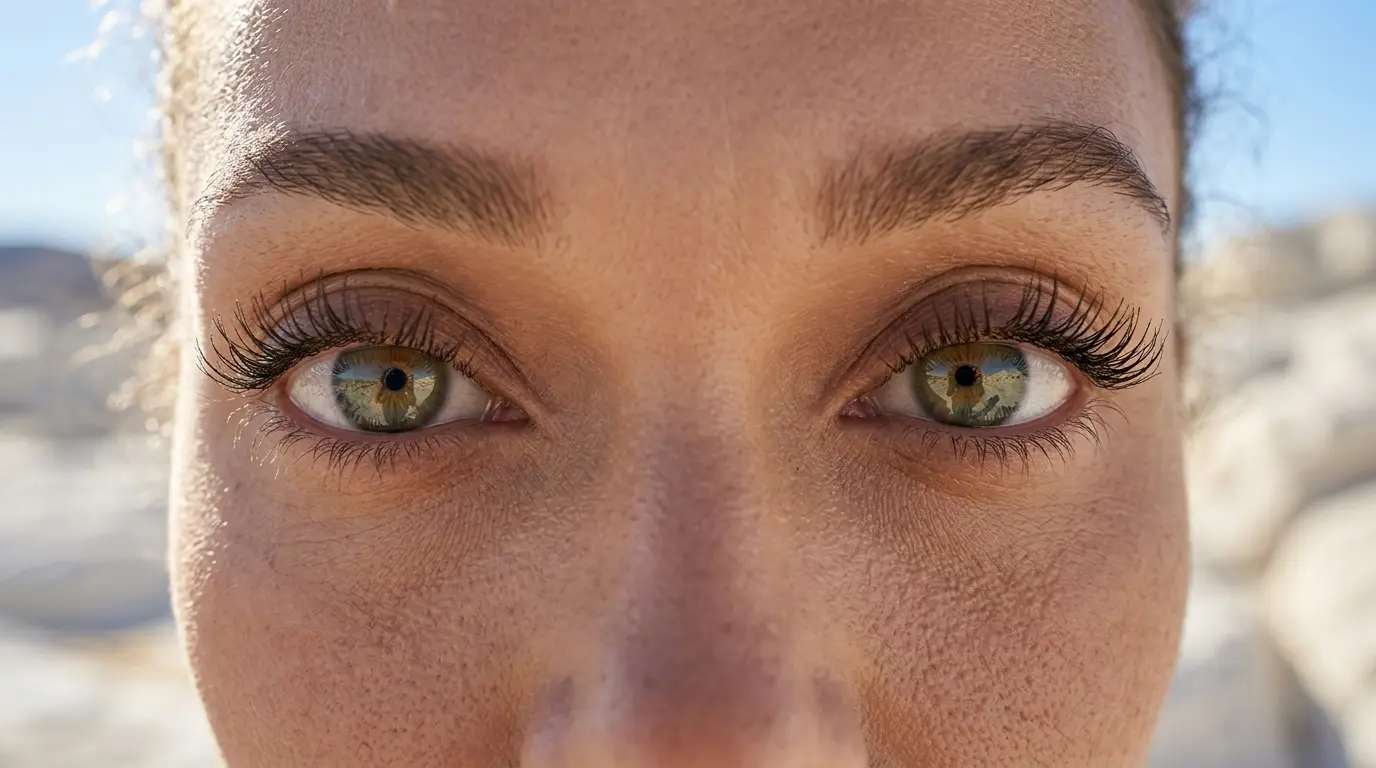
Extreme Close-Up Framing Tricks
Learn how a simple nano banana prompt can zoom past macro details to capture intense, raw facial expressions.
Link to: Nano Banana Pro Medium Shot: Master the Framing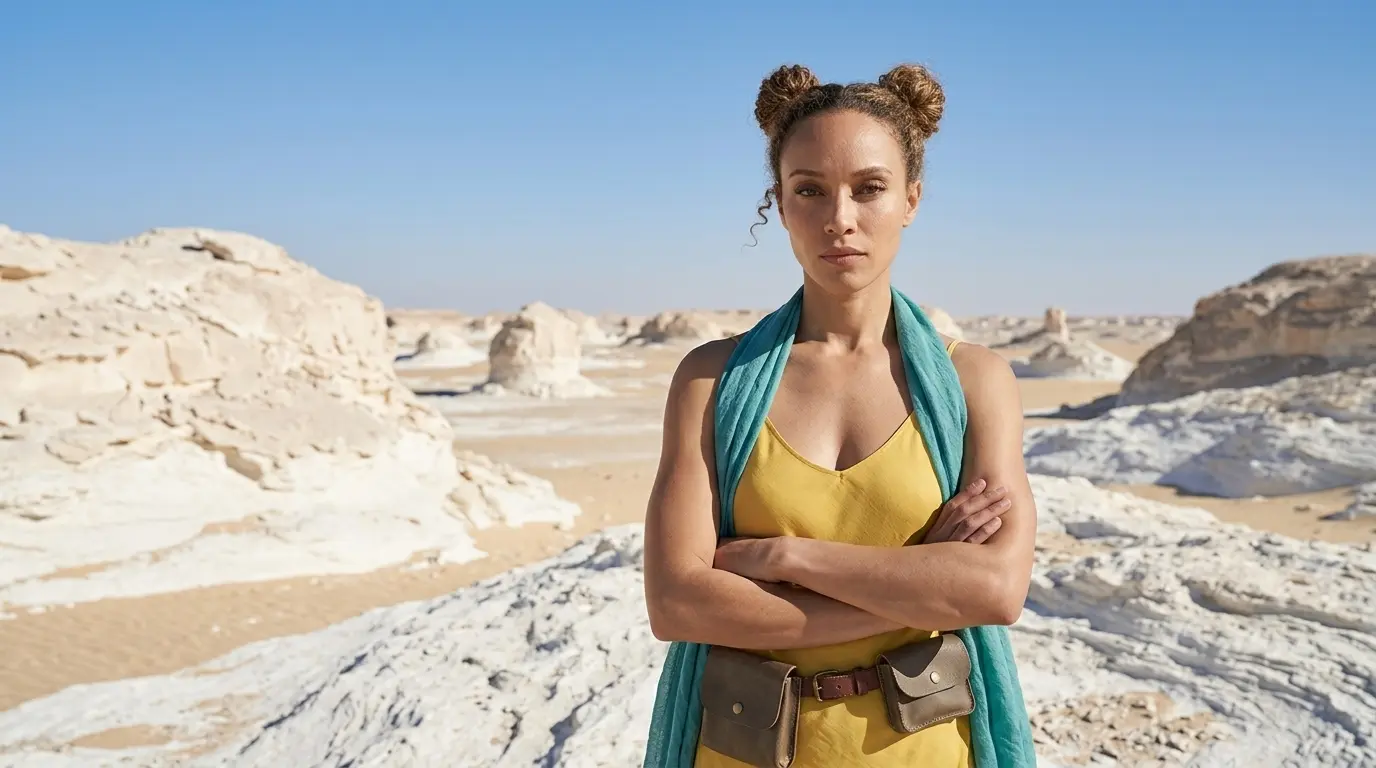
How to Tell better Visual Stories with Medium Shots?
Move beyond tight crops. Master nano banana camera movement to seamlessly blend your character with their environment.
Link to: Nano Banana Pro Camera Angles: The Ultimate Guide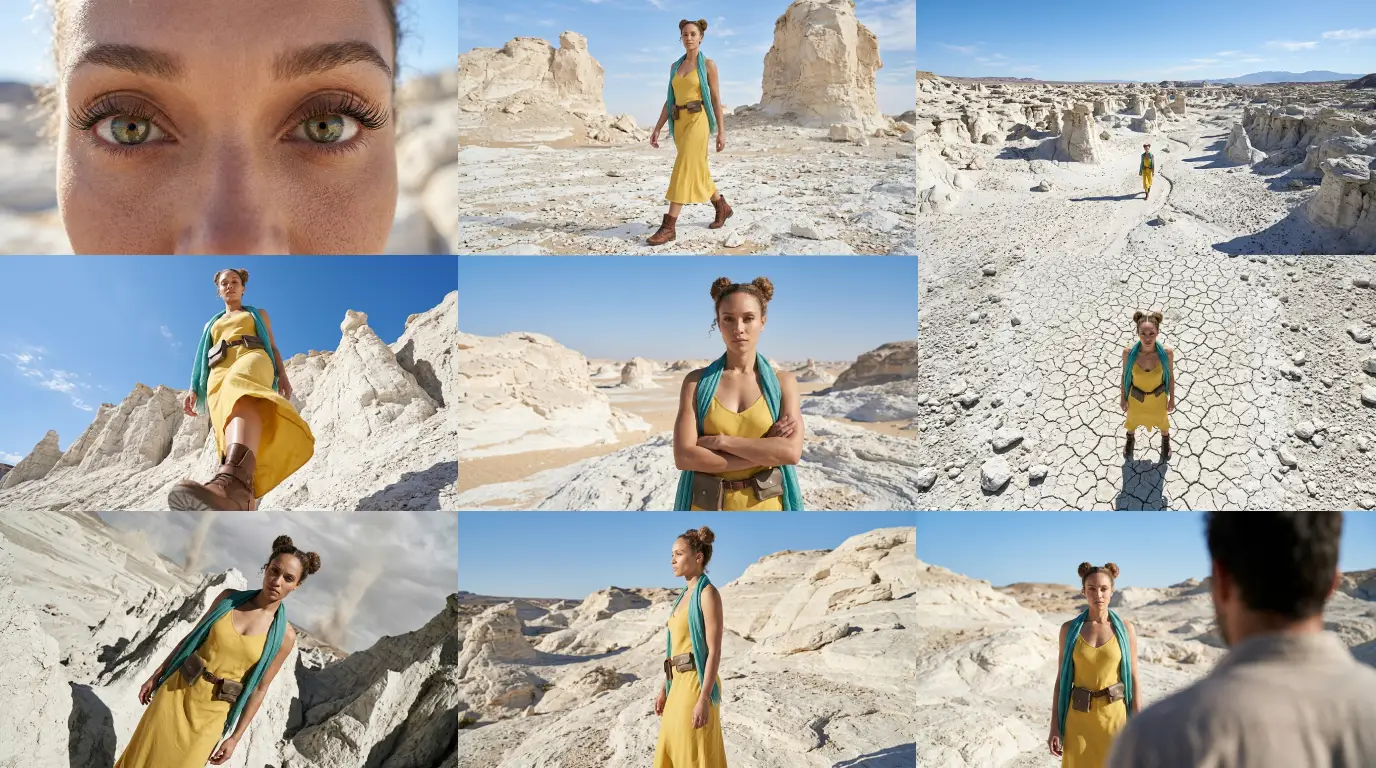
Complete Guide to Camera Angles
Jump back to our full list of Nano Banana Pro prompt tutorials and cinematic camera angles.