Mastering the Nano Banana Pro Three-Quarter Body Shot is the fastest way to avoid boring, distant portraits and bring professional film depth to your AI art. Framing your virtual camera from roughly the knees up unlocks a perfect balance of intense facial expressions and natural body language. This simple perspective shift changes everything, instantly turning basic character renders into stunning, flattering cinematic masterpieces.
What’s inside this guide:
- Using the Right Keywords for Three-Quarter Body Shots: Keywords to use for flattering angles.
- Why Extending Your Prompts Create Better Camera Angles: How to lock in your framing.
- FAQ: How to Fix Three-Quarter Body Shot Mistakes: Quick fixes for unwanted closeups.
- Storytelling and Camera Movement Tips: When to use this shot and video motion tricks.
- Explore More Nano Banana Pro Camera Angles: Links to more camera angle guides.
1. Using the Right Keywords for Three-Quarter Body Shots
Think of your prompt terms as a map that places your virtual camera exactly where you want it. To generate your cinematic AI art, you can either use a standalone focus keyword or write an extended prompt that details the full scene.
Basic Prompt with only keyword
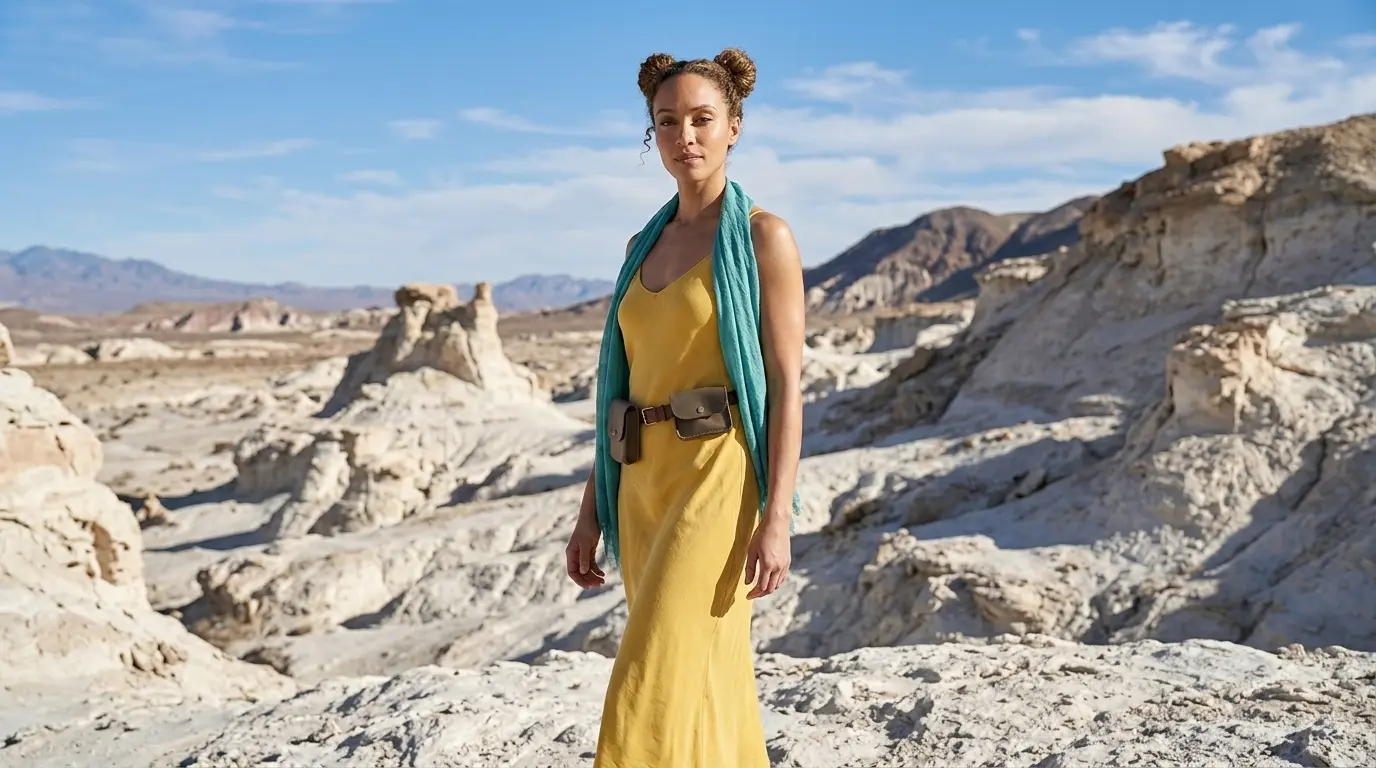
Three-quarter body shot of this woman in a white rocky desert
Extended Prompt
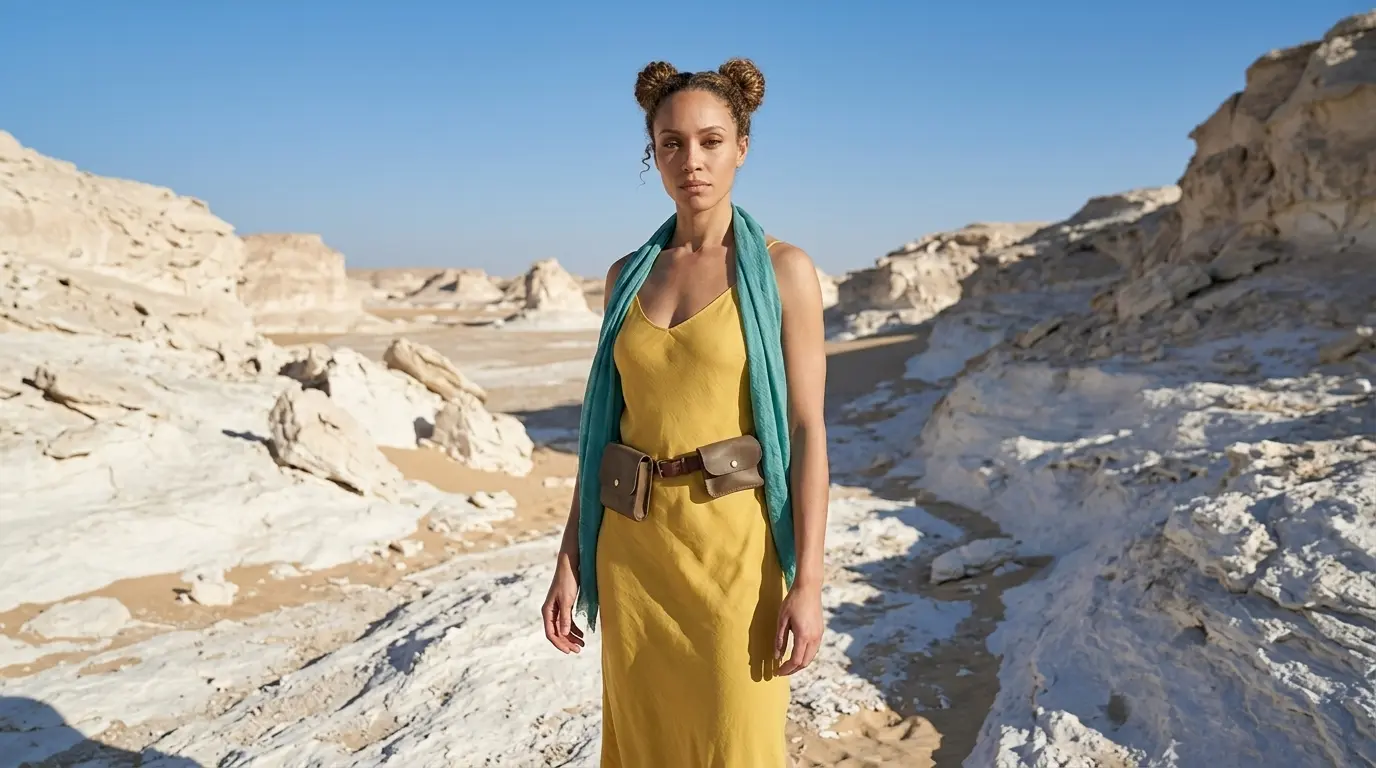
Medium long shot framing this woman from the knees up in a white rocky desert
In this example, Nano Banana Pro already understands the three-quarter angle to a certain extent. But this is not always the case with every camera angle, scene, or AI image model. That is why we also show additional keywords and extended prompt options, so you have more control when the basic keyword is not enough.
Additional Keywords to extend your prompt
cowboy shot
medium long shot
3/4 angle shot
three-quarter profile portrait
medium long shot
3/4 angle shot
three-quarter profile portrait
💡
Pro Tip: While Nano Banana reads your entire prompt for context, placing camera keywords early prevents them from getting diluted by long description details later in your text!
2. Why Extending Your Prompts Create Better Camera Angles
Both of these prompting styles tell the AI where to position the camera, but using only one keyword leaves too much up to guesswork.
To get the exact look you want, describe the space and scene around your character to lock your camera framing in place:
-
The Only-Keyword Prompt: Writing just “Three-quarter body shot” creates a clean image, but you let the AI decide the rest of the layout for you.
-
The Extended Prompt: Adding specific details like “framing this woman from the knees up in a white rocky desert” forces the AI to lock in your perspective. This keeps the camera perfectly positioned to balance her physical body language with the surrounding environment.
Additional Keywords
Why It Works
cowboy shot
Frames from the knees up to show confident poses and background context.
medium long shot
Frames from the knees up to balance character details with the environment.
3/4 angle shot
Turns the subject slightly while framing from the knees up to add depth and context.
three-quarter profile portrait
Creates an angled, knees-up view that captures character features without losing the backdrop.
3. FAQ: How to Fix Three-Quarter Body Shot Mistakes
4. Storytelling and Camera Movement Tips for Three-Quarter Body Shots
In cinematic storytelling, the three-quarter body shot balances your character’s emotional expression with their surrounding environment. Framing the subject from the knees up captures powerful body language and confident poses without losing the backdrop. It shows exactly how your character connects with their world, creating an engaging and versatile perspective.
When generating AI videos, subtle motion brings your scene to life. Use these simple keywords to move your camera:
- Subtle push-in: Moves the lens forward slowly, focusing the viewer’s attention while perfectly balancing facial expressions and physical body language.
- Lateral movement: Glides the camera sideways, creating a smooth tracking effect that reveals more of the background scenery while keeping the character in sharp focus.
5. Explore More Nano Banana Pro Camera Angles
Ready to master more cinematic camera perspectives? Explore our other quick prompting guides to elevate your AI generations!
Link to: Nano Banana Pro Medium Shot: Master the Framing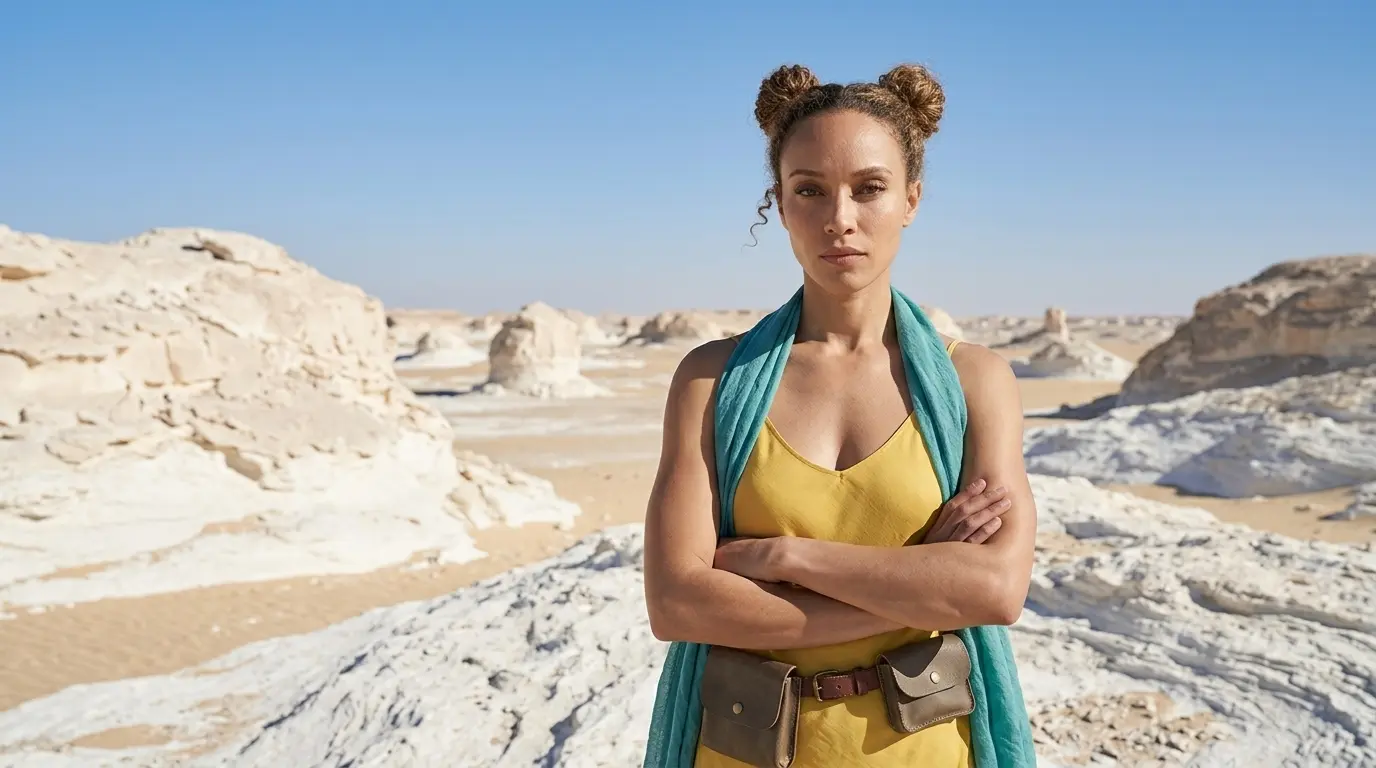
How to Tell Better Visual Stories with Medium Shots?
Move beyond tight crops. Master nano banana camera movement to seamlessly blend your character with their environment.
Link to: Nano Banana Pro Full Body Shot: Master AI Character Framing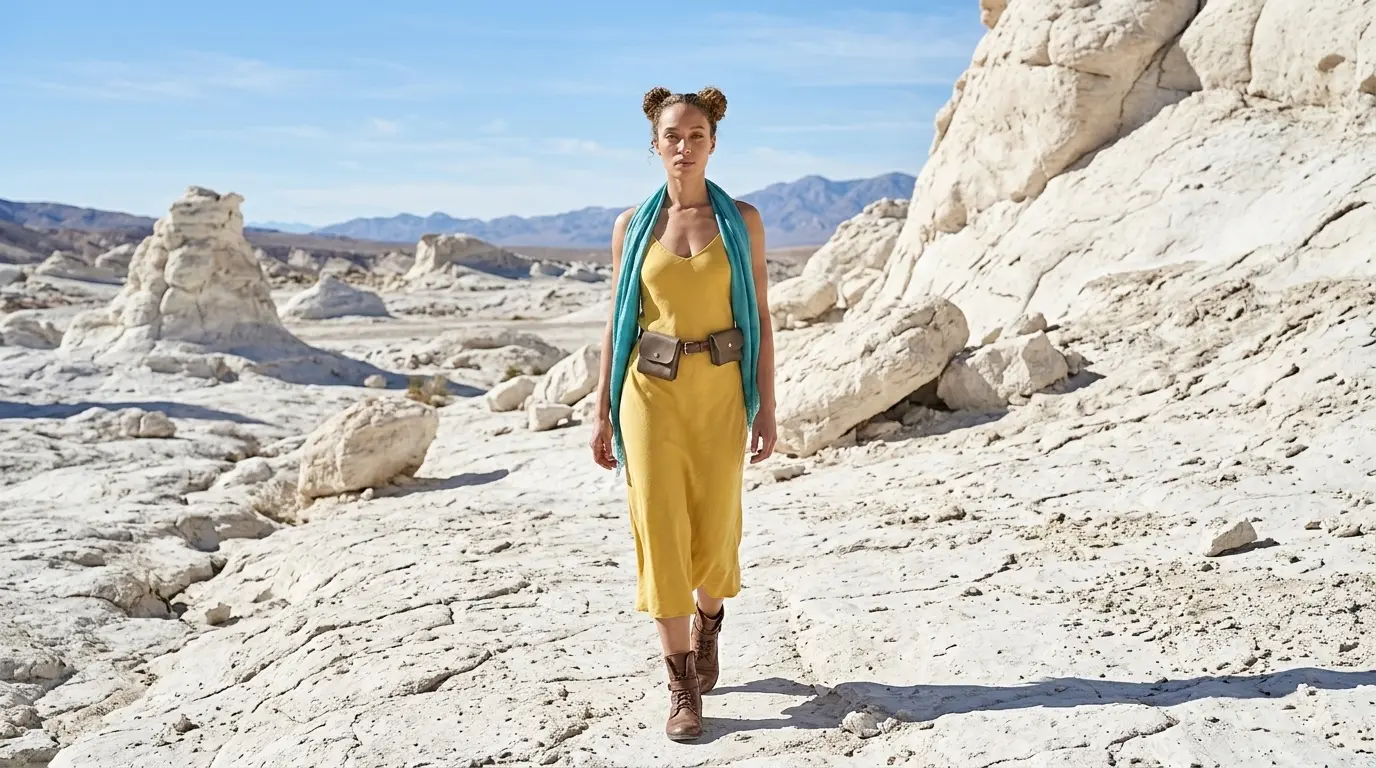
Capture Complete Outfits Using Full Body Shots
Never cut off feet or heads again. Learn how the right nano banana camera control prompts can give a perfectly framed head-to-toe style.
Link to: Nano Banana Pro Camera Angles: The Ultimate Guide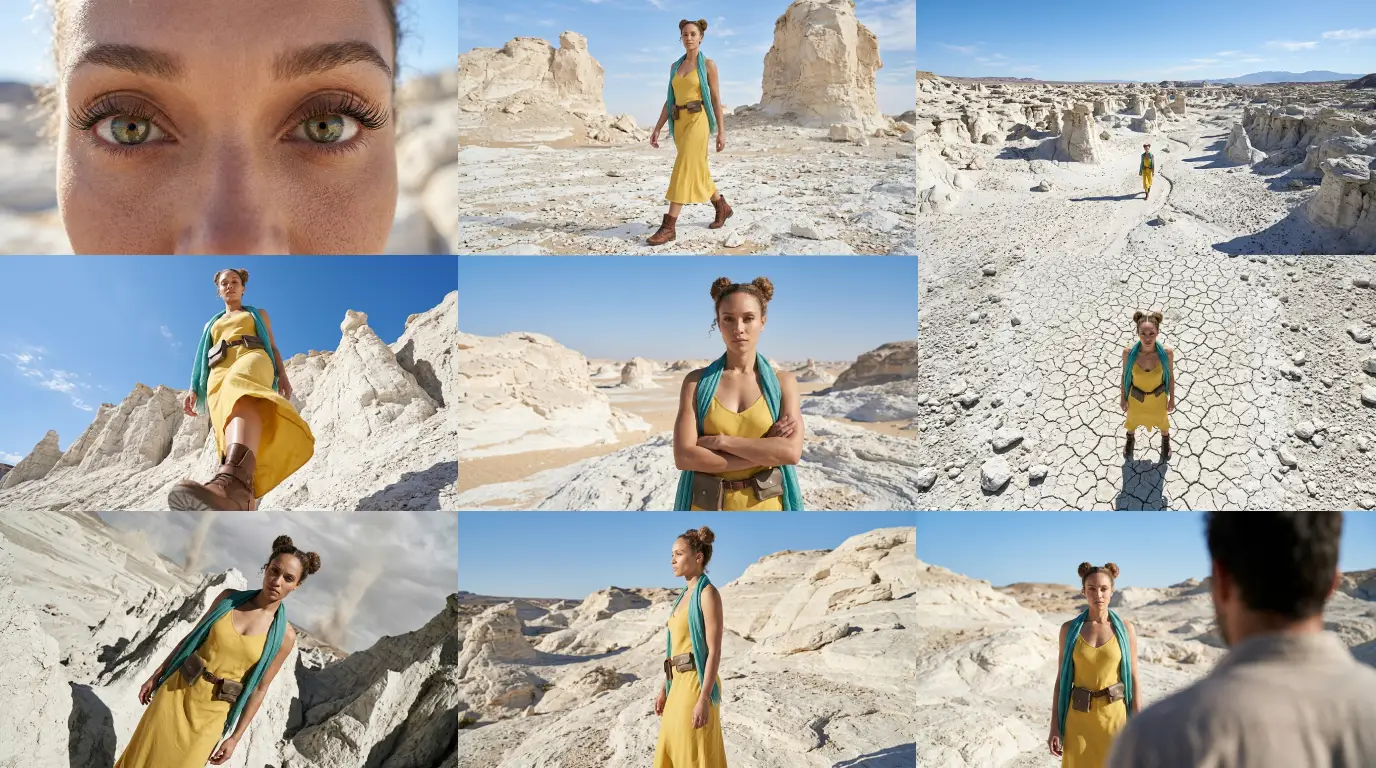
Complete Guide to Camera Angles
Jump back to our full list of Nano Banana Pro prompt tutorials and cinematic camera angles.