The Nano Banana Pro Full Body Shot is the fastest way to break away from generic, cropped images and make your AI art look like a professional film layout. Framing your subject from head to toe unlocks an incredible sense of scale, motion, and body language storytelling.
What’s inside this guide:
- Using the Right Keywords for Full Body Shots: The best keywords to use for head-to-toe shots.
- Why Extending Your Prompts Create Better Camera Angles: How details stop AI mistakes.
- FAQ: How to Fix Full Body Mistakes: Quick fixes for cut-off feet and blurred faces.
- Storytelling and Camera Movement Tips: When to use this shot and video motion tricks.
- Explore More Nano Banana Pro Camera Angles: Links to more camera angle guides.
1. Using the Right Keywords for Full Body Shots
Your prompt acts like a camera operator. You can either shout a single command to get a quick shot, or describe the whole scene to lock in the exact framing.
Basic Prompt with only keyword
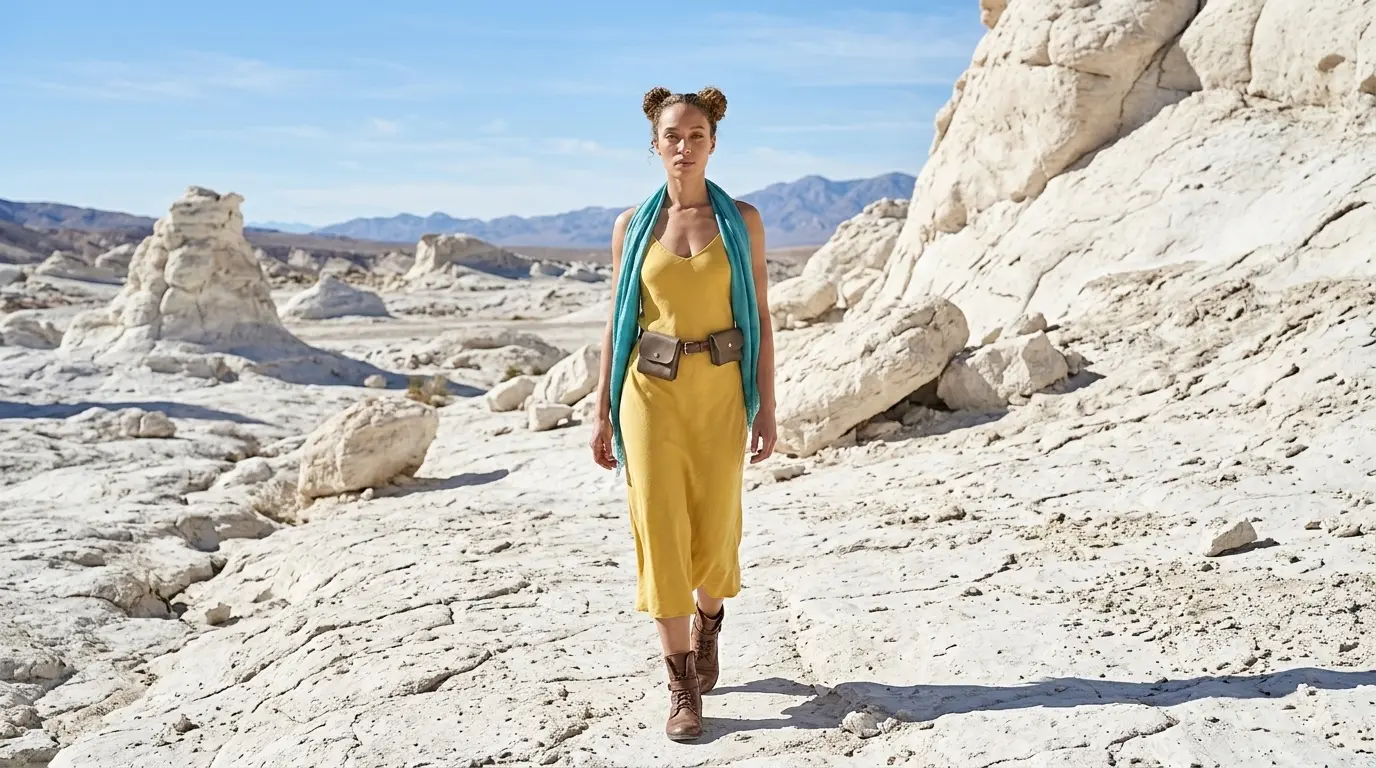
Full body shot of this woman in a white rocky desert
Extended Prompt
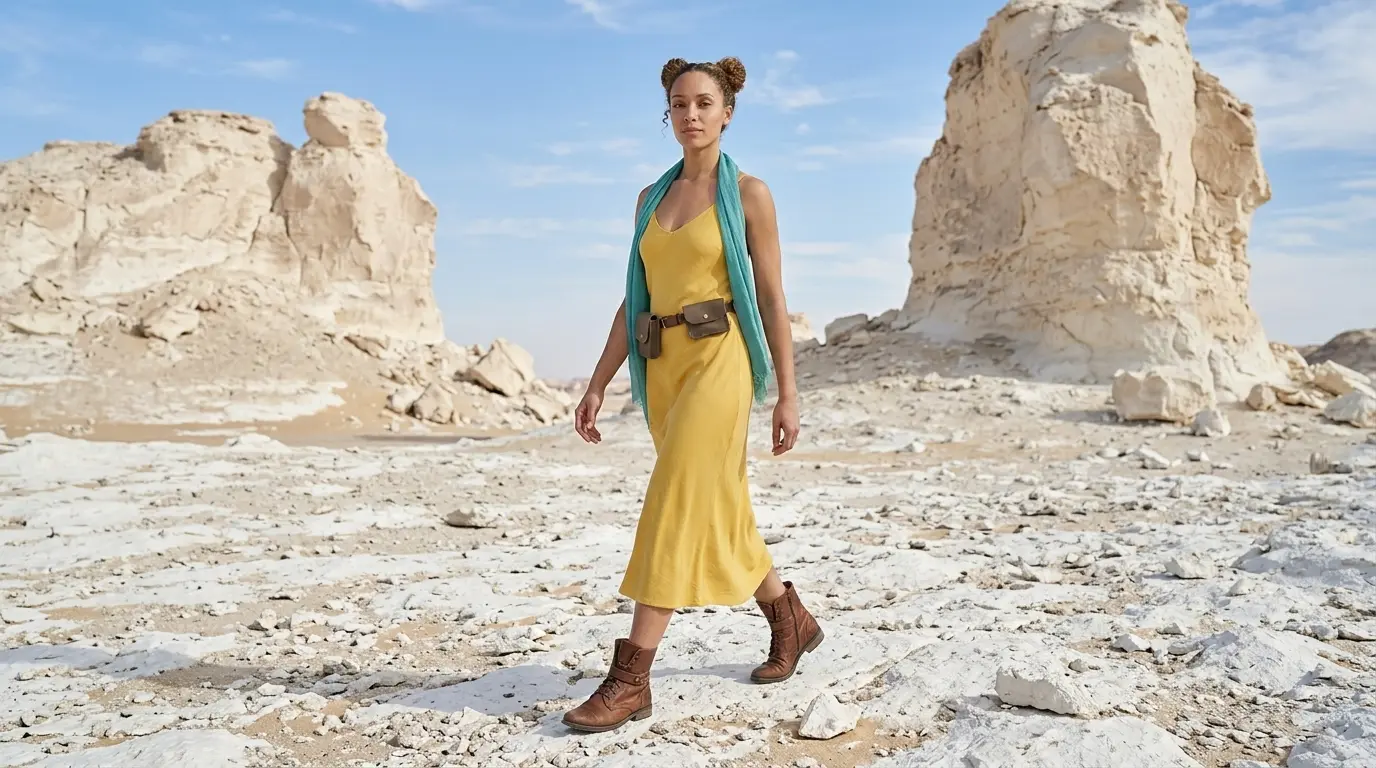
Full body shot of this woman wearing leather boots in a white rocky desert
In this example, Nano Banana Pro already understands the full body shot keyword quite well. But this is not always the case with every camera angle, scene, or AI image model. That is why we also show additional keywords and extended prompt options, so you have more control when the basic keyword is not enough.
Additional Keywords to extend your prompt
wide view
head to toe
wearing leather boots
walking on a dirt path
head to toe
wearing leather boots
walking on a dirt path
💡
Pro Tip: While Nano Banana reads your entire prompt for context, placing camera keywords early prevents them from getting diluted by long description details later in your text!
2. Why Extending Your Prompts Creates Better Composition
Using only one keyword leaves too much to guesswork. To master camera control, describe the environment to lock your camera view in place:
- The Only-Keyword Prompt: Writing just “Full body shot” lets the AI decide the rest, often resulting in cropped limbs.
- The Extended Prompt: Adding specific details like “head to toe view of the woman walking through the desert” forces the AI to step back. This locks in your Nano Banana Pro Long Shot and reveals the wider landscape.
Additional Keywords
Why It Works
wide view
Captures the character and setting.
head to toe
Prevents cropped legs.
wearing leather boots
Ensures feet are visible.
walking on a dirt path
Grounds the character in motion.
3. FAQ: How to Fix Full Body Mistakes
4. Storytelling and Camera Movement Tips
A Nano Banana Pro Long Shot captures your subject from head to toe, emphasizing posture, movement, and physical presence to tell a story through body language.
When generating video, use these motion keywords to maximize your camera control on Nano Banana Pro:
- Subtle tracking shot: Follows the character’s movement, enhancing their physical presence and motion.
- Long shot pan away: Rotates the lens to the background, showcasing the character’s full form within a massive setting.
- Cinematic push-in: Moves slightly forward, drawing focus to the character’s posture without losing the surrounding environment.
5. Explore More Nano Banana Pro Camera Angles
Ready to master more cinematic camera perspectives? Explore our other quick prompting guides to elevate your AI generations!
Link to: Nano Banana Pro Three-Quarter Body Shot: Cinematic Framing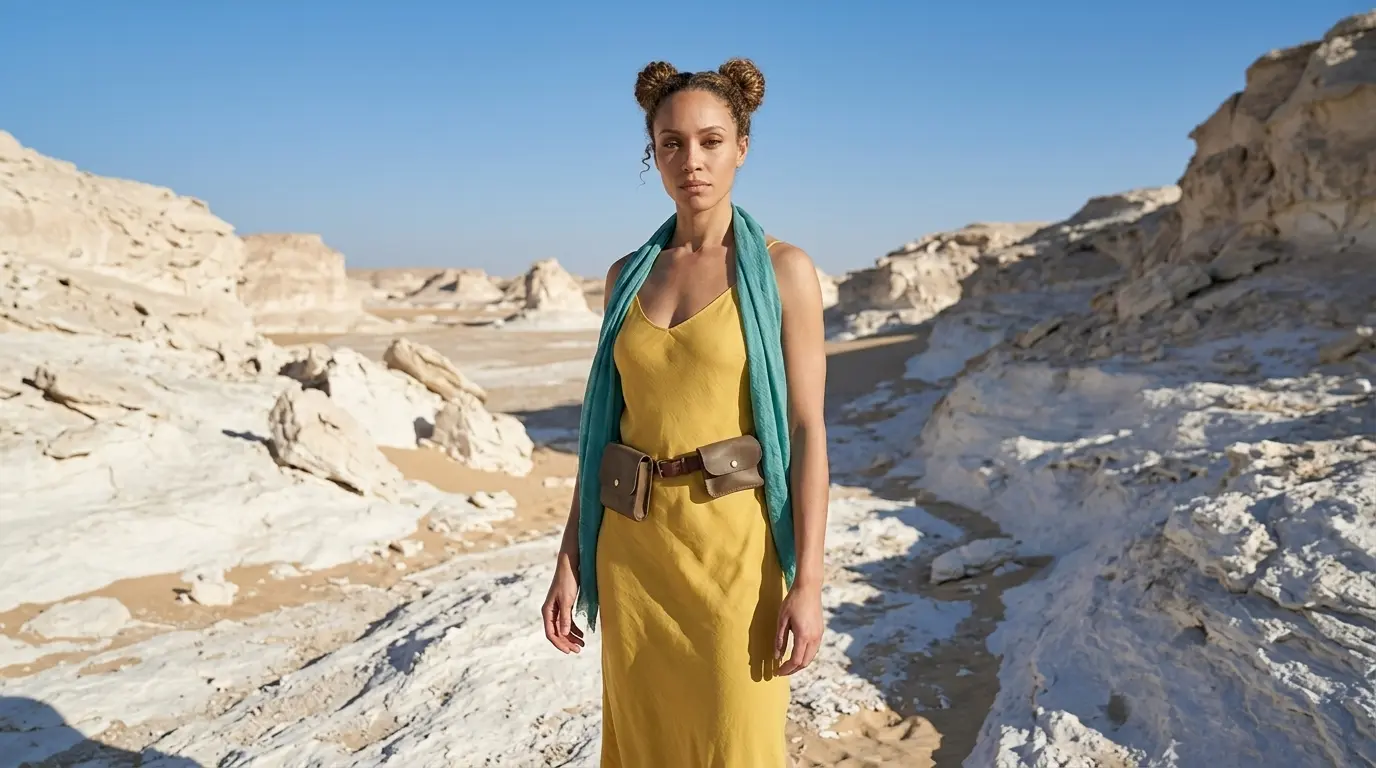
Unlock Perfect Three-Quarter Body Shots
Stop cutting off your characters. Master the precise nano banana pro camera angle prompts to capture detailed outfits and striking poses.
Link to: Nano Banana Pro Wide Shot: Control the Scene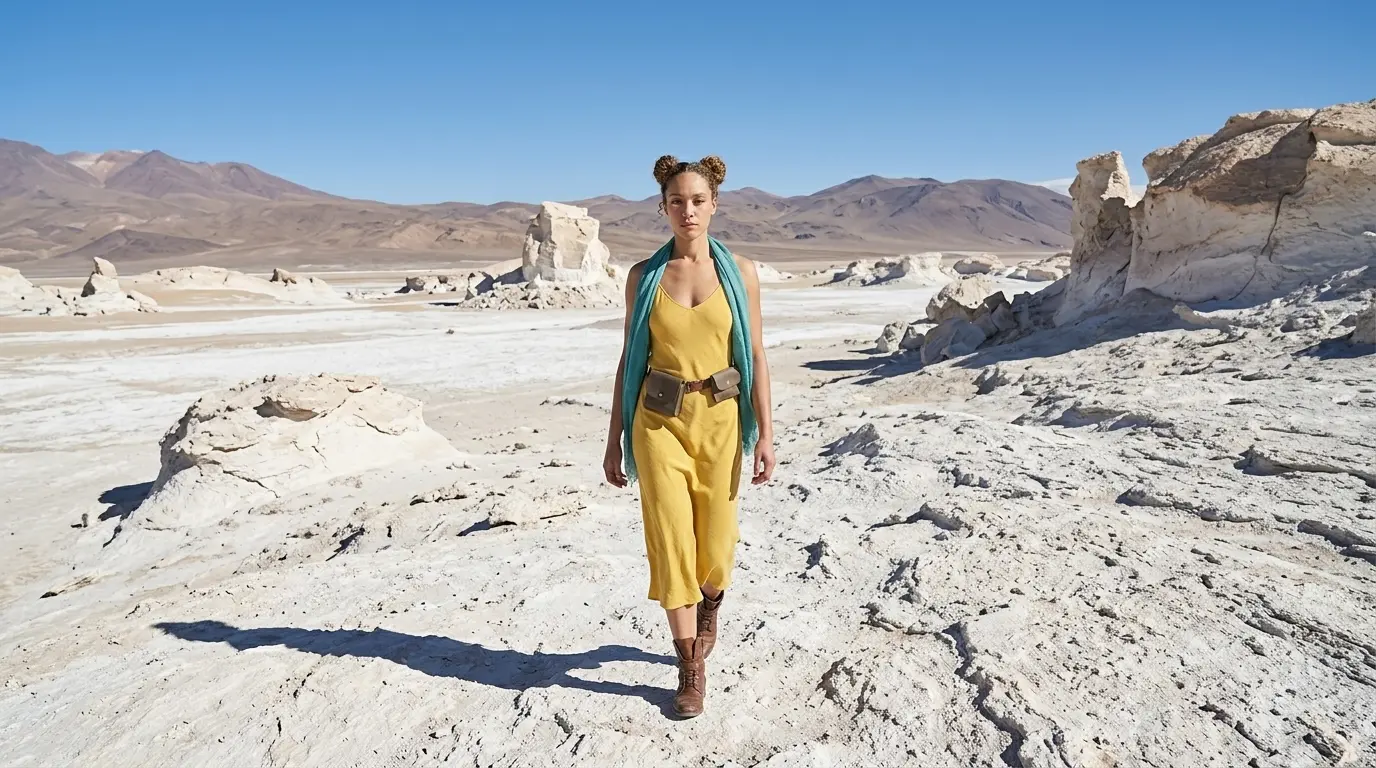
Capture Epic Scenery Using Wide Shots
Tired of cramped compositions? Discover how extreme wide shots effortlessly create epic environments with your subject.
Link to: Nano Banana Pro Camera Angles: The Ultimate Guide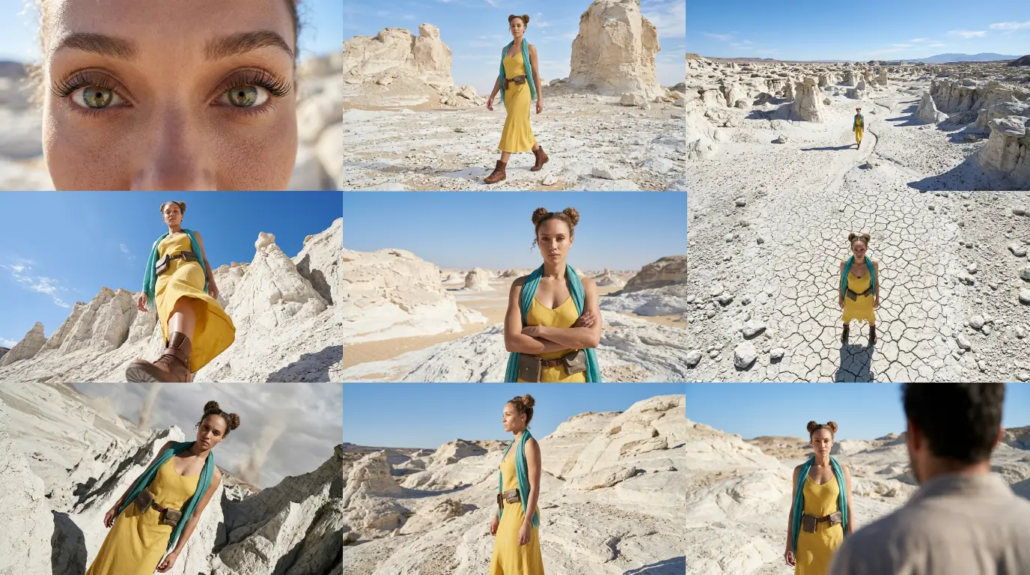
Complete Guide to Camera Angles
Jump back to our full list of Nano Banana Pro prompt tutorials and cinematic camera angles.