Mastering the Nano Banana Pro low angle shot allows you to create epic hero shots that look powerful and brave. Most default AI images look straight at a subject from eye level. Tilting your virtual lens upward changes everything, instantly giving your artwork a cinematic, big-budget movie feel.
What’s inside this guide:
- Using the Right Keywords for Low Angle Shots: The best keywords to use for low angles.
- Why Extending Your Prompts Create Better Camera Angles: How details stop AI mistakes.
- FAQ: How to Fix Low Angle Mistakes: Quick fixes for cut-off heads and feet.
- Storytelling and Camera Movement Tips: How to make your videos look cinematic.
- Explore More Nano Banana Pro Camera Angles: Links to more camera angle guides.
1. Using the Right Keywords for Low Angle Shots
To get the best results, think of your prompt words as hooks that pull your camera into the exact spot you want. You can do this with only the keyword or by extending the prompt by describing the whole scene.
Basic Prompt with only keyword
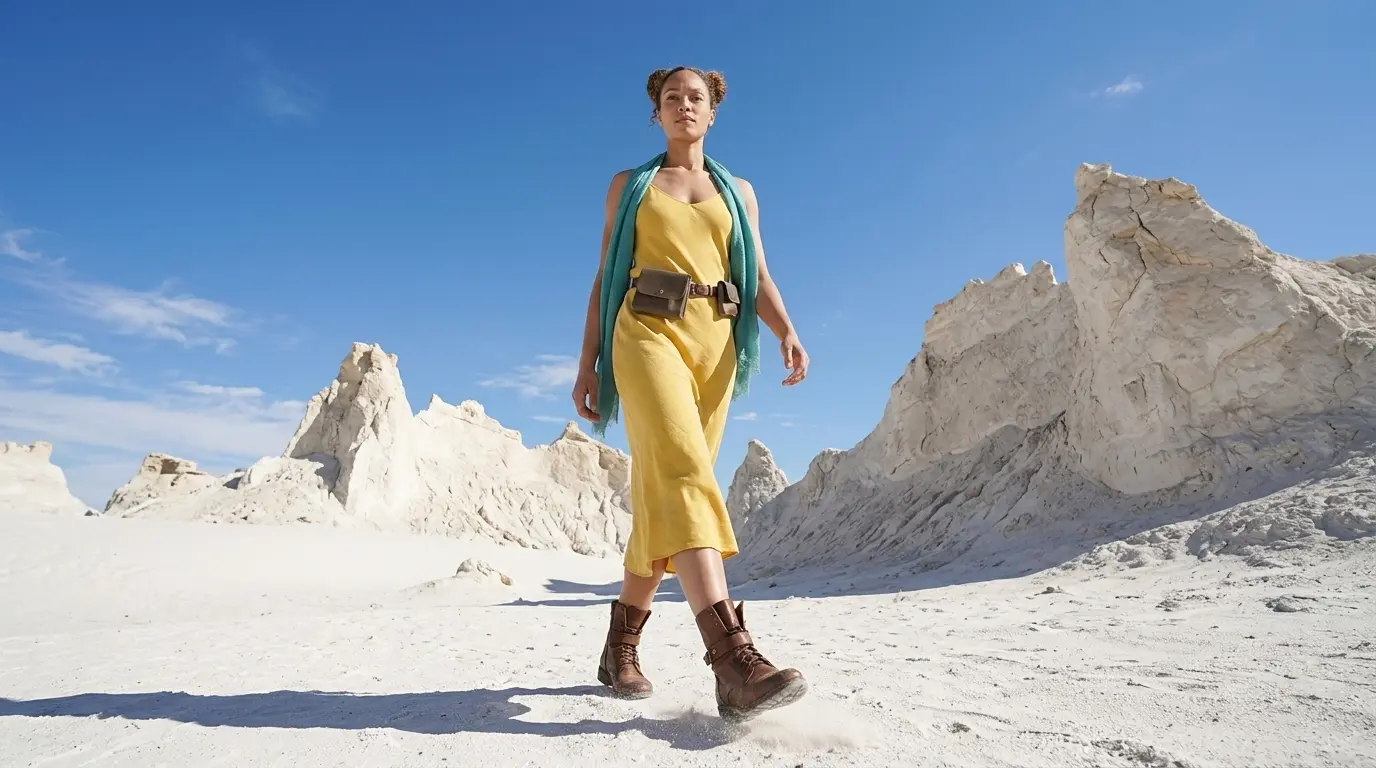
Low angle shot of this woman in a white rocky desert
Extended Prompt
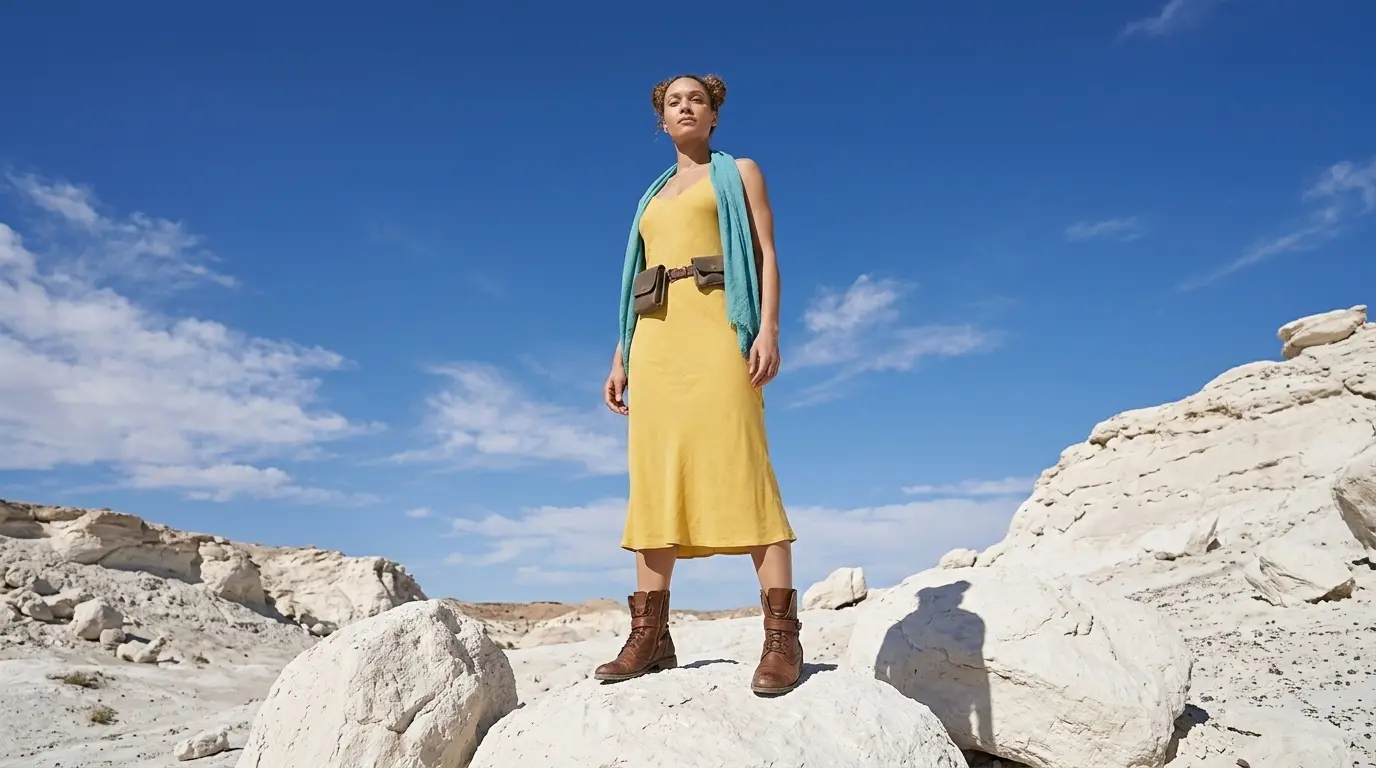
Low angle shot of this woman looking heroic in a white rocky desert with the vast sky behind.
Additional Keywords to extend your prompt
looking up from below
showing the vast sky
with the camera below the subject looking up
looking heroic and confident
showing the vast sky
with the camera below the subject looking up
looking heroic and confident
💡
Pro Tip: While Nano Banana reads your entire prompt for context, placing camera keywords early prevents them from getting diluted by long description details later in your text!
2. Why Extending Your Prompts Create Better Camera Angles
Both of these styles tell the AI where to put the camera, but using only one keyword leaves too much up to guesswork.
To get the exact look you want, describe the space around your character to lock the camera in place:
- The Only-Keyword Prompt: Writing just “Low angle shot” makes a clean image, but you let AI decide everything else for you.
- The Extended Prompt: Adding details like “with the vast sky behind” forces the AI to zoom out. This lets you see the whole background and makes the image look like a real movie.
Additional Keywords
Why It Works
looking up from below
Tells the AI that the camera must sit right on the ground.
showing the vast sky
Gives the AI a physical anchor to put at the top of the image, forcing the lens to tilt upward to see it.
with the camera below the subject looking up
Tells the AI exactly where to put the lens so it points up at your character.
looking heroic and confident
Tells the AI how the character should stand, which naturally forces a powerful, low-angle view.
3. FAQ: How to Fix Low Angle Mistakes
4. Storytelling and Camera Movement Tips
In visual storytelling, looking up at a subject completely changes how the audience relates to them. Use this framing style to instantly make a character look dominant, heroic, or powerful in your scenes.
When generating video sequences, adding motion brings this narrative energy to life. Use these precise camera movement keywords to enhance your low-angle shots:
- Subtle push-in from a low angle: Moves the camera slightly forward, adding directly to the subject’s heroic or dominant presence.
- Low-angle tilt up: Moves the lens upward from ground level, enhancing the feeling of strength and importance.
- Cinematic low-angle tracking shot: Follows the character from a low perspective, giving your video the look and feel of a high-budget movie.
5. Explore More Nano Banana Pro Camera Angles
Ready to master more cinematic camera perspectives? Explore our other quick prompting guides to elevate your AI generations!
Link to: Nano Banana Pro Worm’s Eye View: Create Towering Scale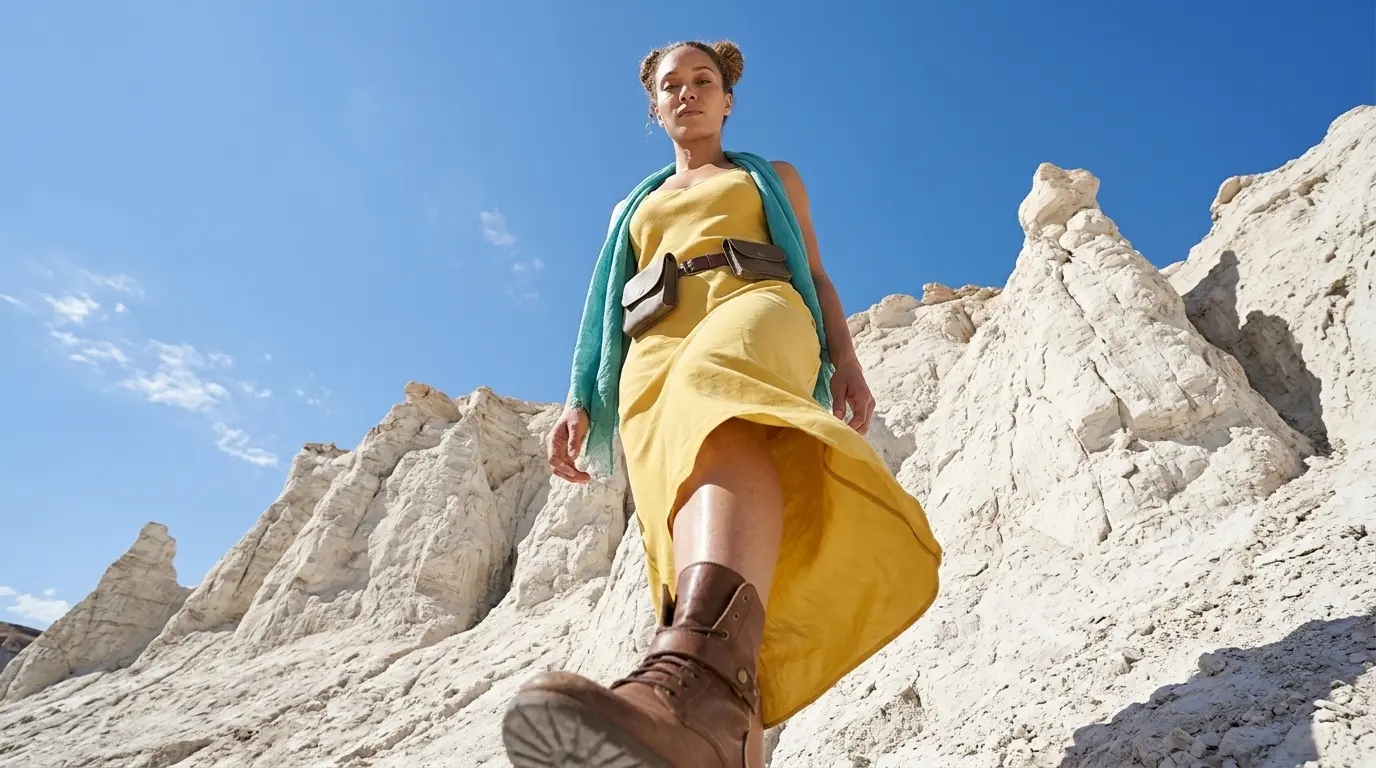
Master Extreme Low Perspectives with Worm’s Eye Views
Give your images an epic boss-fight perspective. Use the right nano banana camera angles to capture massive scale right from the floor.
Link to: Nano Banana Pro High Angle Shot: Stop Getting Boring Eye-Level Images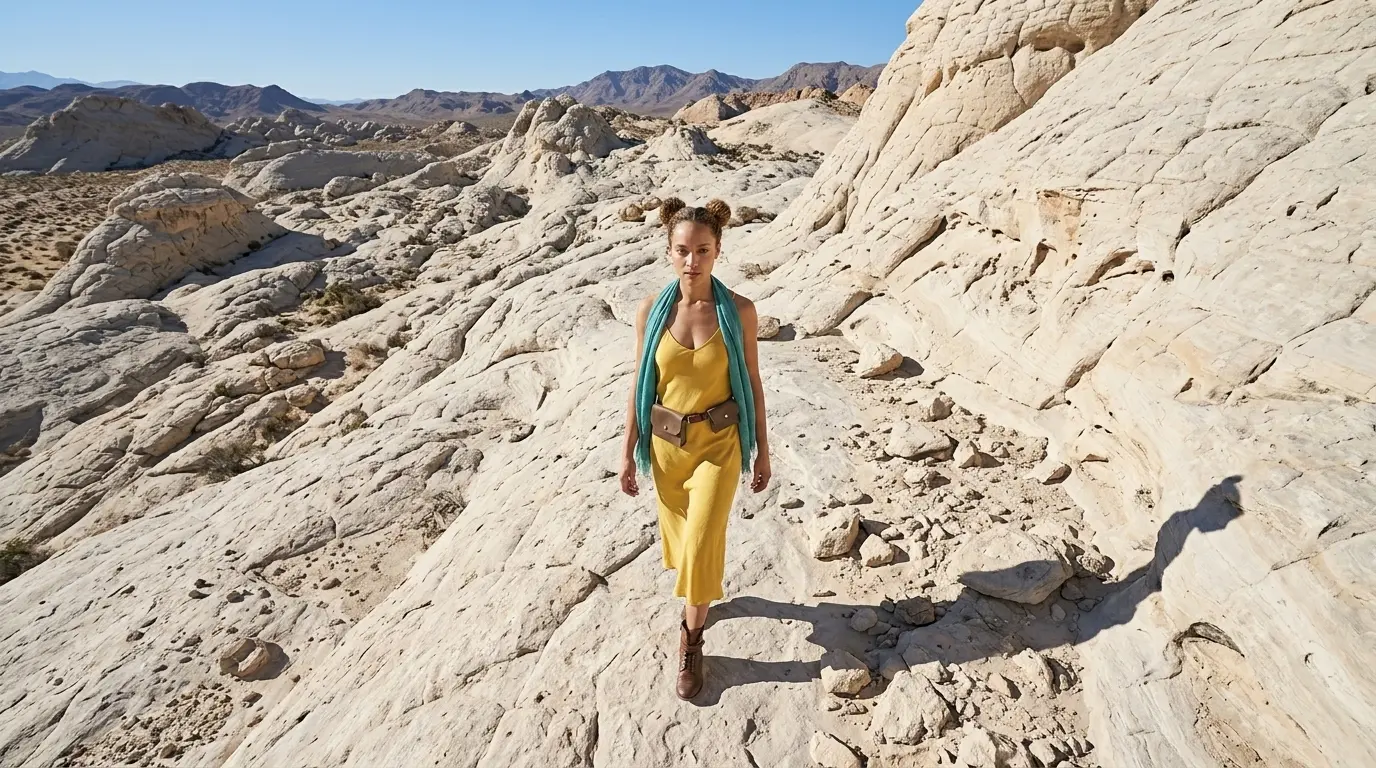
Control the Narrative with High Angle Shots
Completely change the emotional tone of your image. Learn how to change camera perspective to a downward angle to instantly make subjects feel vulnerable and weaker.
Link to: Nano Banana Pro Camera Angles: The Ultimate Guide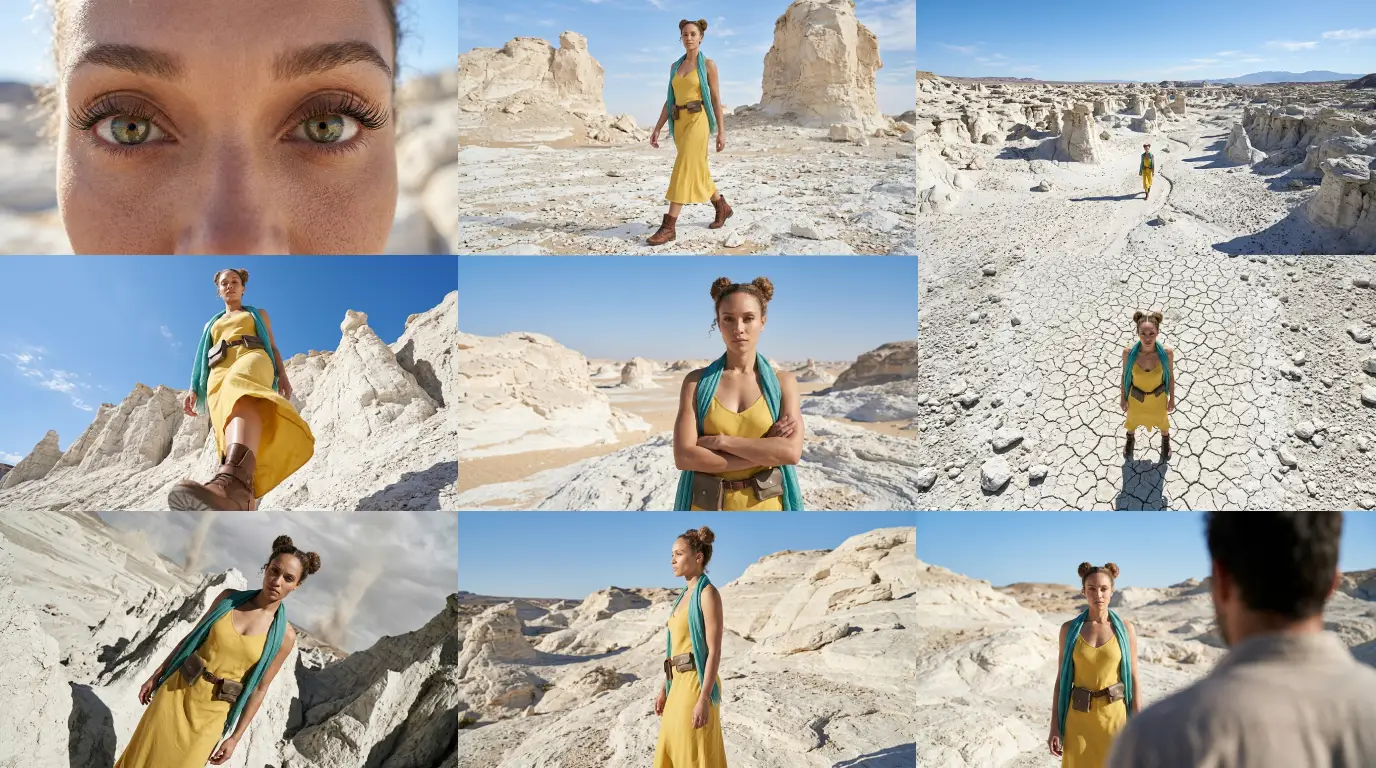
Complete Guide to Camera Angles
Jump back to our full list of Nano Banana Pro camera prompt tutorials and cinematic camera angles.