Mastering the Nano Banana Pro high angle shot is the fastest way to break away from generic, eye-level images and make your AI generations look like a professional film layout. With this powerful perspective, you aren’t just taking a picture, you are directing a story. Placing your virtual camera high above your subject unlocks an incredible sense of scale, dramatic vulnerability, and spatial depth, turning basic character images into breathtaking, cinematic masterpieces.
What’s inside this guide:
- Using the Right Keywords for High Angle Shots: The best keywords to use for high angles.
- Why Extending Your Prompts Create Better Camera Angles: How details stop AI mistakes.
- FAQ: How to Fix High Angle Mistakes: Quick fixes for unwanted closeups and flat images.
- Storytelling and Camera Movement Tips: When to use this shot and video motion tricks.
- Explore More Nano Banana Pro Camera Angles: Links to more camera angle guides.
1. Using the Right Keywords for High Angle Shots
Think of your prompt words as a guide that places your camera exactly where you want it. To create your image, you can either use the keyword by itself or write an extended prompt that describes the full scene.
Basic Prompt with only keyword
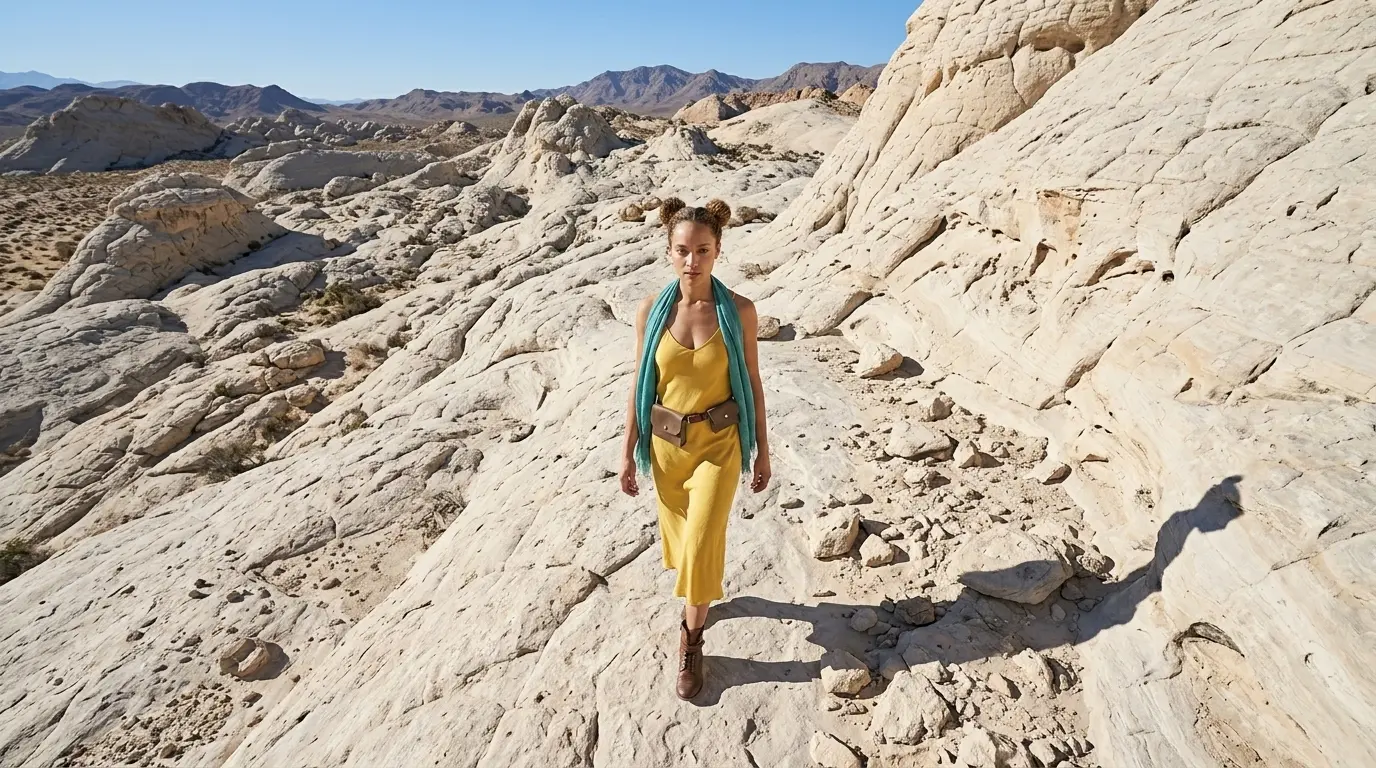
High angle shot of this woman in a white rocky desert
Extended Prompt
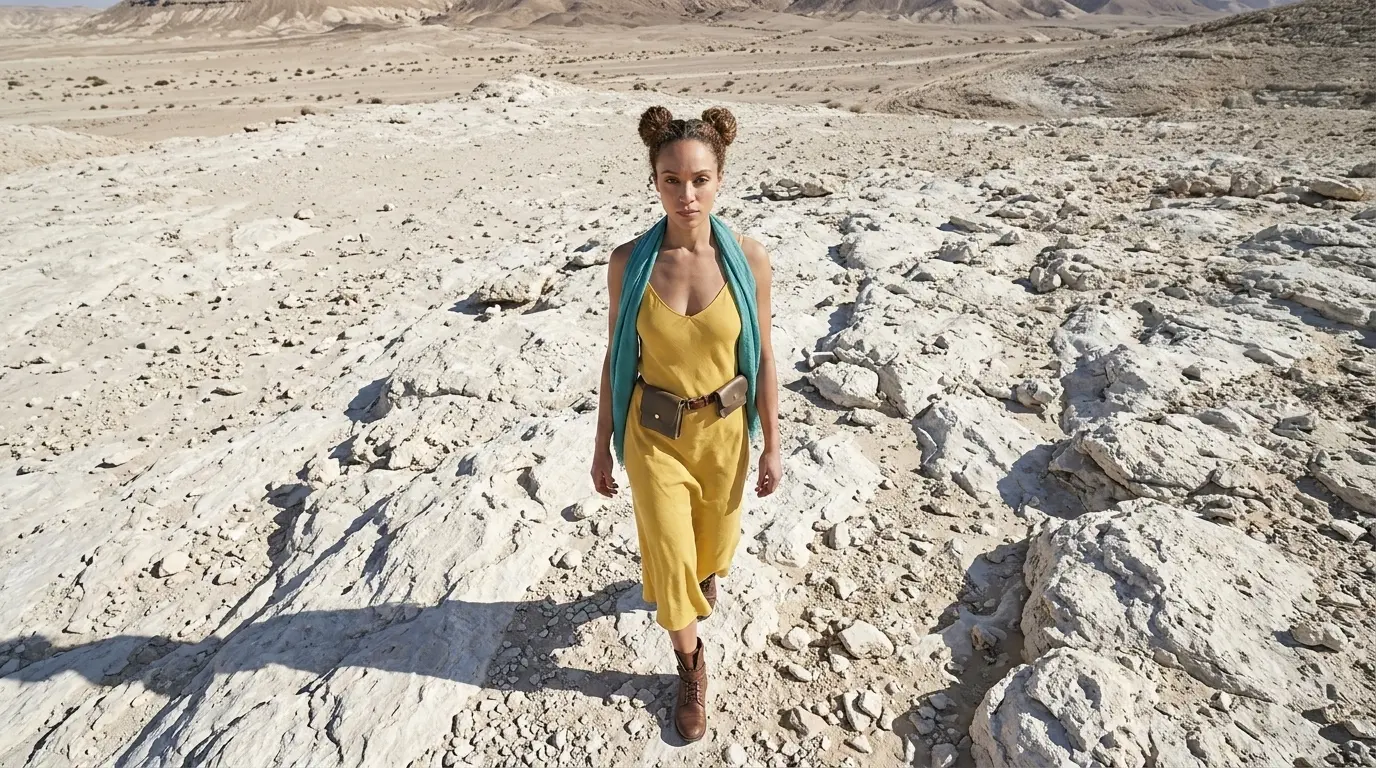
High angle shot seen from above looking down at this woman in a white rocky desert
In this example, Nano Banana Pro already understands the high angle keyword quite well. But this is not always the case with every camera angle, scene, or AI image model. That is why we also show additional keywords and extended prompt options, so you have more control when the basic keyword is not enough.
Additional Keywords to extend your prompt
looking down
with her feet on the ground
looking up
showing her shadow on the ground
with her feet on the ground
looking up
showing her shadow on the ground
💡
Pro Tip: While Nano Banana reads your entire prompt for context, placing camera keywords early prevents them from getting diluted by long description details later in your text!
2. Why Extending Your Prompts Create Better Camera Angles
Both of these styles tell the AI where to put the camera, but using only one keyword leaves too much up to guesswork.
To get the exact look you want, describe the space around your character to lock the camera in place:
- The Only-Keyword Prompt: Writing just “High angle shot” creates a clean image, but you let AI decide everything else for you.
- The Extended Prompt: Adding specific details like “seen from above looking down” forces the AI to tilt the camera downwards. This locks in your perspective and reveals the ground and wider landscape.
Additional Keywords
Why It Works
seen from above looking down at
Forces the AI to tilt the camera downwards.
looking down
Reinforces the camera’s vertical tilt toward the ground.
with her feet on the ground
Forces the AI to pull the camera further up to include the full subject.
looking up
Tilts the character’s face toward the lens so you don’t lose their expression.
showing her shadow on the ground
Gives the AI a physical detail to focus on, which helps lock in the high-angle perspective.
3. FAQ: How to Fix High Angle Mistakes
4. Storytelling and Camera Movement Tips
In visual storytelling, looking down at a subject completely changes how the audience relates to them. Use this framing style to instantly make a character look vulnerable, isolated, or dramatically overwhelmed in your scenes.
When generating video sequences, adding motion brings this narrative energy to life. Use these precise camera movement keywords to enhance your high-angle shots:
-
Subtle push-in from a high angle: Moves the camera slightly forward and downward, increasing the psychological pressure and intensity on the subject.
-
High-angle tilt down: Moves the lens downward from an elevated position, reinforcing the sense of environmental weight and dominance over the character.
-
Cinematic high-angle tracking shot: Follows the character from a high perspective, capturing their isolation within the environment while giving your video the look and feel of a high-budget movie.
5. Explore More Nano Banana Pro Camera Angles
Ready to master more cinematic camera perspectives? Explore our other quick prompting guides to elevate your AI generations!
Link to: Nano Banana Pro Bird’s Eye View: Perfect Top-Down Shots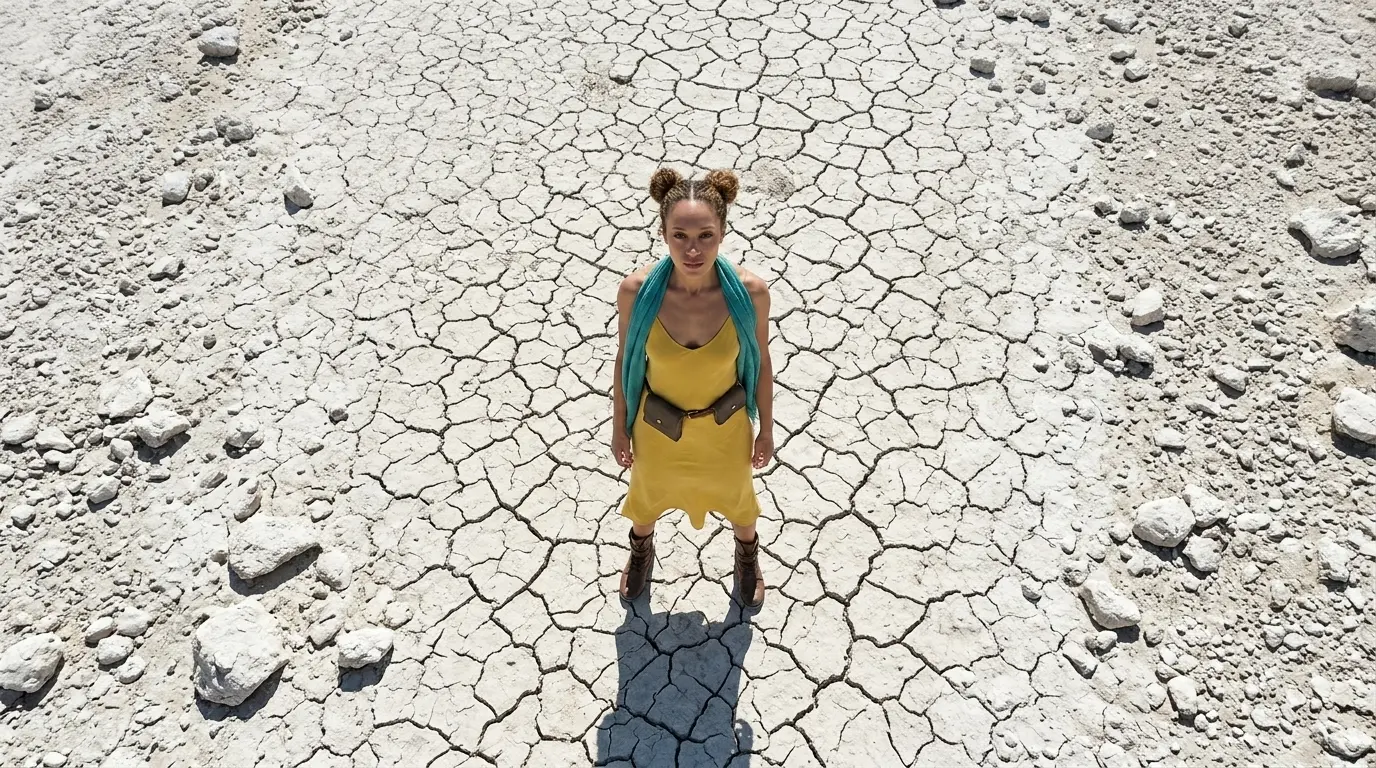
Map Your Scene Using Bird’s Eye Views
Get a clear look from the sky. Master the Nano Banana Pro camera view to turn flat ground details and characters into perfect layouts.
Link to: Nano Banana Pro Low Angle Shot: Create Epic Hero Shots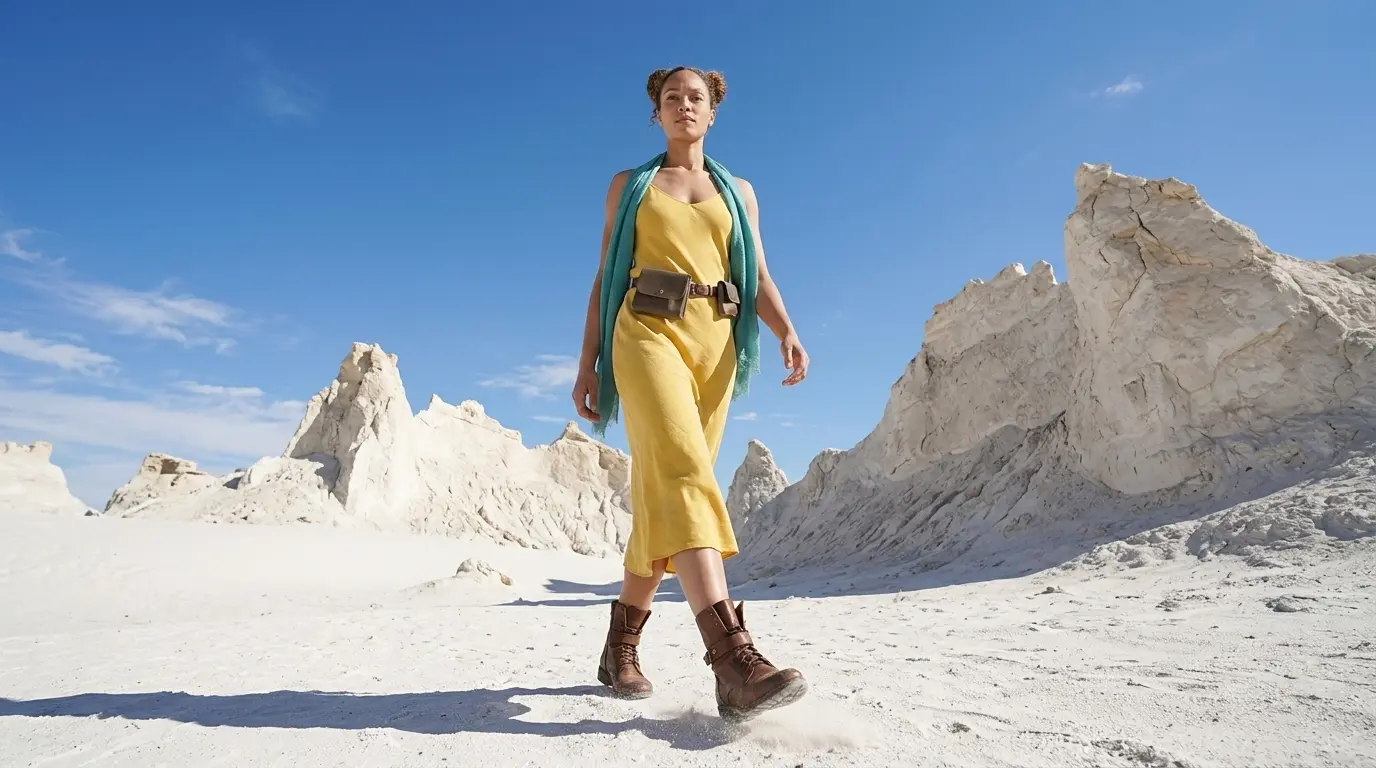
Create Domination and Power with Low Angle Shots
Learn how to change camera angles on Nano Banana Pro to make your characters look absolutely heroic.
Link to: Nano Banana Pro Camera Angles: The Ultimate Guide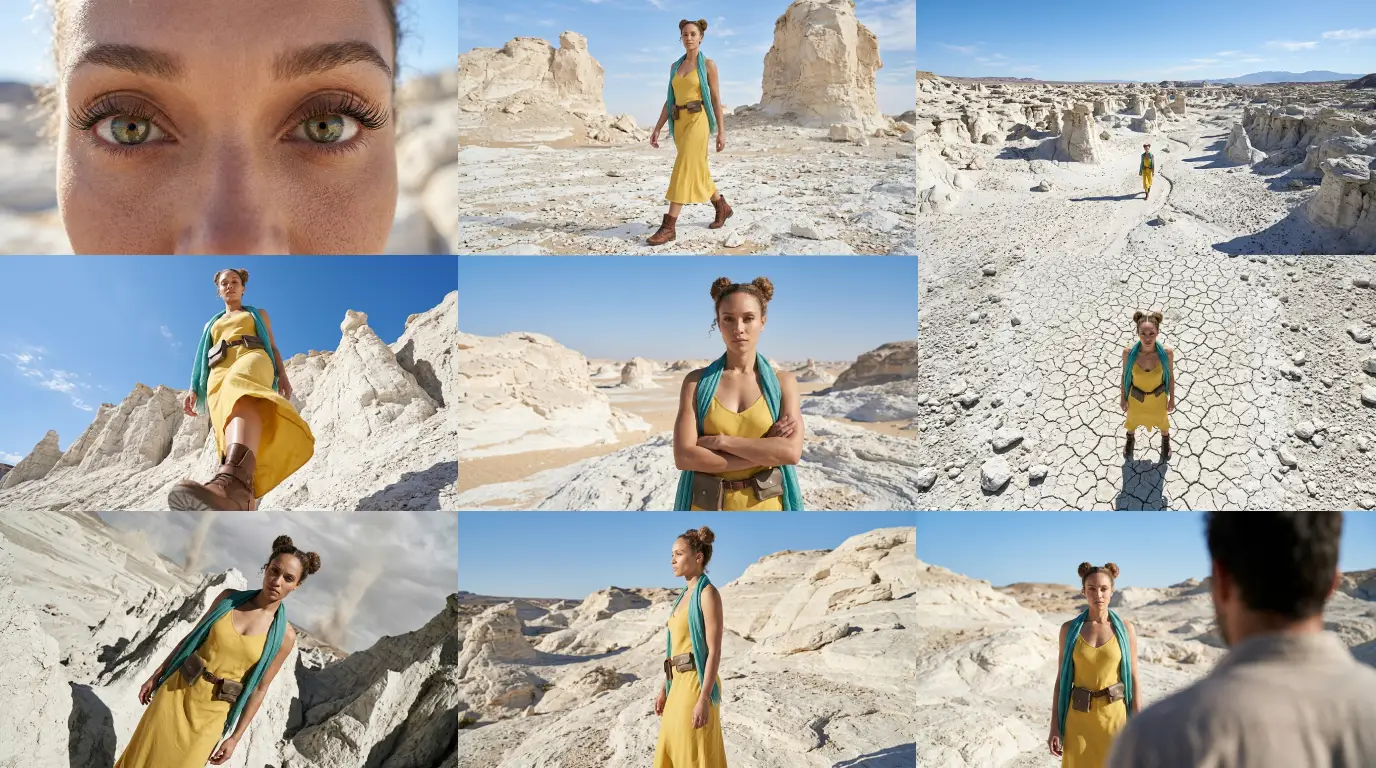
Complete Guide to Camera Angles
Jump back to our full list of Nano Banana Pro prompt tutorials and cinematic camera angles.