Unleash massive scale with the Nano Banana Pro Worm’s Eye View, your secret weapon for breaking away from generic portraits. By dropping the camera to the floor and looking sharply upward, you instantly transform an ordinary character into a towering, heroic force. This dramatic perspective commands absolute attention, perfectly balancing your subject’s posture against a vast, monumental environment.
What’s inside this guide:
- Using the Right Keywords for Worm’s Eye View Shots: The best keywords to use for extreme angles.
- Why Extending Your Prompts Create Better Camera Angles: How details stop AI mistakes.
- FAQ: How to Fix Worm’s Eye View Mistakes: Quick fixes for distorted faces and flat backgrounds.
- Storytelling and Camera Movement Tips: When to use this shot and video motion tricks.
- Explore More Nano Banana Pro Camera Angles: Links to more camera angle guides.
1. Using the Right Keywords for Worm’s Eye View Shots
Think of your prompt words as a guide that places your camera exactly where you want it. To create your Nano Banana Pro Worm’s Eye View, you can either use the keyword by itself or write an extended prompt that describes the full scene.
Basic Prompt with only keyword
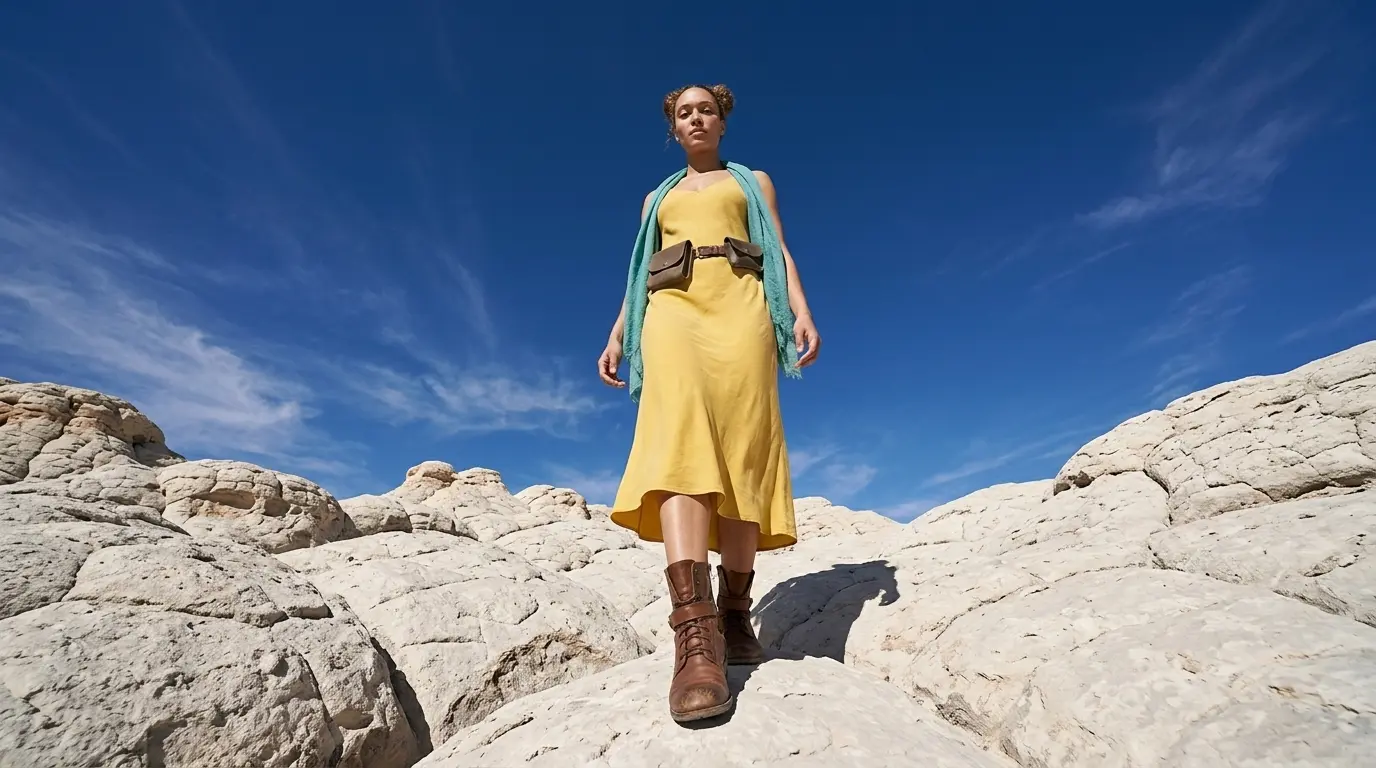
Worm’s eye view of this woman in a white rocky desert
Extended Prompt
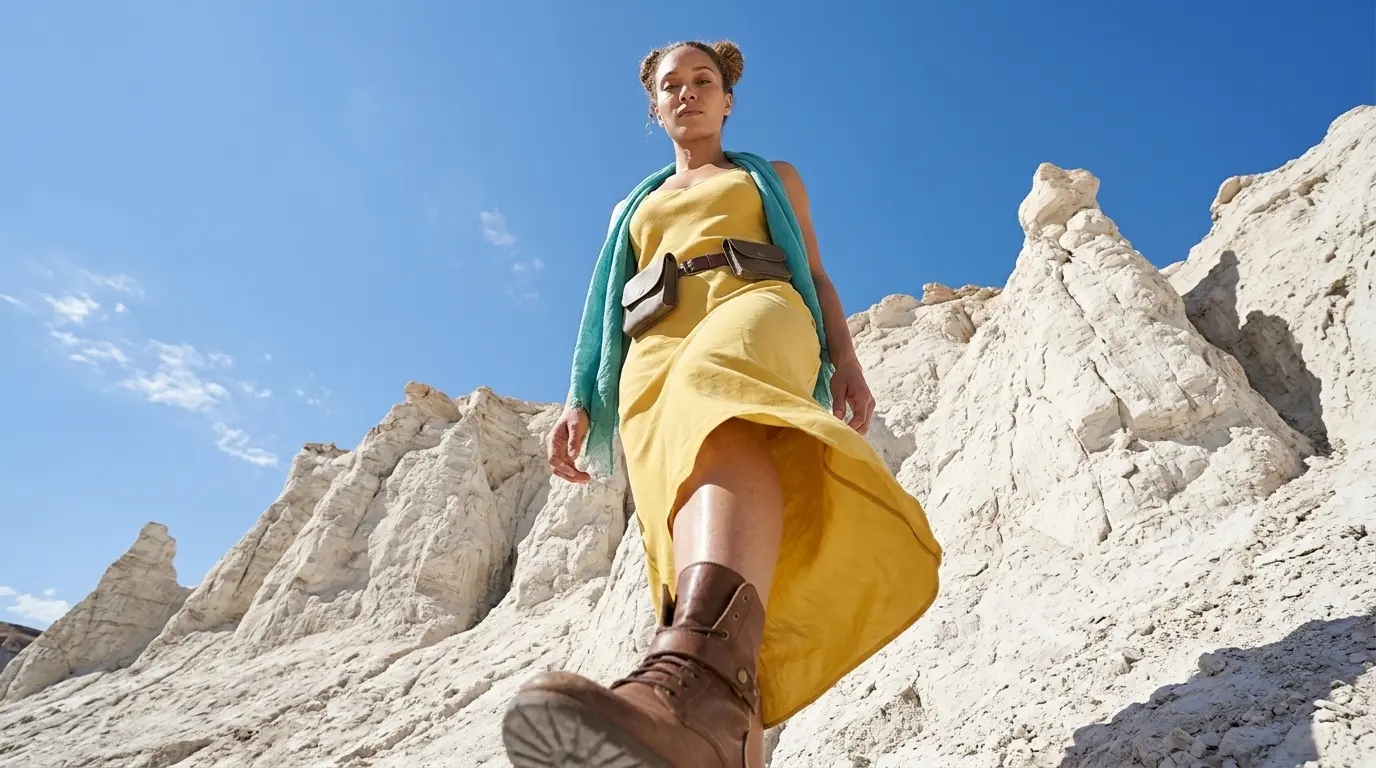
Worm’s eye view of this woman in a white rocky desert seen from below
In this example, Nano Banana Pro already understands the worm’s eye view keyword quite well. But this is not always the case with every camera angle, scene, or AI image model. That is why we also show additional keywords and extended prompt options, so you have more control when the basic keyword is not enough.
Additional Keywords to extend your prompt
camera near ground level looking sharply up
camera near chest level
giant [subject] towering over the camera
vask sky on top of the picture
confident posture
camera near chest level
giant [subject] towering over the camera
vask sky on top of the picture
confident posture
💡
Pro Tip: While Nano Banana reads your entire prompt for context, placing camera keywords early prevents them from getting diluted by long description details later in your text!
2. Why Extending Your Prompts Create Better Camera Angles
Both styles tell the AI where to put the camera, but using only one keyword leaves too much up to guesswork. To get a perfect Nano Banana Pro Worm’s Eye View shot, describe the space around your character to lock the camera in place:
- The Only-Keyword Prompt: Writing just “Worm’s eye view shot” creates a clean image, but you let the AI decide everything else for you.
- The Extended Prompt: Adding specific details like “camera near ground level looking sharply up” or “vast sky on top of the picture” forces the AI to step the camera back. This locks in your low-angle perspective and prevents the AI from defaulting to a standard portrait.
Additional Keywords
Why It Works
seen from below
Overrides default eye-level bias by explicitly directing camera placement.
camera near chest level
Slightly raises lens to fix facial and anatomical distortions.
camera near ground level looking sharply up
Forces the camera completely down with an aggressive upward tilt.
giant [subject] towering over the camera
Forces spatial framing that makes the subject look massive.
vast sky on top of the picture
Fills the empty space created by the dropped horizon.
confident posture
Stabilizes character proportions against forced perspective warping.
3. FAQ: How to Fix Worm’s Eye Mistakes
4. Storytelling and Camera Movement Tips
A worm’s eye view shot captures your subject from the ground up, creating a sense of scale and power as the audience looks directly into an imposing perspective. When generating video, use these motion keywords to maximize your camera control:
- Low-angle tilt up: Tilts the lens smoothly upward from the floor, emphasizing the subject’s massive height and dominant stature.
- Worm’s eye pedestal down: Lowers the physical camera level straight down toward the ground, pulling the horizon line low to dramatically expand the overhead space.
- Forward low-angle tracking: Keeps the camera locked near ground level while pushing deeper into the environment, emphasizing the looming size of the surroundings.
5. Explore More Nano Banana Pro Camera Angles
Ready to master more cinematic camera perspectives? Explore our other quick prompting guides to elevate your AI generations!
Link to: Nano Banana Pro Low Angle Shot: Create Epic Hero Shots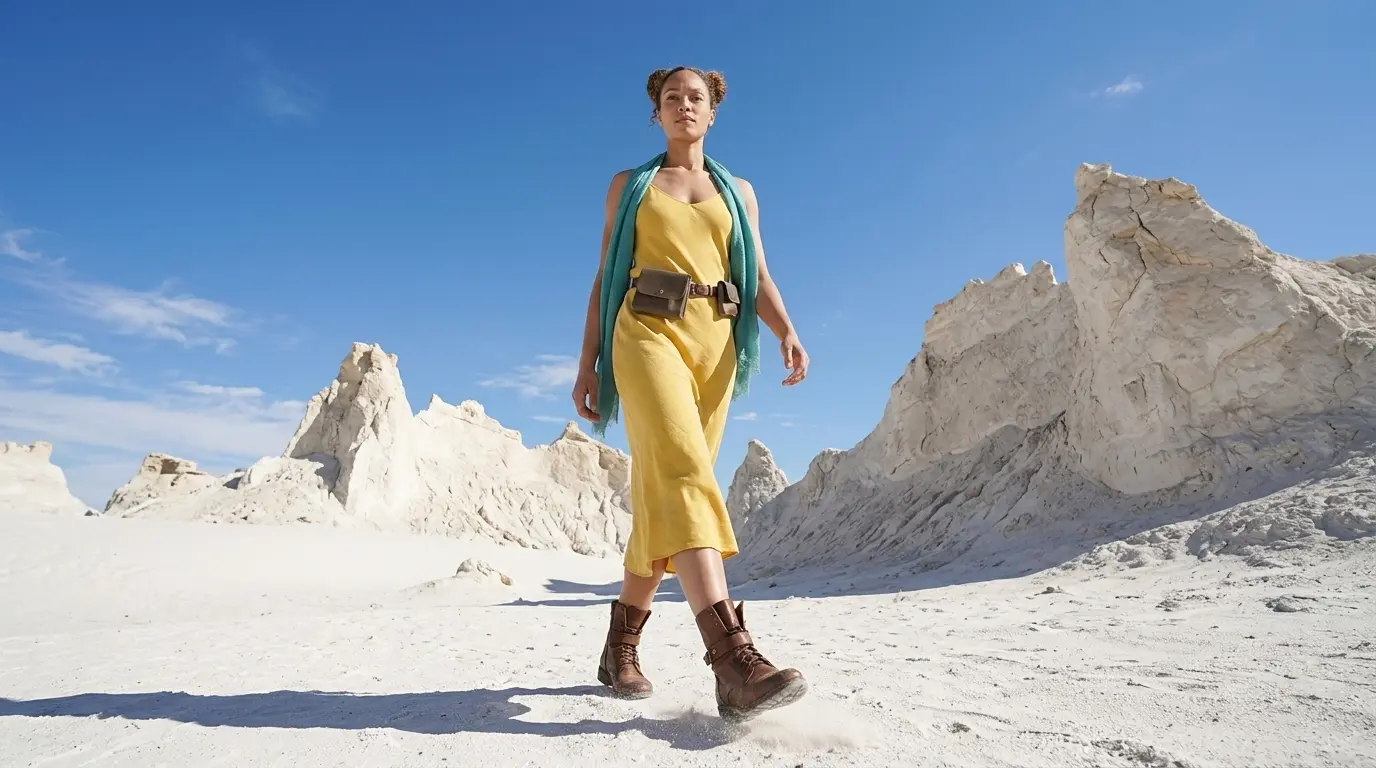
Create Domination and Power with Low Angle Shots
Learn how to change camera angles on Nano Banana Pro to make your characters look absolutely heroic.
Link to: Nano Banana Pro Bird’s Eye View: Perfect Top-Down Shots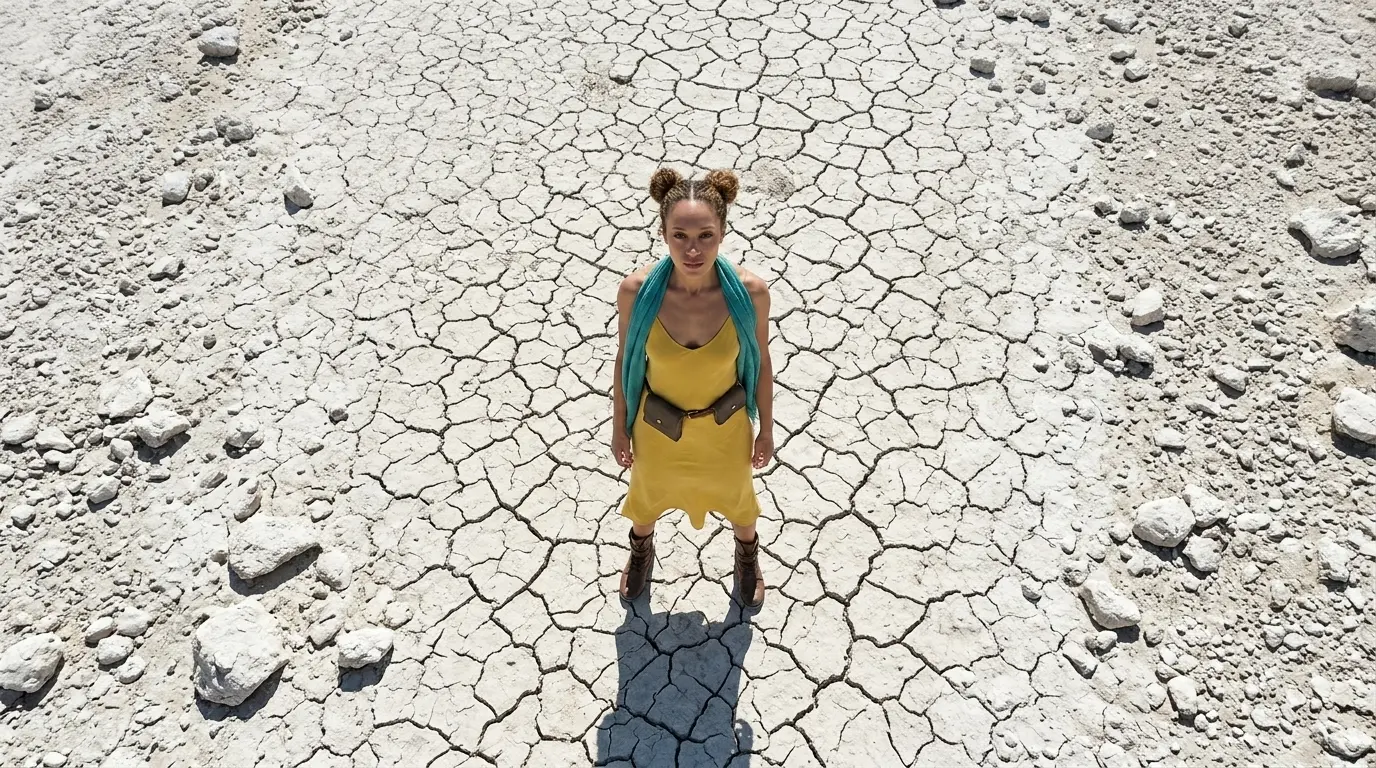
Map Your Scene Using Bird’s Eye Views
Get a clear look from the sky. Master the Nano Banana Pro camera view to turn flat ground details and characters into perfect layouts.
Link to: Nano Banana Pro Camera Angles: The Ultimate Guide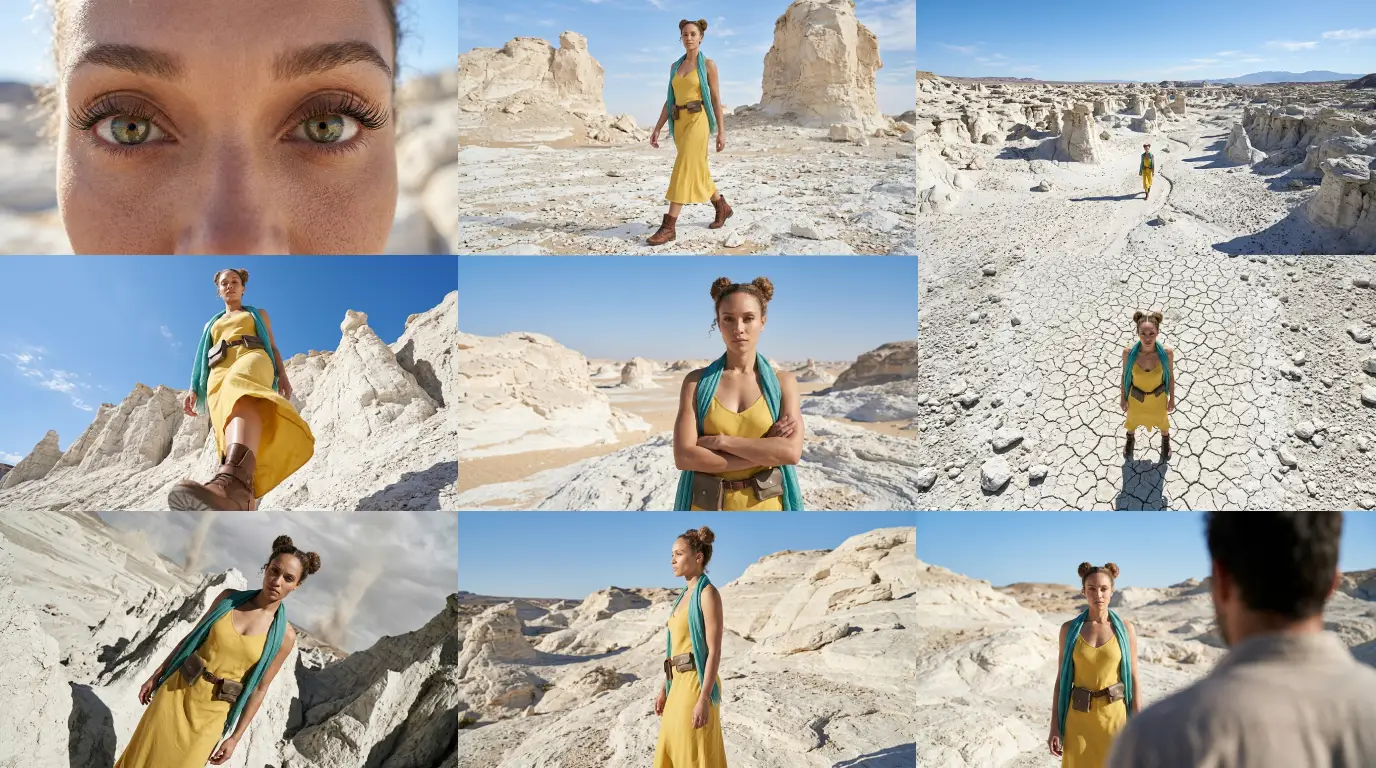
Complete Guide to Camera Angles
Jump back to our full list of Nano Banana Pro prompt tutorials and cinematic camera angles.