• Prompt Library
  • Tutorials
  • AI Tools
  • Pricing
  • About
    • About
    • Newsletter
  • Log In
  • Sign Up
  • Menu Menu
Categories
Explore All AI Tools

Promptvara icon

Open Source AI Model Guide & Developer Access

Learn how a downloadable open source AI model, local workflows, APIs, and official developer platforms work. We explain the hardware, setup, flexibility, and costs involved so you can choose the workflow that best fits your creative needs.

What’s inside this guide:

  1. What Open-Source AI Models Are: Understand the difference between open-source and open-weight models.
  2. Requirements and Setup: Learn what software, model files, workflows, and hardware you need.
  3. Pros and Cons of Local Models: Compare privacy, control, costs, setup, and model quality.
  4. Combining Local and All-in-One Tools: See why some creators use both approaches for different projects.
  5. Developer Access and APIs: Learn how direct model access, usage-based pricing, and technical workflows work.

1. What Is an Open Source AI Model?

Open Source AI Models are downloadable models that let you generate images or videos for free, directly on your own hardware instead of relying entirely on online platforms. However, many releases commonly described this way are technically open-weight models: while the model files can be downloaded, the training data, complete source code, or usage rights may not be fully open. Always check the model’s license before using it commercially.

2. Running an Open Source AI Model: Requirements & Setup

This guide provides a high-level overview of how to run an open-source AI model on your own computer rather than a detailed step-by-step installation tutorial. For deeper guidance on configuring tools such as ComfyUI, you can find many complete walkthroughs on YouTube.

Setup:

  1. Install a local interface such as ComfyUI.
  2. Download the required model files from an official repository.
  3. Place checkpoints, VAEs, encoders, LoRAs, and other files in the correct folders.
  4. Load or build a compatible workflow.
  5. Configure resolution, sampling, memory settings, and generation parameters.
  6. Update software and custom nodes when model requirements change.

ComfyUI

ComfyUI is one of the most widely used interfaces for running image and video models locally. It uses a visual node-based system that lets you connect models, prompts, controls, upscalers, LoRAs, and processing steps into reusable workflows. It is powerful and flexible, but it requires more setup and technical involvement than a normal online generator.

Download ComfyUI

Hardware requirements:

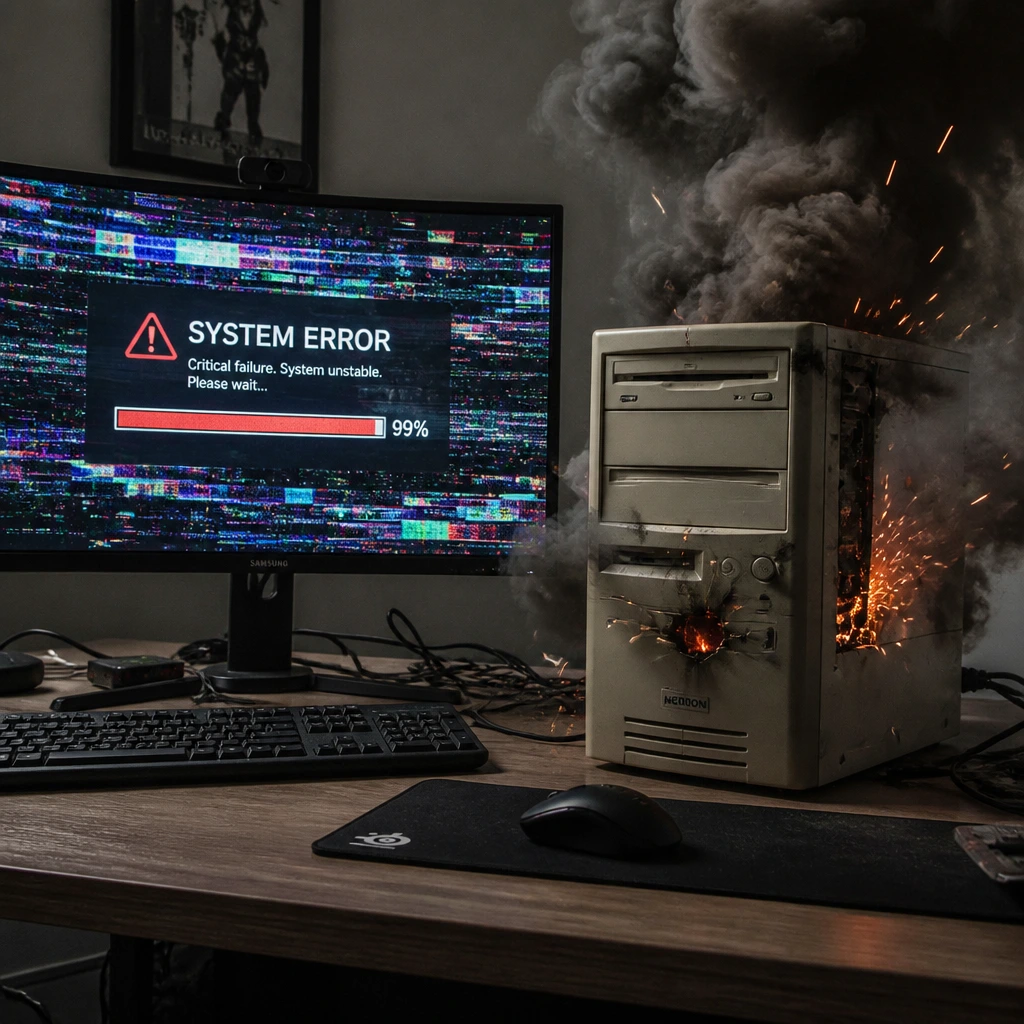
Local generation depends heavily on your GPU and available VRAM. Some optimized image models can run with around 12–16 GB of VRAM, while larger models and higher resolutions require more. AI video generation is substantially more demanding and may require a high-end GPU, considerable system memory, optimized model versions, and long rendering times.

Always check the official model page before downloading. A model being available locally does not mean it will run comfortably on every computer.

open source ai model needs good GPU

Where to find downloadable models:

Not every model has an official downloadable release. Visit our individual AI Image Model and AI Video Model pages to see which models support local use. When official model files are available, you will find the appropriate download link on the model page.

3. The Pros and Cons of Running an Open Source AI Model

Running AI models locally can be highly rewarding. You can use downloadable models without ongoing generation fees, build your own workflows, modify workflows shared by other creators, and control much more of the creative process.

The downside is that this freedom requires more time, technical knowledge, capable hardware, and ongoing maintenance than using a normal online platform.

Pros

  • No subscription or per-generation fees after the local setup.
  • Greater privacy because generations and files can remain on your own computer.
  • Detailed control over models, prompts, settings, LoRAs, upscalers, and processing steps.
  • Create, save, reuse, and adapt complete workflows for different projects.
  • Download community workflows and use them as starting points for your own ideas.
  • Add custom nodes and specialized tools to expand what your workflow can do.
  • Well suited to experimentation, customization, and high-volume generation.
  • Can work offline once the required software and model files are installed.

Cons

  • Requires a capable GPU with sufficient VRAM, as well as enough system memory.
  • Local video generation is especially demanding and can involve very large downloads and long rendering times.
  • Installation, file placement, and compatible workflow setup take time to learn.
  • Software, dependencies, and custom nodes may require updates, maintenance, and troubleshooting.
  • Results depend heavily on selecting and configuring the correct workflow and settings.
  • Licenses and commercial-use conditions vary between downloadable models.
  • Local releases may be smaller, older, distilled, or optimized differently from a provider’s newest hosted model.
  • Many of the leading and most widely used AI models are available only through paid hosted services, and they generally offer better overall quality, consistency, and ease of use.

4. Combining an Open Source AI Model and All-in-One Platforms

Creators often combine local models and all-in-one platforms because each option is useful for different jobs.

Local models give you more control and let you build your own workflows. They can be used for personal projects, experiments, high-volume creation, or professional work. However, many of the leading and most widely used models are paid models and generally offer better overall quality and consistency. Local models also require more setup, technical knowledge, and capable hardware.

All-in-one platforms are easier and faster to use. The models and tools are already prepared, so you can start creating without installing large files or building workflows yourself. You are partly paying for this convenience and saved time.

Many creators use only local models, while others prefer paid hosted models or all-in-one platforms. Some combine both, depending on the project, the quality they need, their budget, their hardware, and how much technical setup they want to manage.

There is no single correct setup. The best approach is the one that fits the way you like to work.

5. Official developer access and APIs

Using Official Developer Access

Many AI providers offer an official developer platform, often through an API. This allows a model to be connected to websites, applications, automation systems, ComfyUI workflows, or other compatible tools without relying on the provider’s standard creator interface.

Finding official developer options

Visit our individual AI Image Model and AI Video Model pages to find the official creator and developer options available for each model.

How pricing works

Developer access is commonly billed according to usage—for example by generation, processing time, resolution, video duration, or tokens. This can provide lower direct costs per generation, particularly when you mainly use one model and have an established workflow.

What it requires

The trade-off is additional setup and management. You may need separate provider accounts, access credentials, individual billing arrangements, compatible software, and some understanding of model parameters, file handling, limits, and errors. Using several providers also means maintaining several accounts and workflows.

When Developer Access Makes Sense

Direct developer access can be cheaper when you mainly use one or a few models and already have a working setup. You pay for the usage you need and have more control over how the model is used.

How All-in-One Platforms Compare

All-in-one platforms bring many models together in one interface and usually one billing system. They can be more practical and sometimes cheaper overall when you often switch between models and do not want to manage several accounts and workflows. The better option depends on which models you use, how often you use them, and how much setup you want to manage.

 

Conclusion: Choose What Works Best for You

There is no single best way to use every AI model. Local workflows provide greater privacy and control, official developer platforms offer direct and flexible access, and all-in-one platforms make it easier to work with many models in one place.

The right choice depends on your hardware, technical experience, budget, how often you switch between models, and how you prefer to work.

promptvara-text-to-image-toolkit
Promptvara logo
Terms of Service Privacy Policy Cookie Policy Refund Policy Imprint

© 2026 Promptvara. All rights reserved.

Scroll to top